Overview
What is 21 Junk Street?
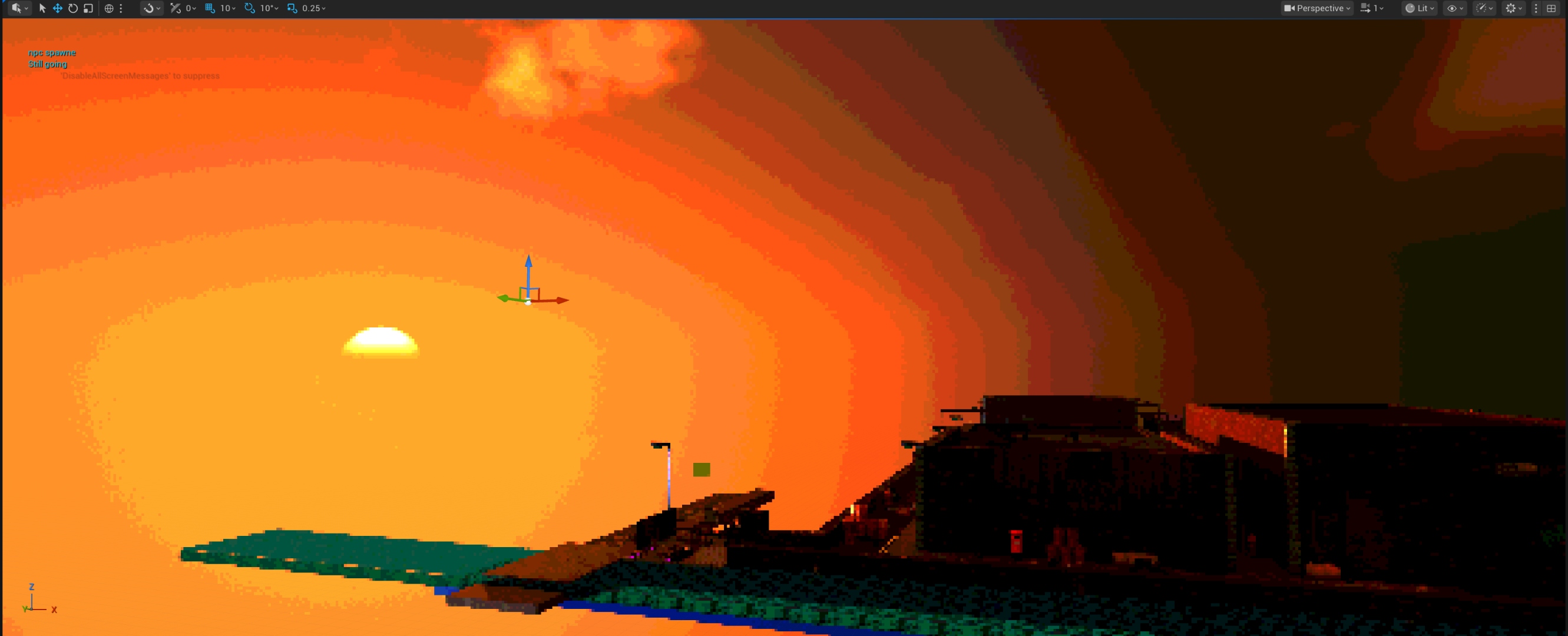
// 21 Junk Street — in-engine screenshot
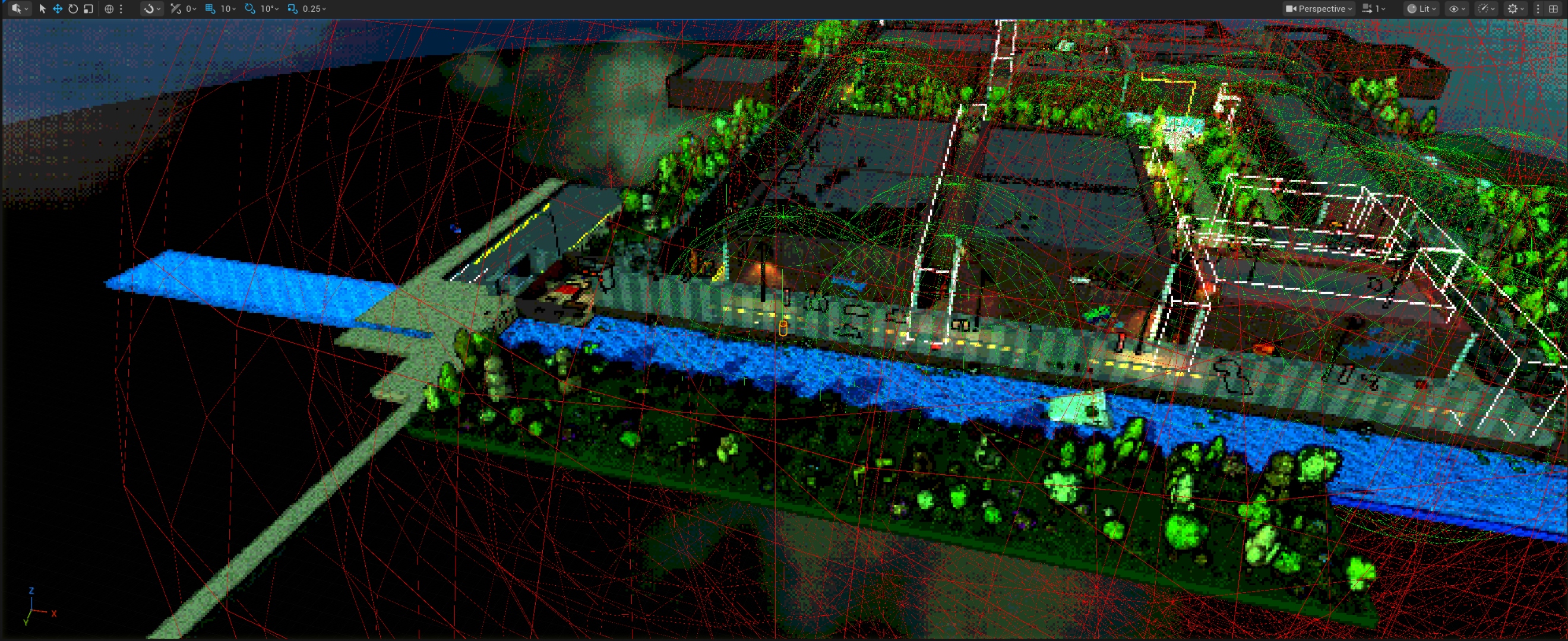
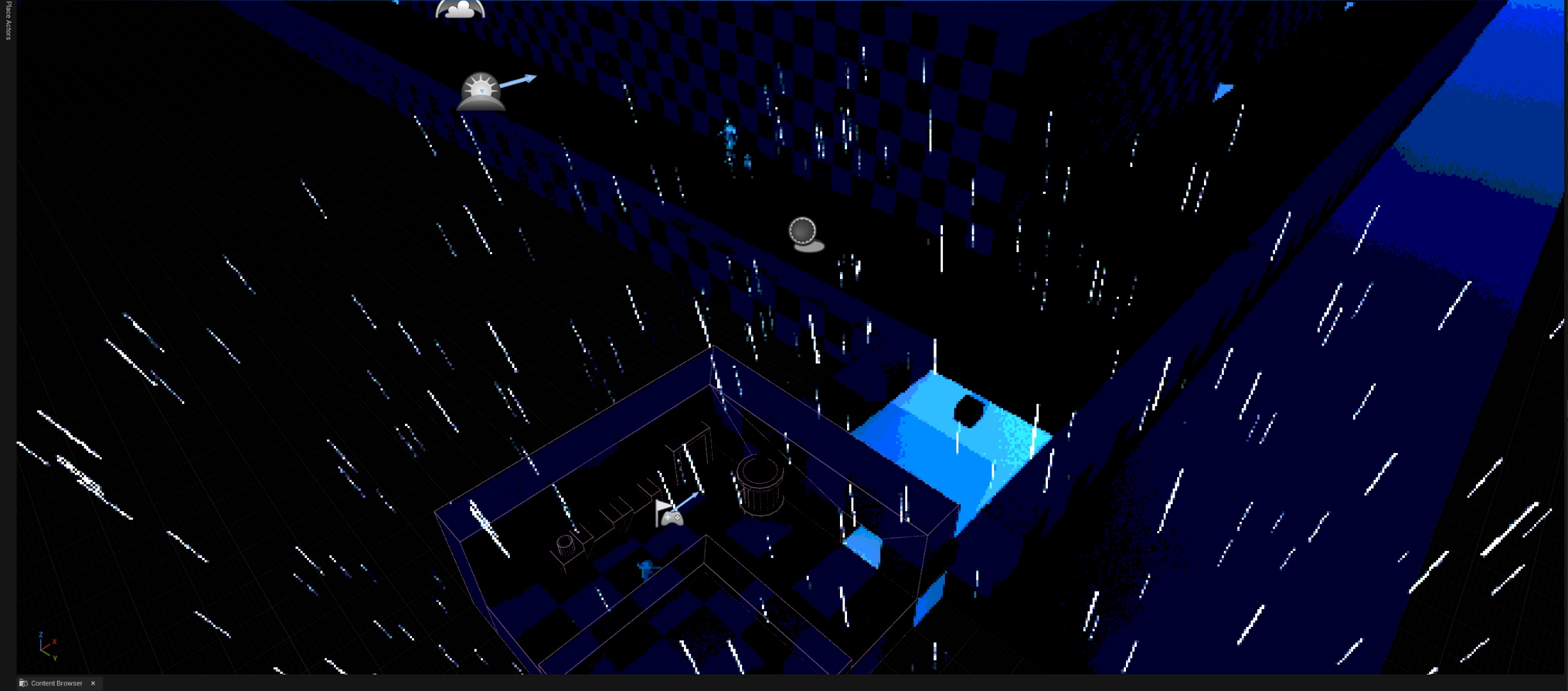
21 Junk Street is a raccoon cooking game built in Unreal Engine 5 as a module-wide group project for GDEV50001 — Junior Collaborative Development at Staffordshire University. A team of 21 people across disciplines worked together across nine weeks to ship a PSX-aesthetic isometric game where a raccoon runs a street food stall — customers queue, place orders, the player cooks, and a second dungeon zone opens for exploration. The project was developed using GitHub for version control, with tasks tracked in Microsoft Planner.
The role here was Tech Co-Lead — shared with Charlie Hollingsworth. Responsibilities covered foundational C++ subsystem architecture, full UI implementation, a rain weather system, a Day-Night Cycle, NPC chatter, cross-discipline technical support, GitHub management, and formal technical documentation for the shared team. Namaan's personal contributions were awarded 100% independently of the team submission.
- Awarded 80% — First Class overall · Personal contribution score: 100%
- Built UAudioSystem — C++ UWorldSubsystem with 4 BGM channels, SFX pool, crossfade, fade in/out, event table, debounce, and attenuation debug spheres
- Built UNiagaraVFXSystem — C++ UWorldSubsystem with per-asset component pooling, TWeakObjectPtr GC-safe handles, pre-warm pass, socket spawn support
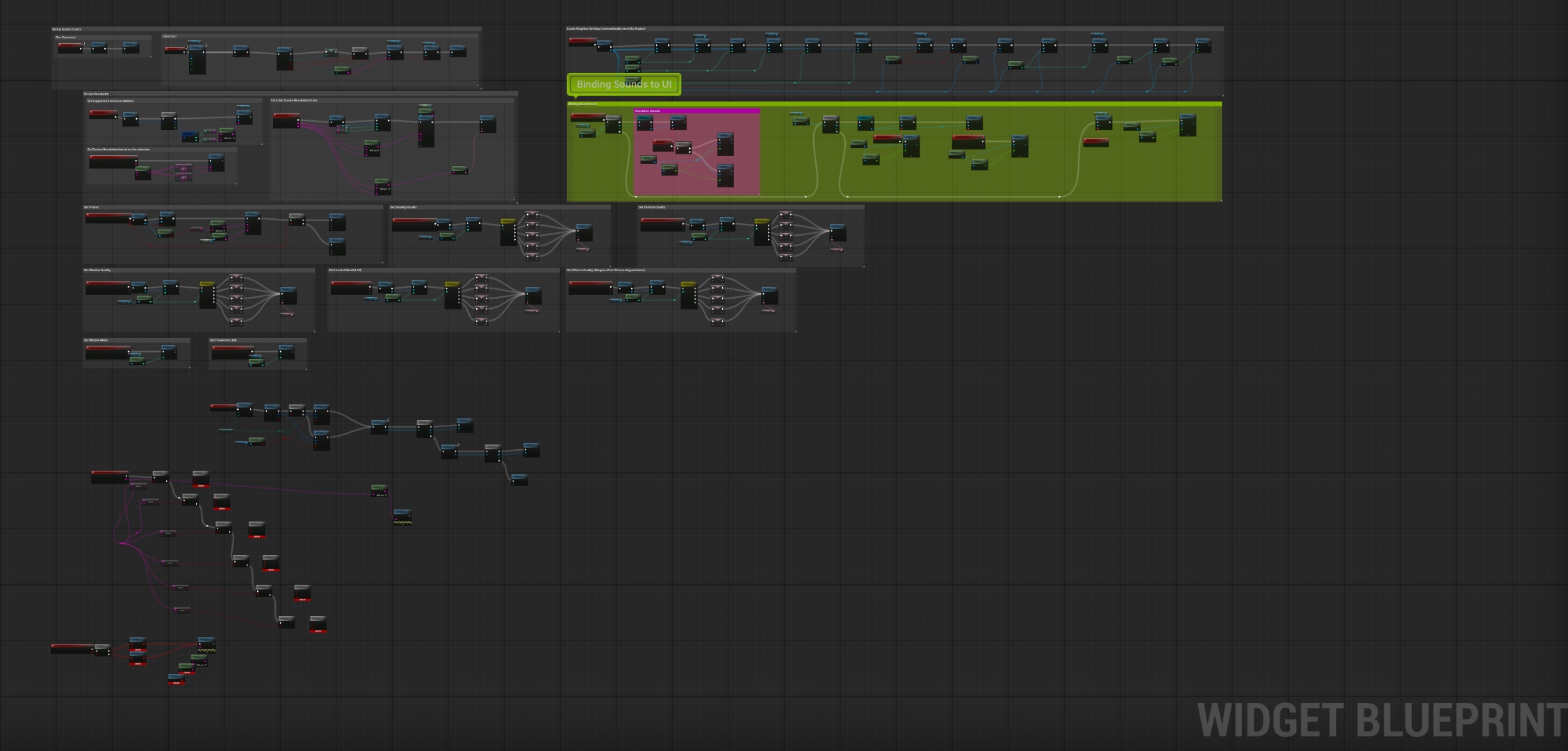
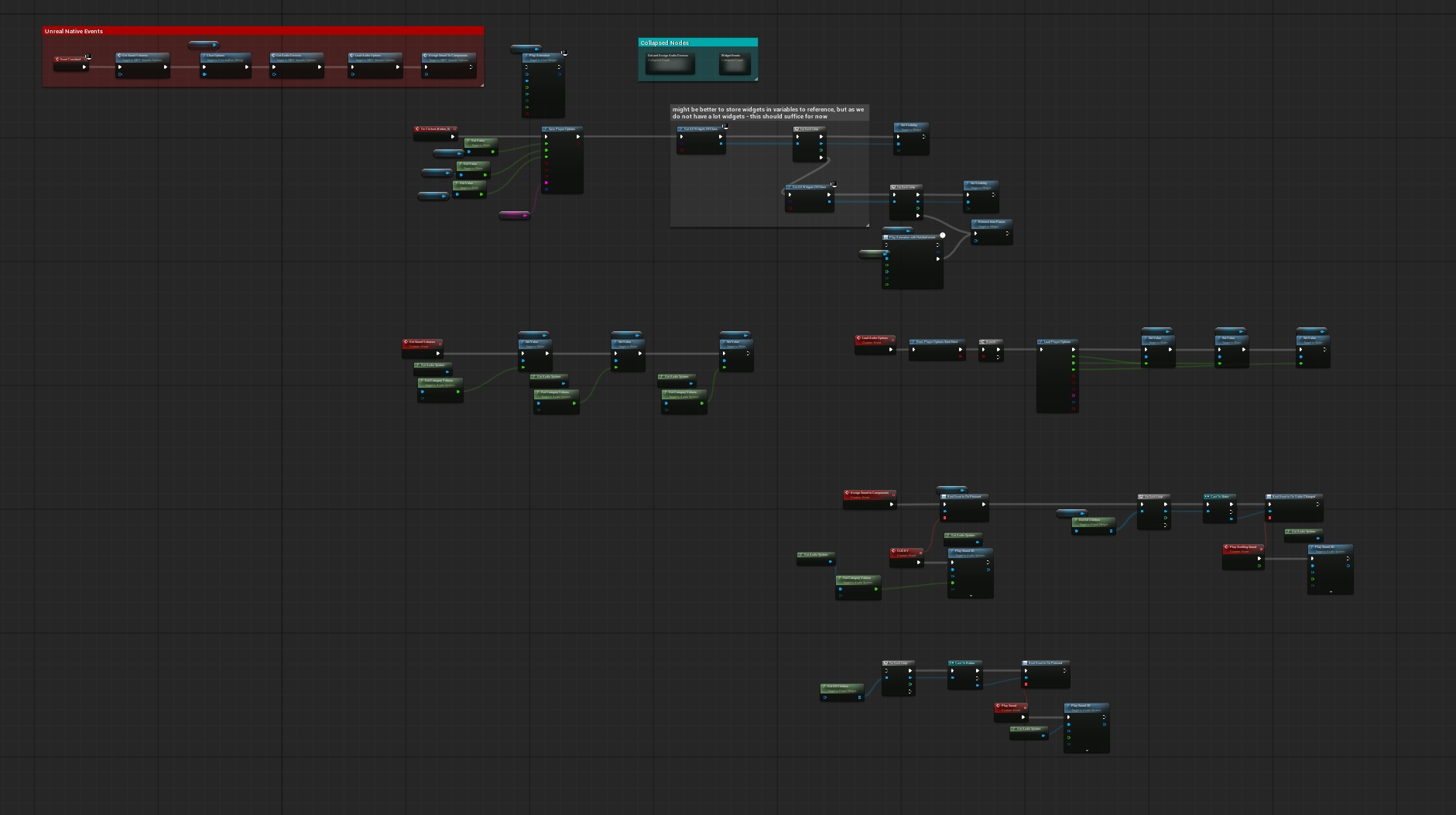
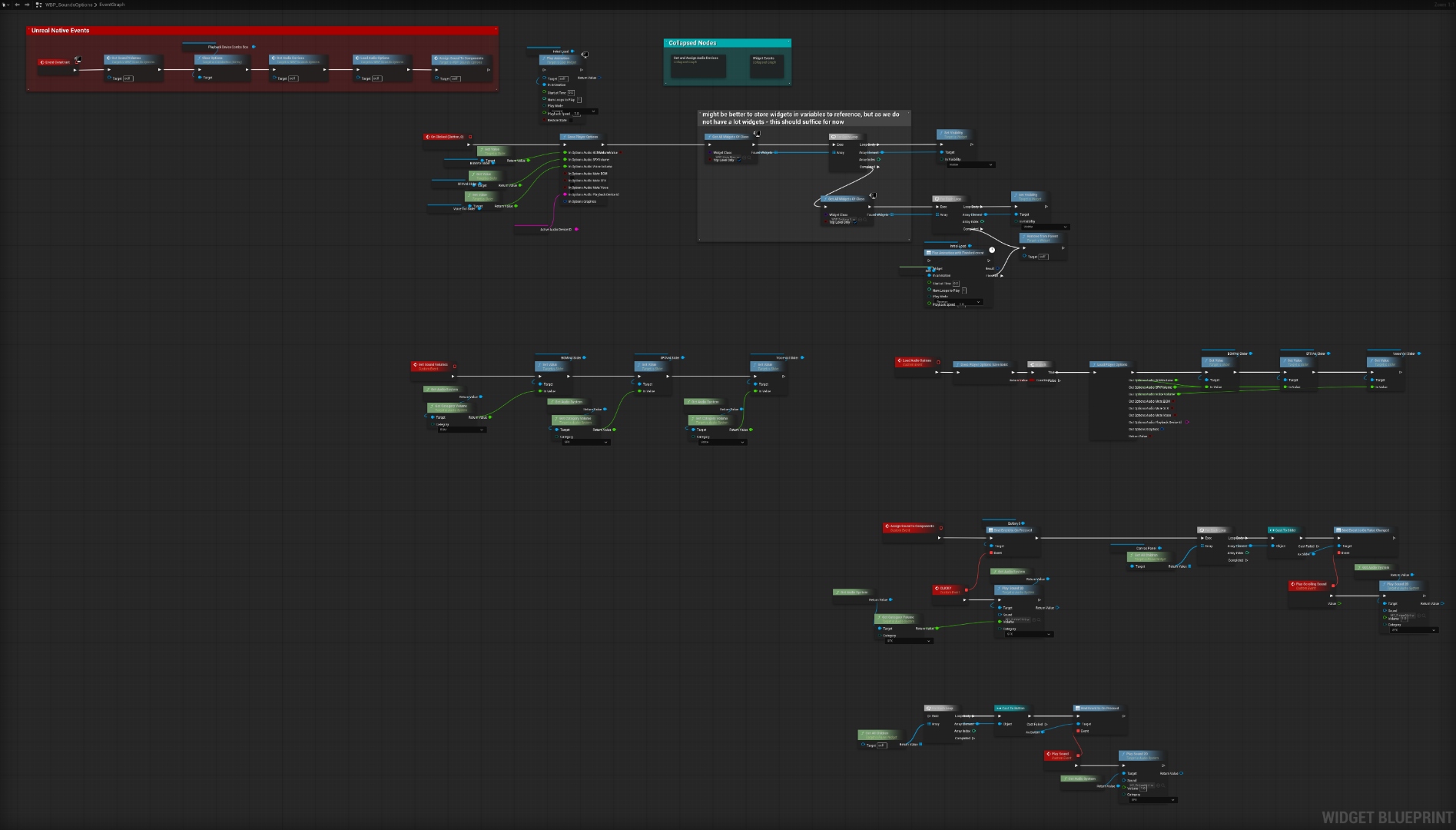
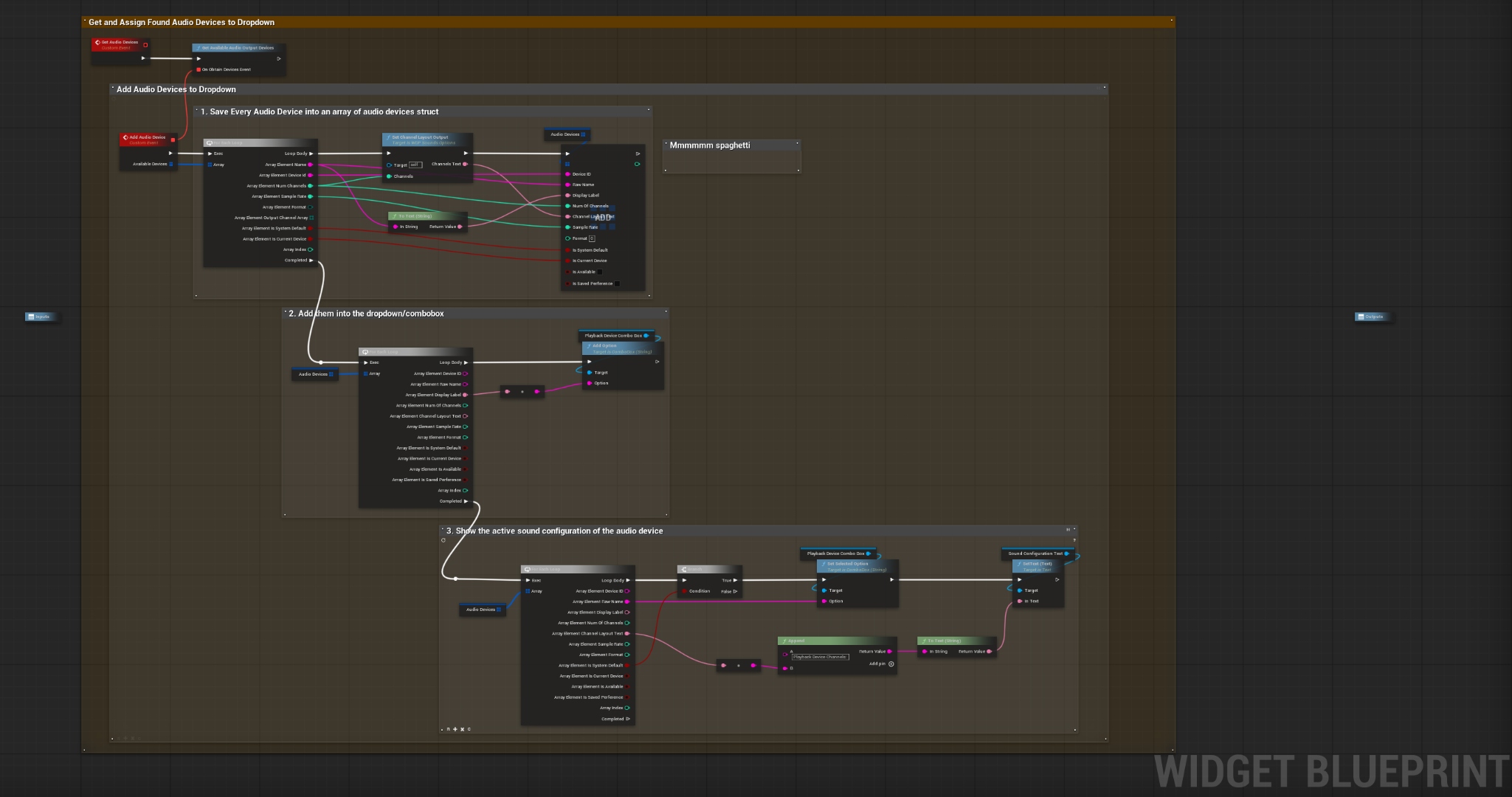
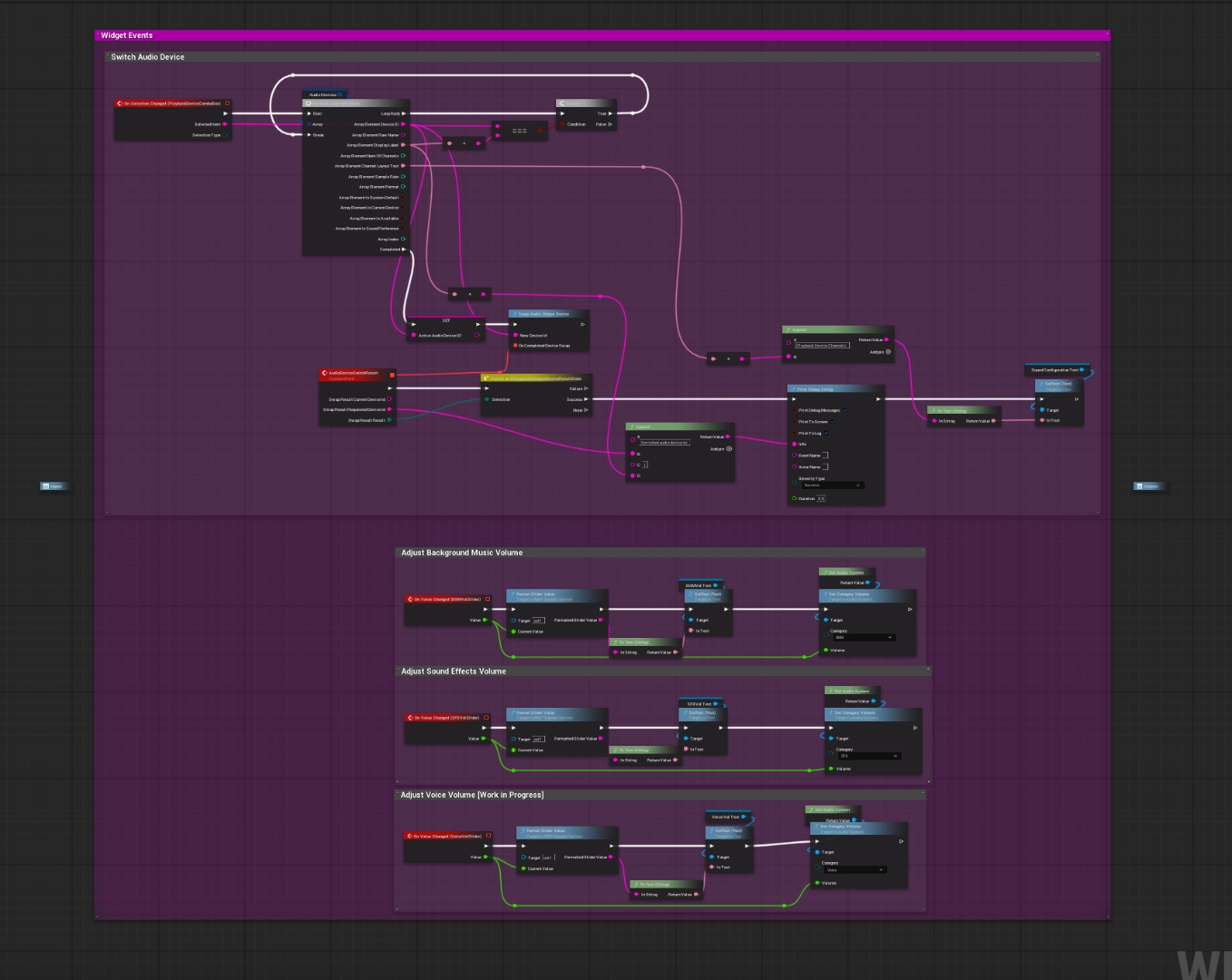
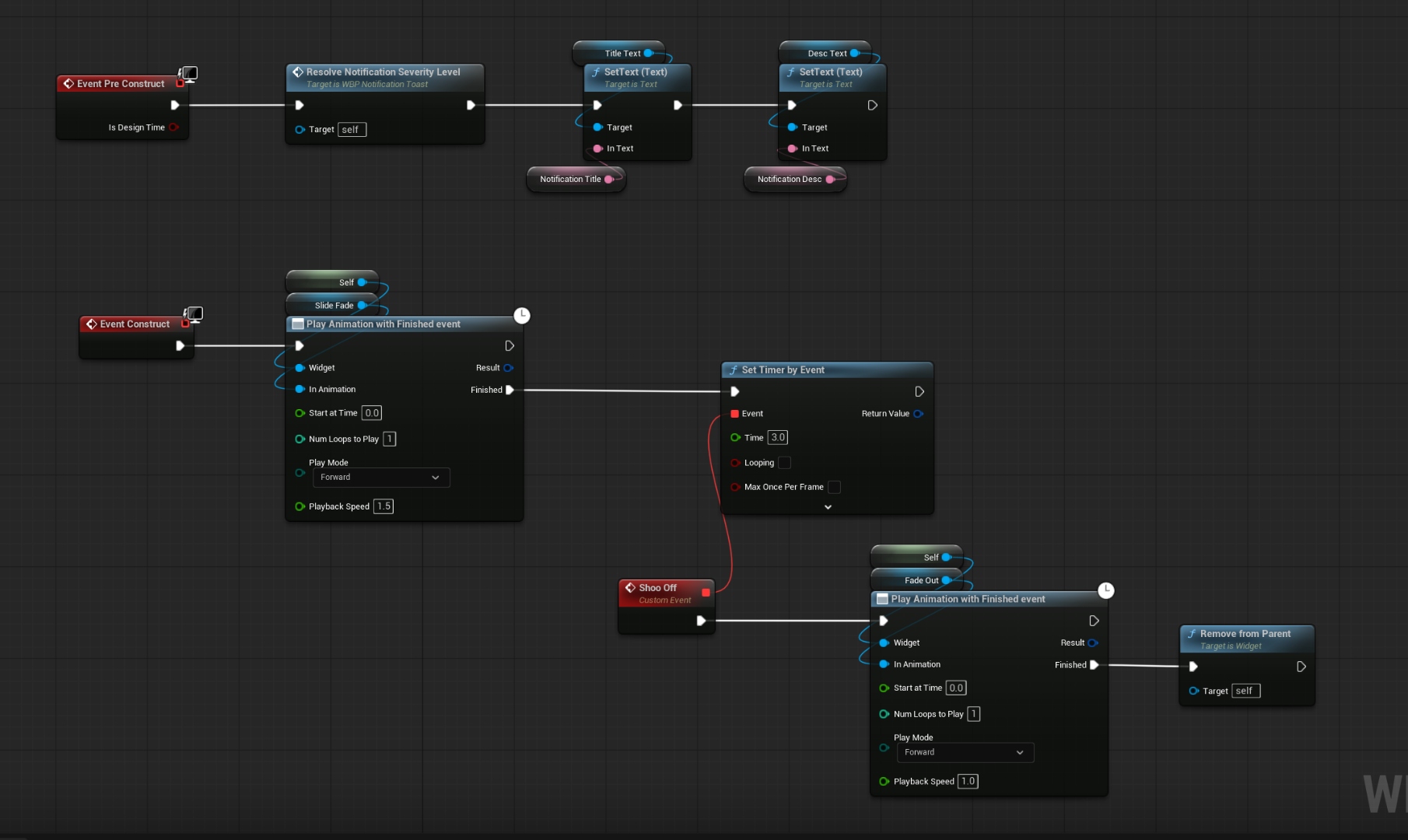
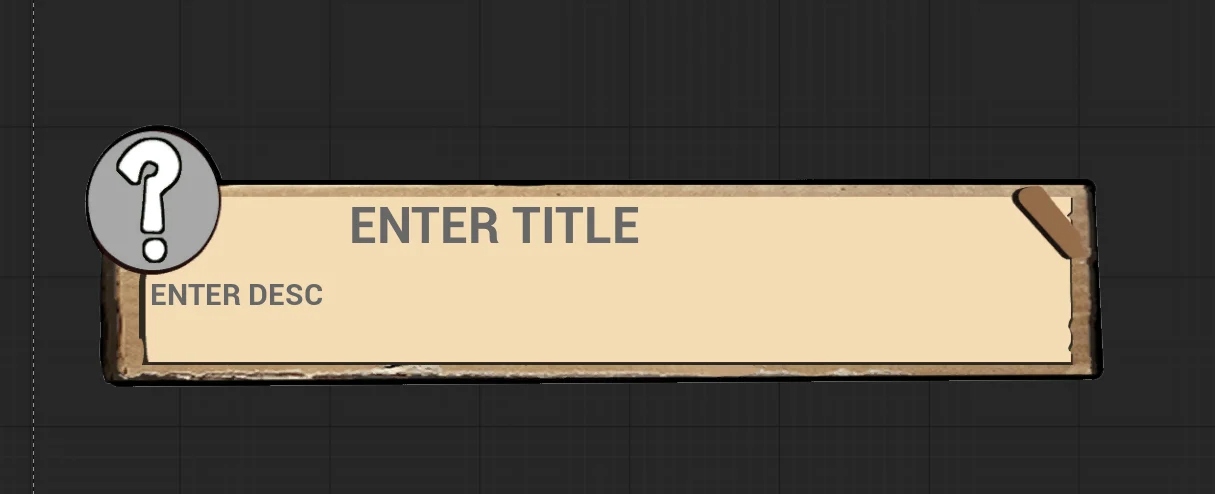
- Implemented a full UI suite — Main Menu, Pause, Options, Graphics, Sound, Controls, Loading Screen, and Notification Toast, all with animations, audio cues, and persistent settings
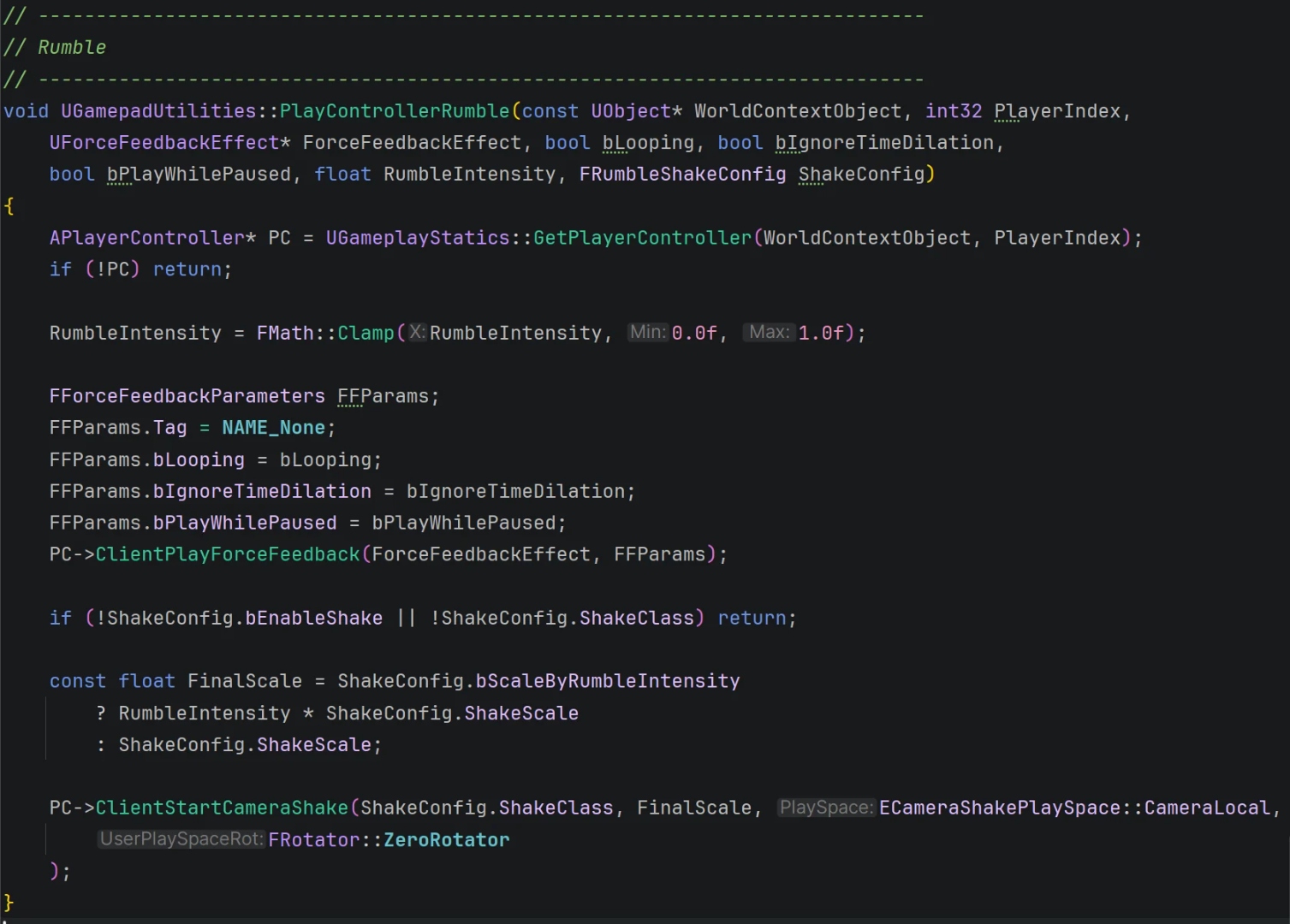
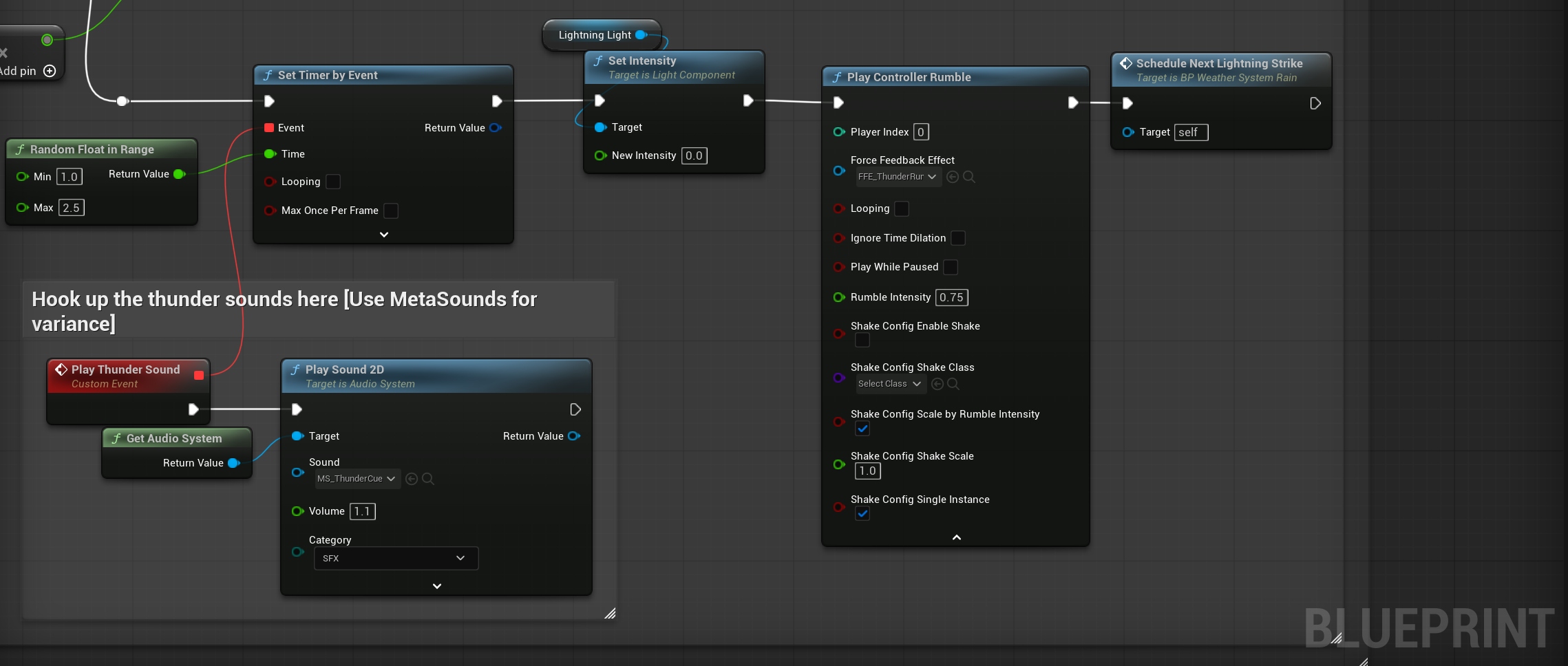
- Built a Rain Weather System — Niagara PSX rain fountain, ambient audio integration, designer-exposed parameters, thunder + controller rumble, IsRaining toggle bug fix
- Prototyped and shipped a Day-Night Cycle in C++ (AActor) with light colour curves, StartDay/EndDay API, and weather-state integration
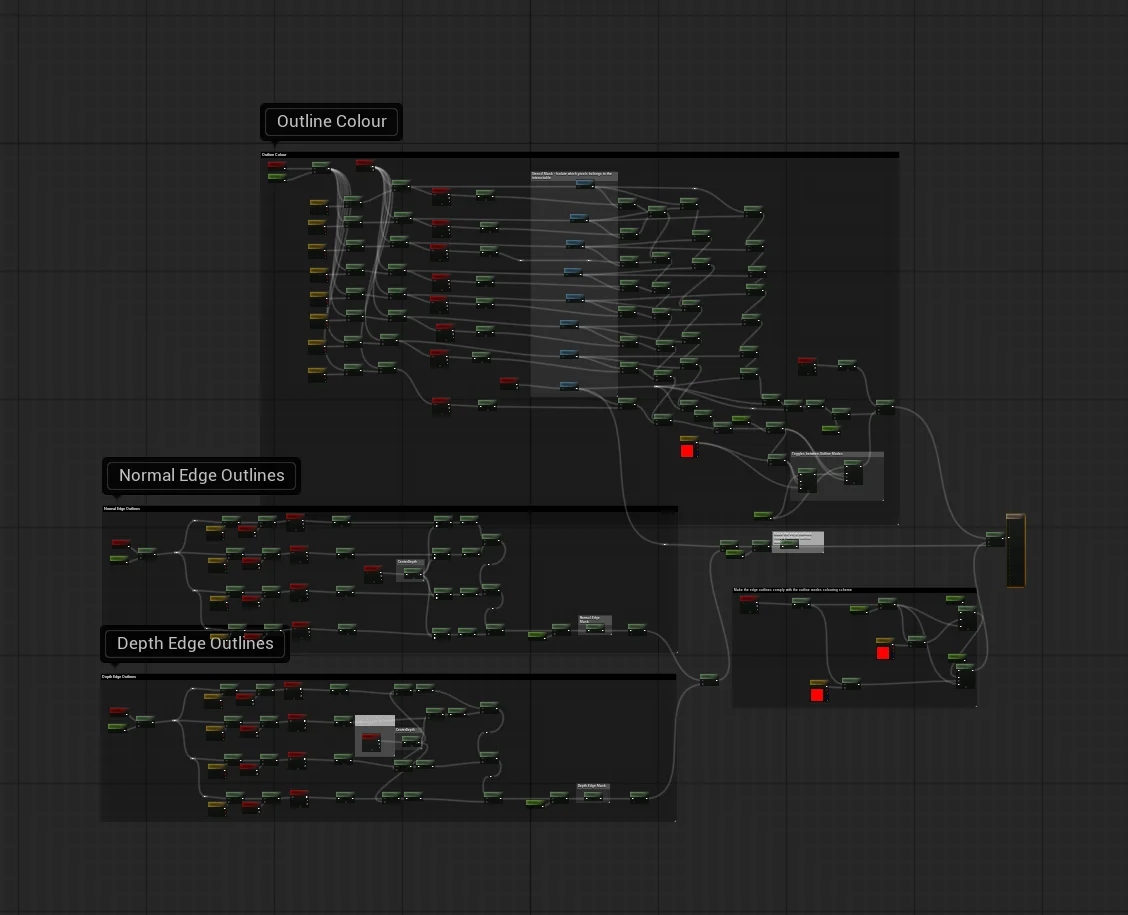
- Designed a Post-Process Outline Material with 3 modes, clamped parameters, internal edge support, and fixed one-sided rendering
- Wrote formal technical documentation (~36 pages total) for both subsystems, exported PlantUML UML diagrams, uploaded to team SharePoint
- Fixed critical bugs: sound attenuation C++ assignment order, GitHub Desktop repo-deleted false positive, missing Config folder on clone, interaction FindActorOfClass → sphere overlap, corrupt player Blueprint recovery from Git
- Set up the GitHub repository from scratch — .gitignore, .gitattributes for UE5 LFS, onboarded 21 team members
Showcase
Gameplay Recording
// In-engine recording — 21 Junk Street gameplay, May 2026
UI Suite
Menus & Interface
The full menu suite was built across Weeks 6 and 7 in close collaboration with Belle Farhan (UI art) and Sofia Chernetska (Main Menu artwork). Every widget includes slide/fade-in animations, hover tint visual cues, and audio cues hooked into the Audio Subsystem. Graphics settings persist via SaveGame across sessions; volume sliders are bound directly into the Audio Subsystem's channel volumes.
// UI menus recording — May 8 (a)
// UI menus recording — May 8 (b)
In-Engine Recordings
Development Recordings
// Early prototype — March 19
// In-game recording — May 9
// In-game recording — May 10
// Final week recording — May 12 (a)
// Final week recording — May 12 (b)
Core System
UAudioSystem — C++ World Subsystem
The audio subsystem is a UWorldSubsystem singleton accessible globally via a static GetAudioSystem() getter — no Blueprint reference required. Internally it manages an SFX component pool and four dedicated UAudioComponent BGM channels (Generic, Exploration, Combat, Boss) with crossfade support between them.
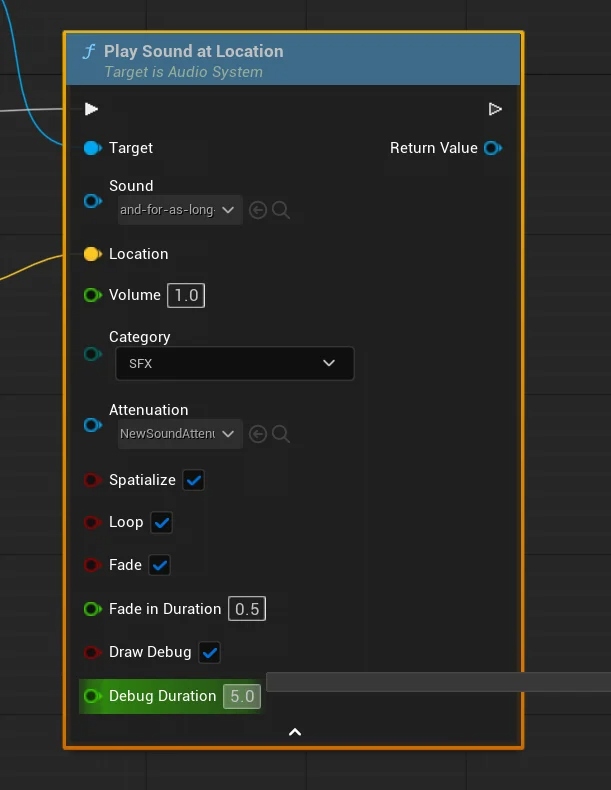
Blueprint-exposed functions include: PlaySoundAtLocation, PlaySound2D, PlayBGM, PlayBossBGM, SwitchBGM, volume management, per-audio lifetime configuration, looping toggle, fade in/out, audio component getter, and BGM shuffle with proper looping. A debounce mechanism prevents the same sound firing multiple times in a configurable window.
An AudioEvent data table integration was added in Week 6/8 for fully decoupled sound triggers — designers trigger events by name, the subsystem resolves the asset. Sound Attenuation Debug Spheres were added as an optional parameter (at Morgan Hellsing's request) to aid attenuation asset creation.
UAudioComponent after the attenuation setting was applied, causing attenuation to override playback parameters on the same tick. Correcting the assignment order restored all attenuation behaviour. The audio listener was also overridden from the camera to the player pawn so spatial distance is calculated from the correct origin.
Core System
UNiagaraVFXSystem — C++ World Subsystem
A second C++ UWorldSubsystem for Niagara effect spawning. Pool entries use TWeakObjectPtr to avoid garbage collection conflicts when effects complete mid-tick. Supports SpawnVFXAtLocation and SpawnVFXAttached with socket name support for bone-attached effects.
A pre-warm pass runs on system load to force shader compilation for all pooled effects upfront — eliminating the visible first-frame stutter that Niagara systems otherwise cause when triggered cold. The static GetVFXSystem() getter mirrors the audio subsystem's access pattern. The public API was renamed from VFX→Niagara in Week 4/5 for naming cohesion across the codebase.
Material
Post-Process Outline Material
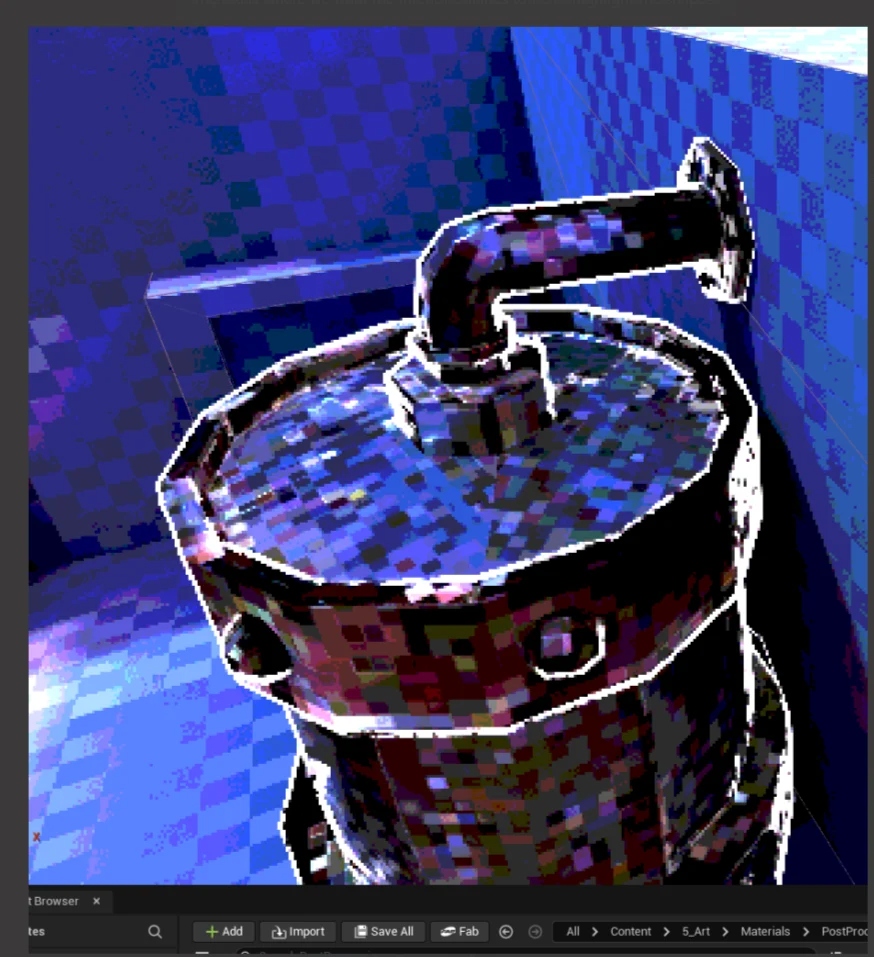
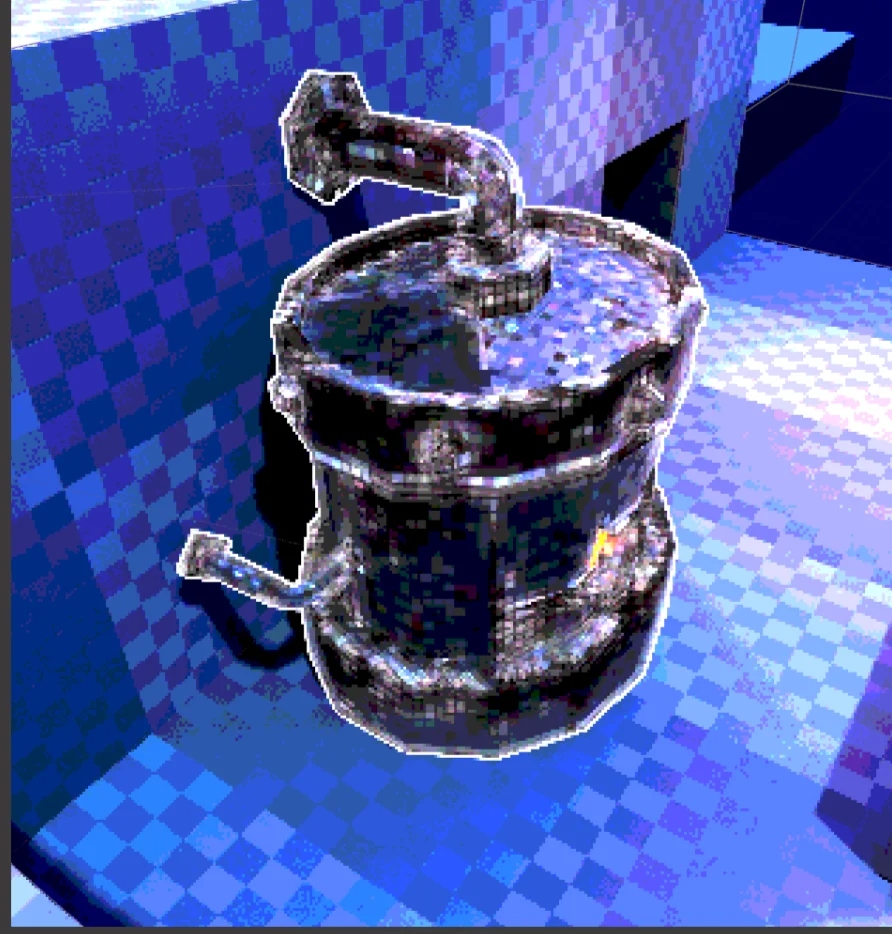
// Post-process outline material — in-engine
A screen-space post-process material rendering coloured outlines around interactable objects. Uses Unreal's CustomDepth stencil pass — objects set their custom depth stencil value, the material reads it and composites the outline on top of the scene. Supports three modes: mesh colour, custom colour, and blend.
Designer-exposed parameters include Outline Width and Outline Opacity (clamped to a min/max range to prevent engine crashes from extreme values). A one-sided rendering bug was fixed in the initial version. Later in Week 6, support for internal geometry edge outlines was added at Matthew Hall's request — the material became the standard interactable visual language for the art team.
Interface
Full UI Suite
All menus share a consistent animation language: slide-in transitions, hover tint visual feedback, audio cues from the Audio Subsystem, and a fade-to-black loading screen on Play to mask the level load.
Systems
Additional Systems Built
Beyond the primary subsystems and UI suite, the following systems were prototyped or shipped during development:
- Rain Weather System — BP_WeatherSystem_Rain (camera-tracking, designer parameter push), NS_Rain_PSX (Niagara fountain: Rain Intensity / Wind Direction / Particle Colour), MM_Rain_PSX (PSX-style rain material), thunder sound + controller rumble + lightning flash, IsRaining toggle bug fix.
- Day-Night Cycle (C++ AActor) — curve-driven light colour lerp, StartDay/EndDay API, integrated into the main level with weather-state checks. Collaborated with Nathan Barlow, Adam Brailsford, and Matthew Hall.
- UGamepadUtilities (C++ BFL) — GetGamepadType, GetGamepadHardwareIdentifier, GetConnectedController, PlayControllerRumble, StopControllerRumble, GetButtonIcon (data table of button icon textures per controller type).
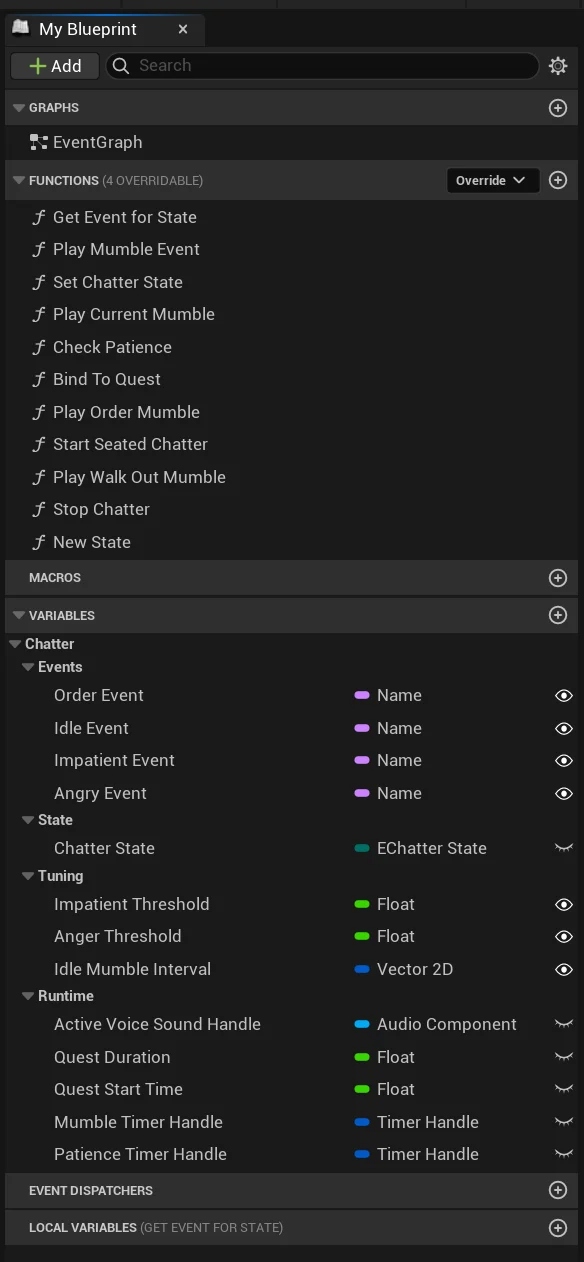
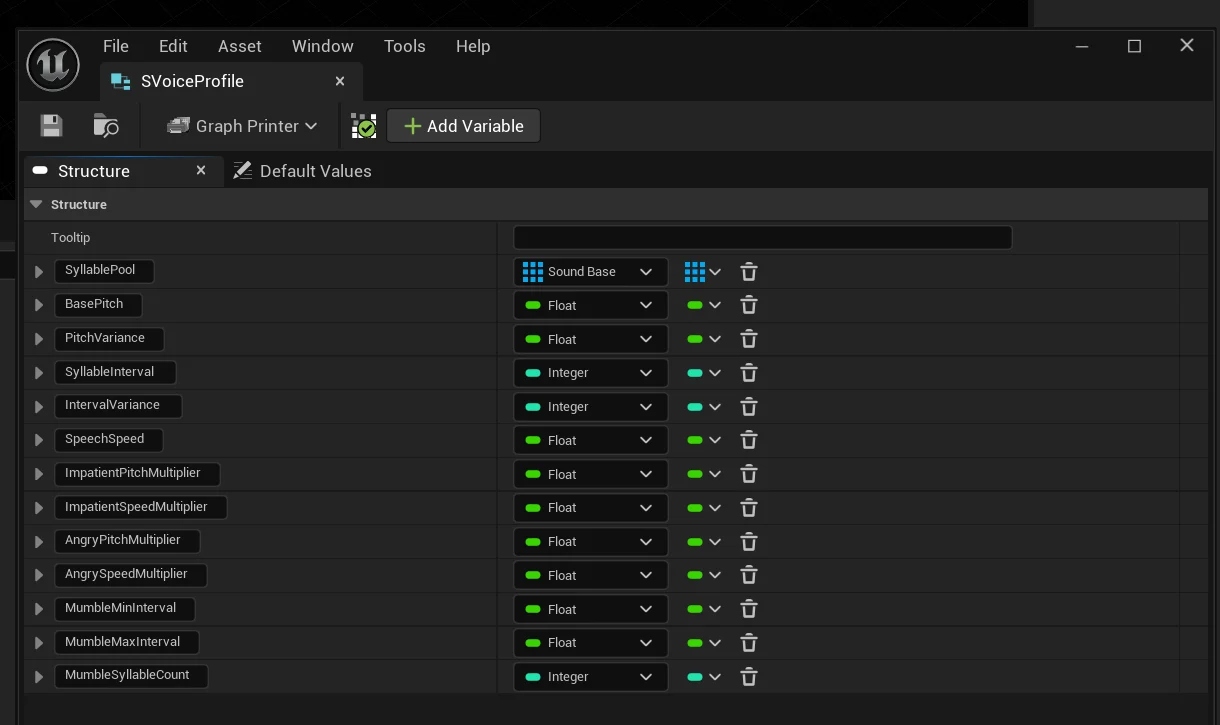
- BPC_NpcChatter (Blueprint Actor Component) — monitors NPC patience thresholds, plays state-appropriate mumble audio (Angry/Impatient/Idle) recorded by Ainsley Crossley-Harvey. Decoupled, no hard actor references.
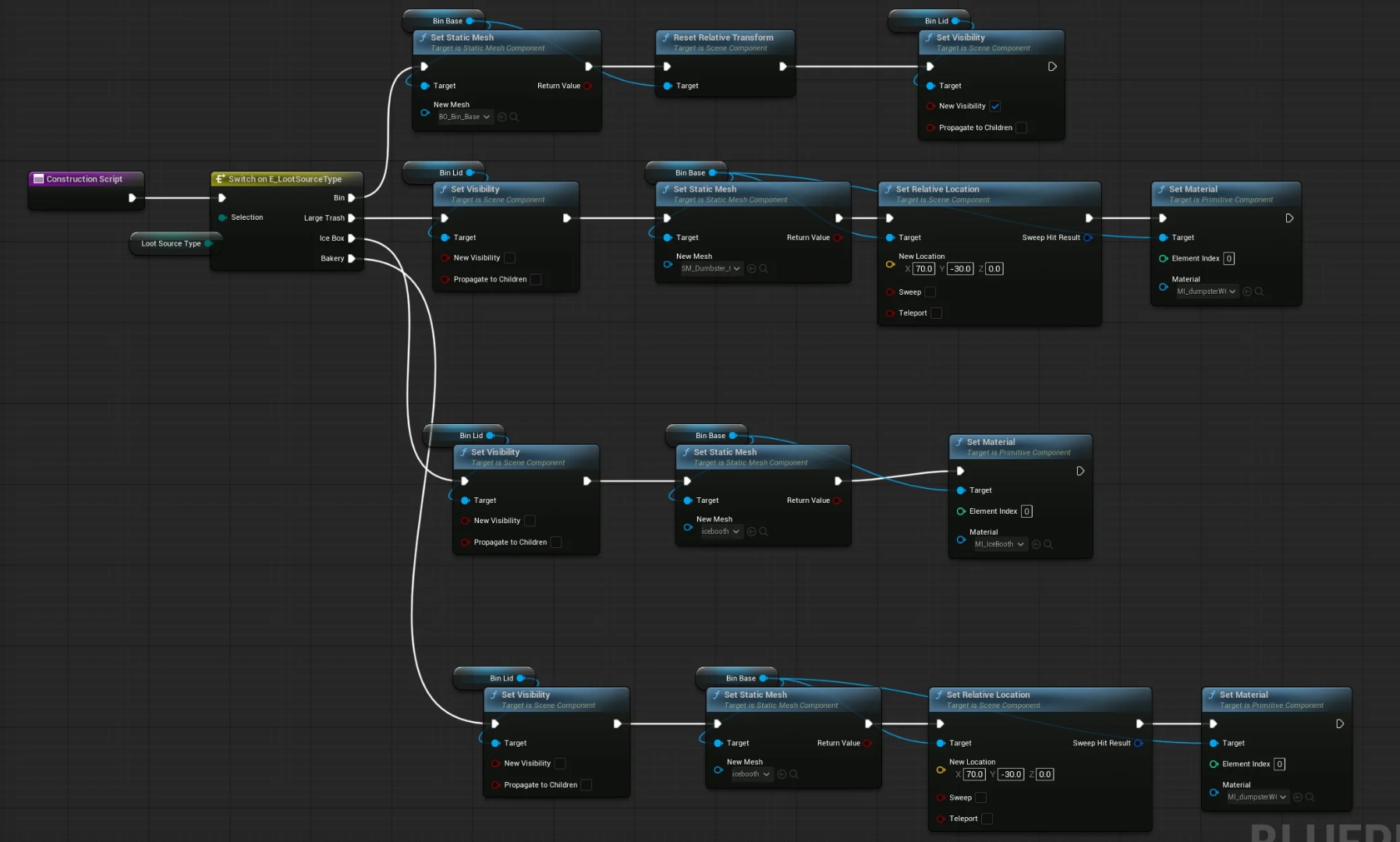
- BP_LootSource — enum-driven mesh switching (Bin, Large Trash, Ice Box, Bakery) in construction script for designer iteration speed. Collaborated with Mae James and Charlie Hollingsworth.
- Save/Load System (C++ UGameInstanceSubsystem + BFL) — SaveGameToSlot/LoadGameFromSlot, autosave timer, ISaveable interface. Prototyped Week 3.
- Checkpoint Actor + Widget — trigger-based, hooks AudioSystem, animated widget on activation.
- Post-Process Outline Material — 3 modes (mesh colour / custom / blend), internal geometry edges, designer-tunable width and opacity.
Challenges & Lessons
What Went Wrong
The single biggest ongoing problem was GitHub management at scale. From Week 7 onwards, the entire team worked in one branch, causing constant conflicts, silent reverts of committed work, and repeated loss of changes without notification. Several week's worth of features were unknowingly reverted before the issue was identified.
The Voice-Over Component was designed twice. The Week 5 prototype was built before the NPC Blueprint actors it depended on were testable. It had to be redesigned from scratch in Week 8 as the NPC Chatter Component. An inter-system dependency map at project start would have flagged this risk immediately.
Controller support was scrapped entirely — gamepad detection, button icon display, and controller rumble were all implemented and confirmed working but cut from the final build due to time pressure. These were peripheral features pursued before the core game loop was stable.
A Week 2 absence due to personal circumstances disrupted progress. On return, the team had not documented what had changed. The game's direction was still in flux. In future projects, a shared "current state" document would let any returning member reorient immediately.
Architecture
Subsystem Architecture
Both core systems — Audio and Niagara — use the UWorldSubsystem singleton pattern with static getter functions, mirroring how Epic Games documents preferred global services in UE5. This architecture eliminates Blueprint reference invalidation issues and makes both systems frictionless for any team member to access without needing manual subsystem lookups.
The initial choice to use UGameInstanceSubsystem was revised in Week 1 to UWorldSubsystem after the former caused Blueprint reference invalidation on level transitions. The correction, though time-consuming upfront, prevented that friction from hitting every team member across nine weeks of development.
This is structurally comparable to how audio middleware like Wwise exposes its Unreal integration — wrapping low-level sound calls behind a global singleton with pooled audio objects and an event-driven dispatch model — at a lighter, project-appropriate scale.