Overview
What is Project Cleanup Utility?
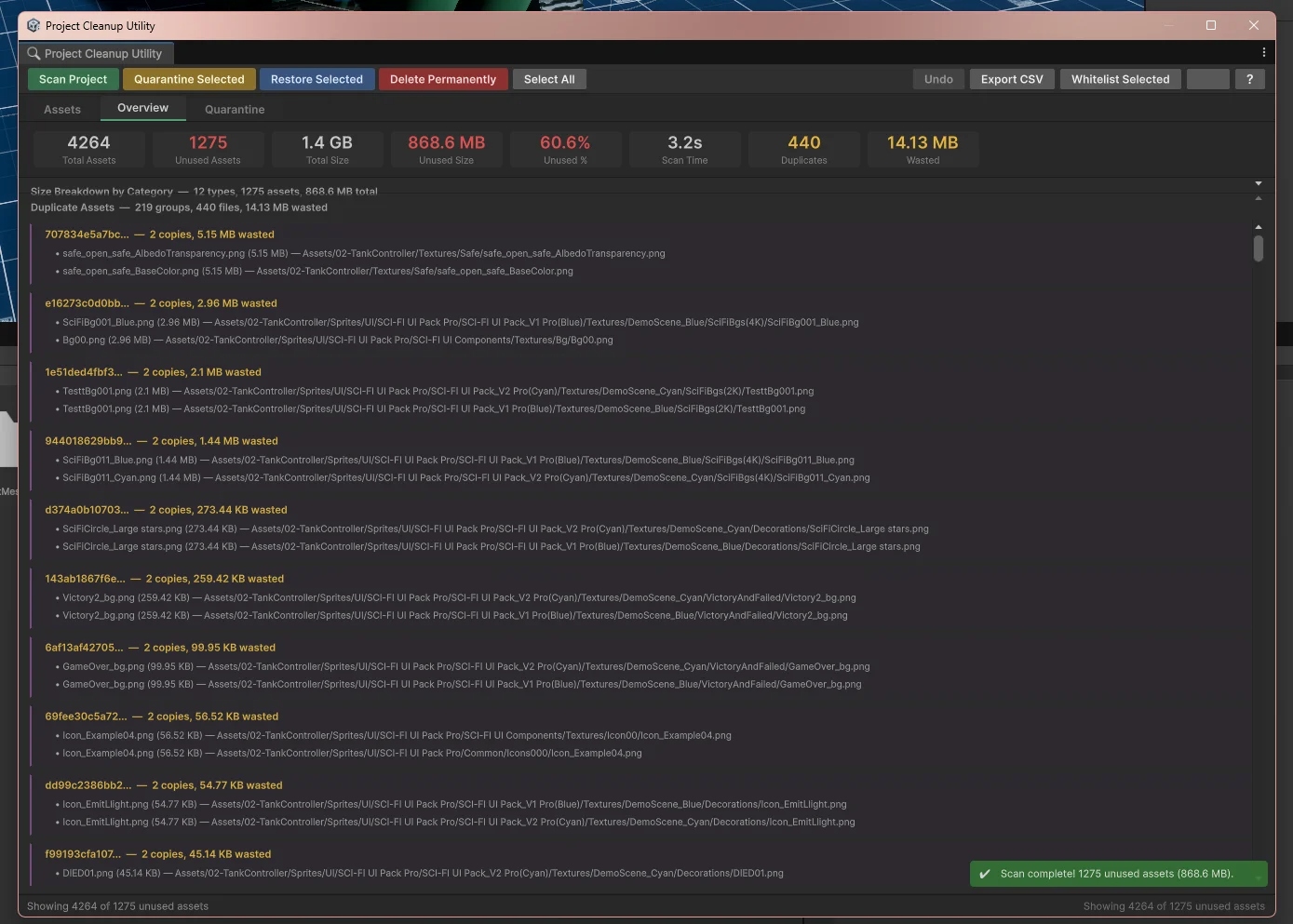
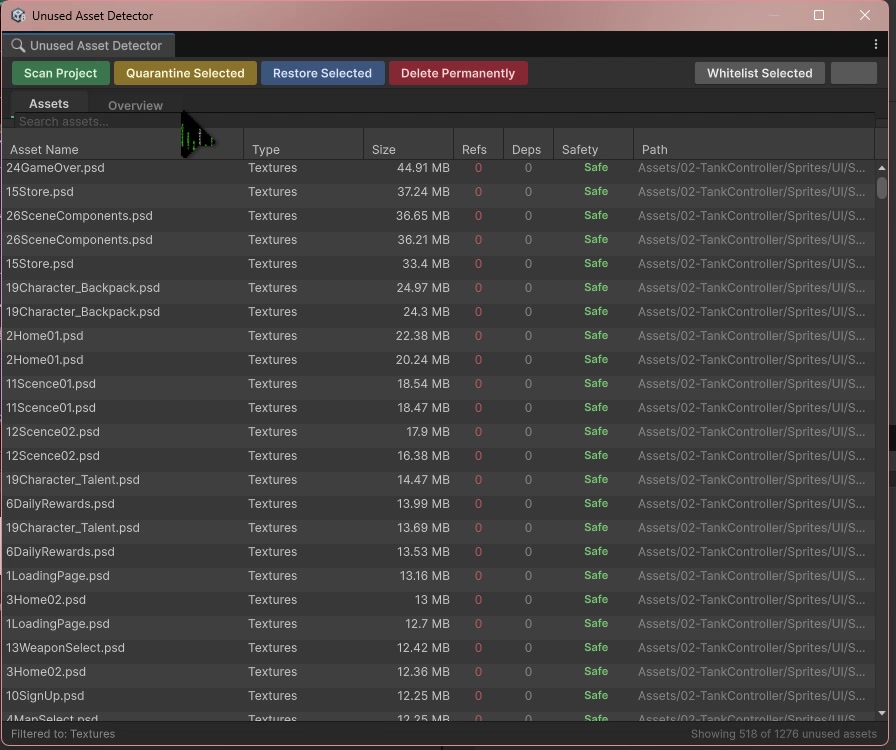
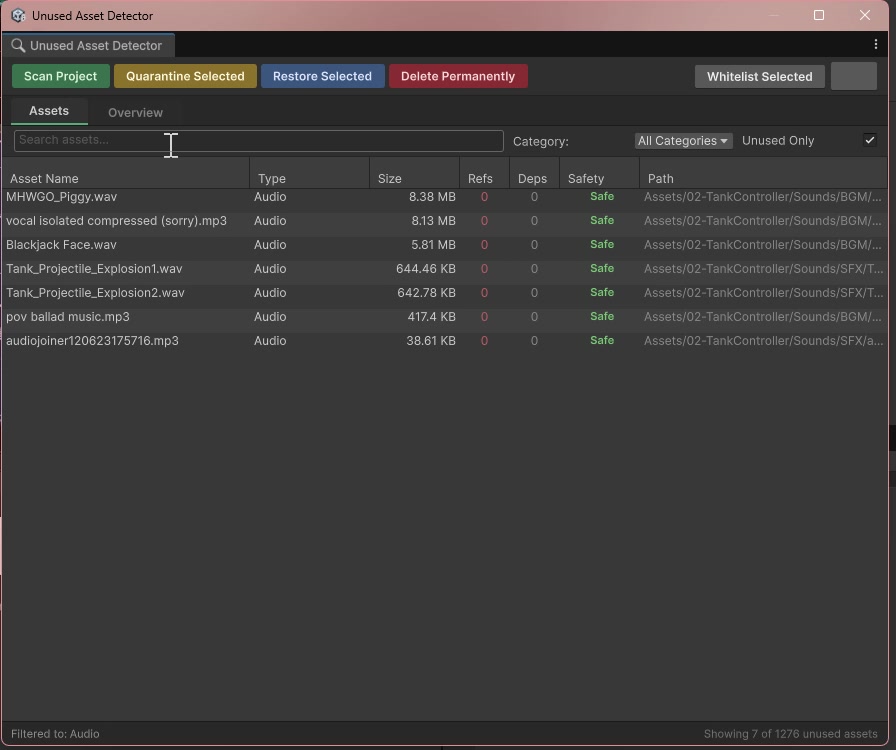
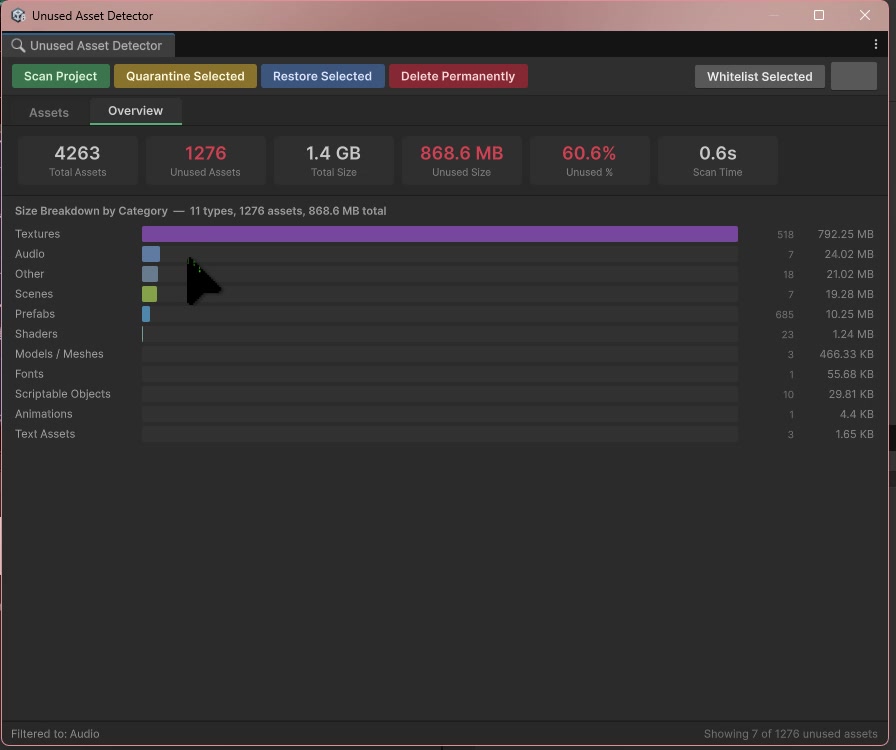
// Project Cleanup Utility — main application window
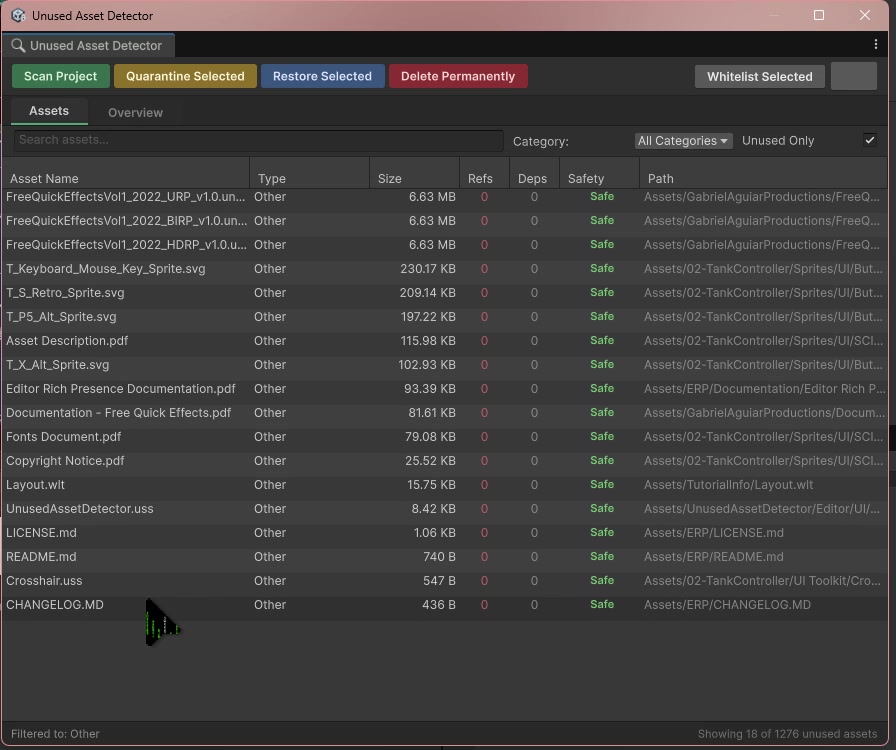
Project Cleanup Utility is a Level 5 solo module project (GDEV50047) at Staffordshire University — a fully featured Unity 6 Editor tool for scanning, categorising, quarantining, and managing unused and duplicate assets in Unity projects. It was built entirely using the Unity Editor API and UI Toolkit, with no external dependencies or native plugins.
The tool was chosen over two other pitched alternatives (an FFmpeg video encoder and a ScriptableObject database editor) because it solves a well-documented, industry-wide pain point: Unity imports and indexes every file in the Assets folder regardless of use, silently accumulating dead weight across editor performance, version control storage, CI/CD pipelines, and developer cognitive load. No first-party Unity tool exists for this.
Development followed an iterative and incremental approach — scanning first, then quarantine, then dependency graph, then exports, then accessibility — each increment building on a working, tested foundation.
- Awarded 100% — First Class for GDEV50047 Tools Development — a perfect score
- Full unused asset detection via GUID-based
AssetDatabase.GetDependencies— no build required - Content-hash duplicate detection across 219 groups, 440 files — 14.13 MB flagged in a live TankController project scan
- Safe quarantine workflow — moves assets to
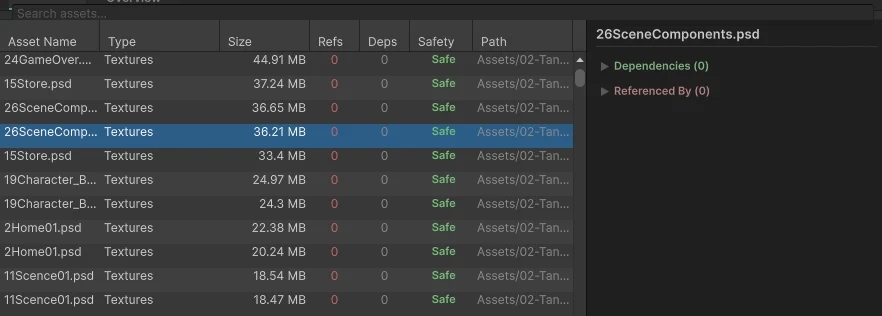
_Quarantine/with manifest JSON, preserving original paths for full restore - Deletion safety ratings: Safe / Caution / Unsafe — based on reverse dependency analysis
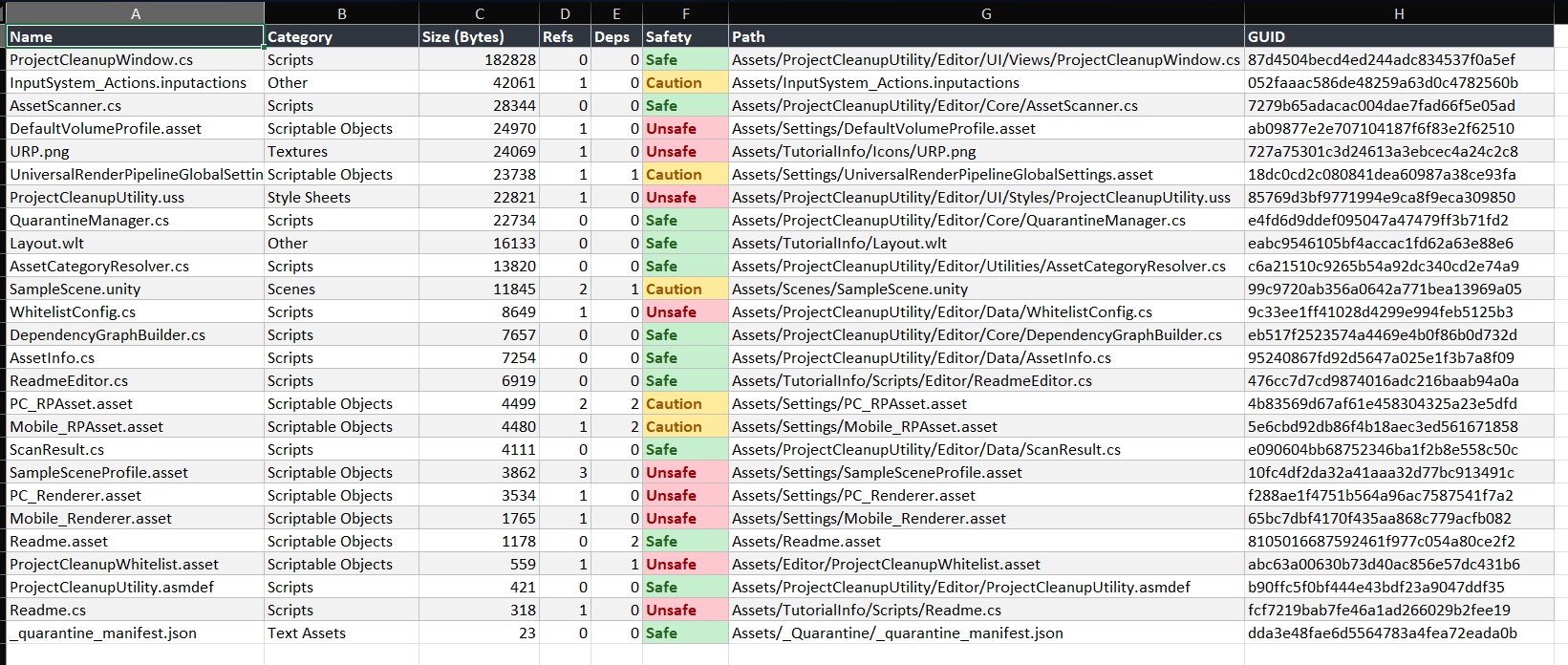
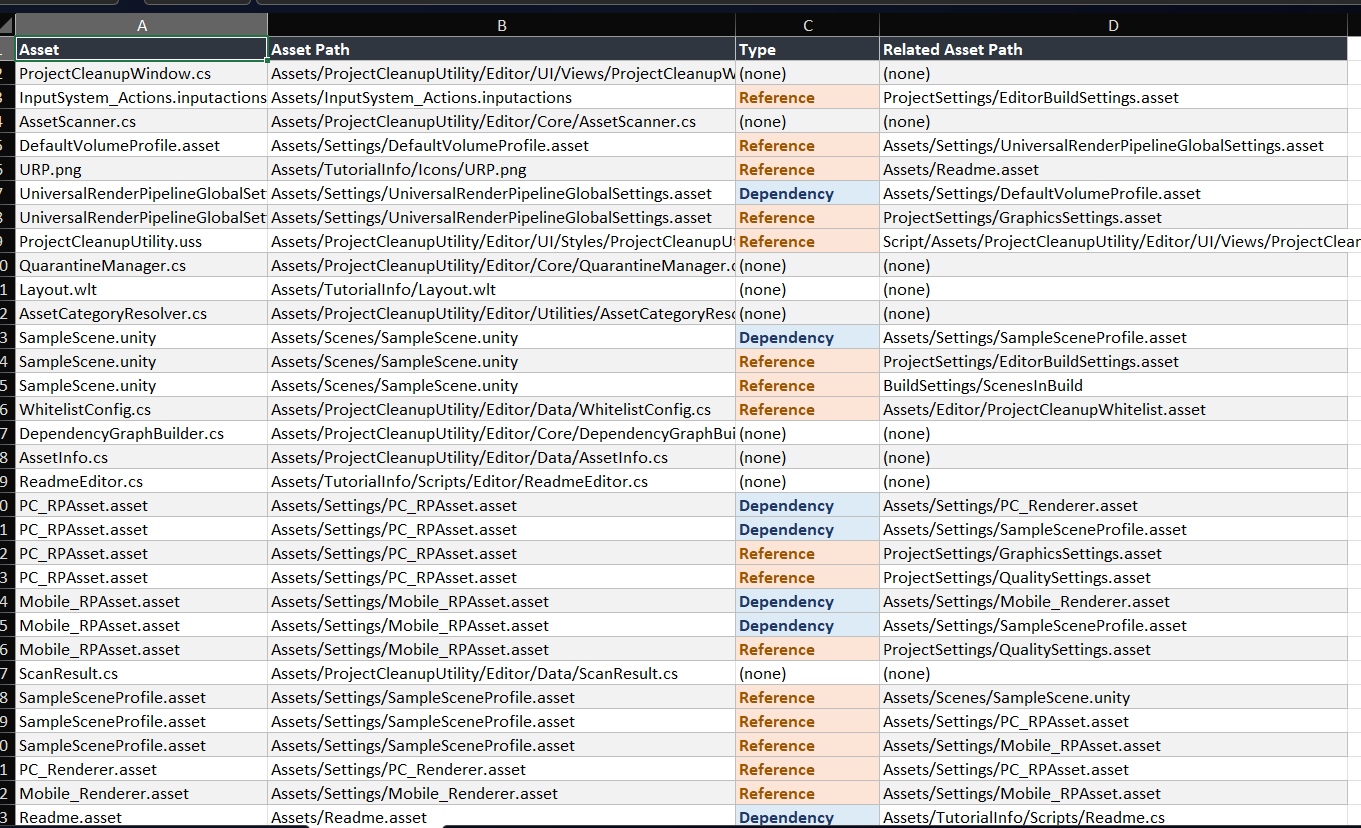
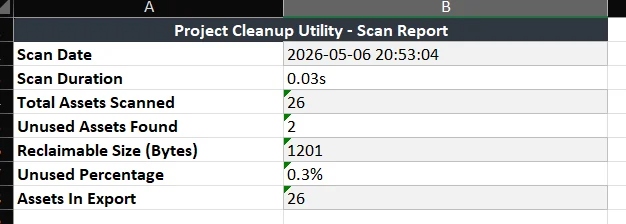
- Export to CSV and formatted Excel — scan report, full asset list, and dependency map sheets
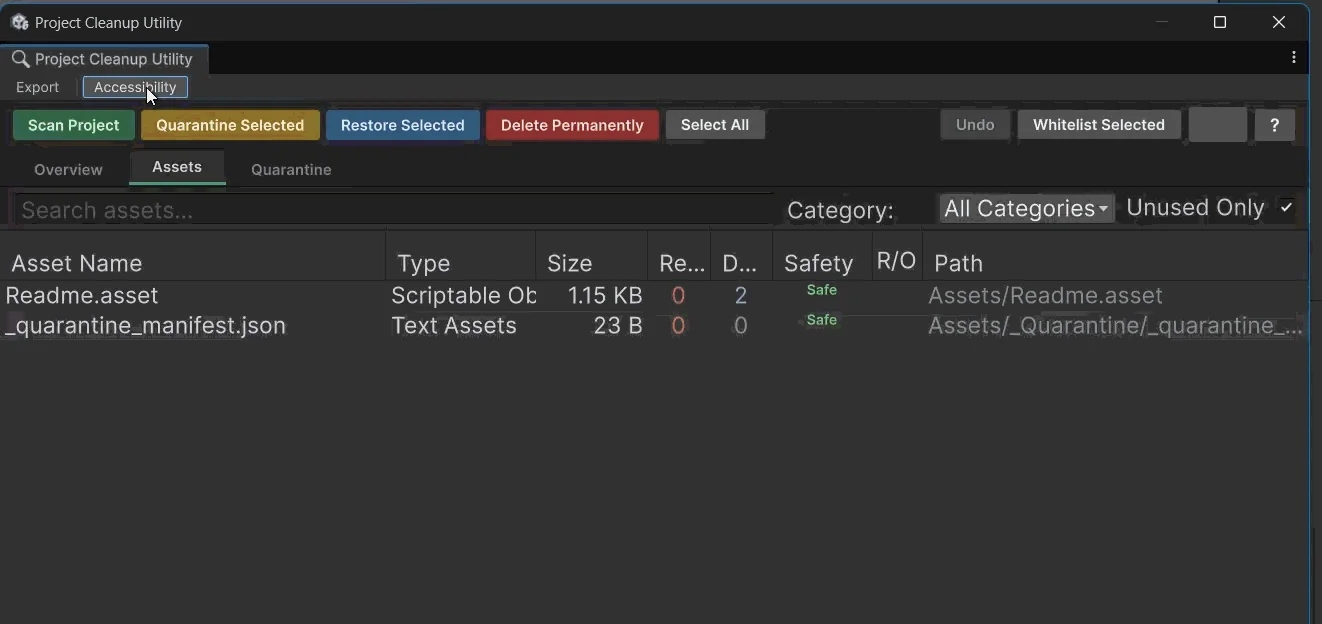
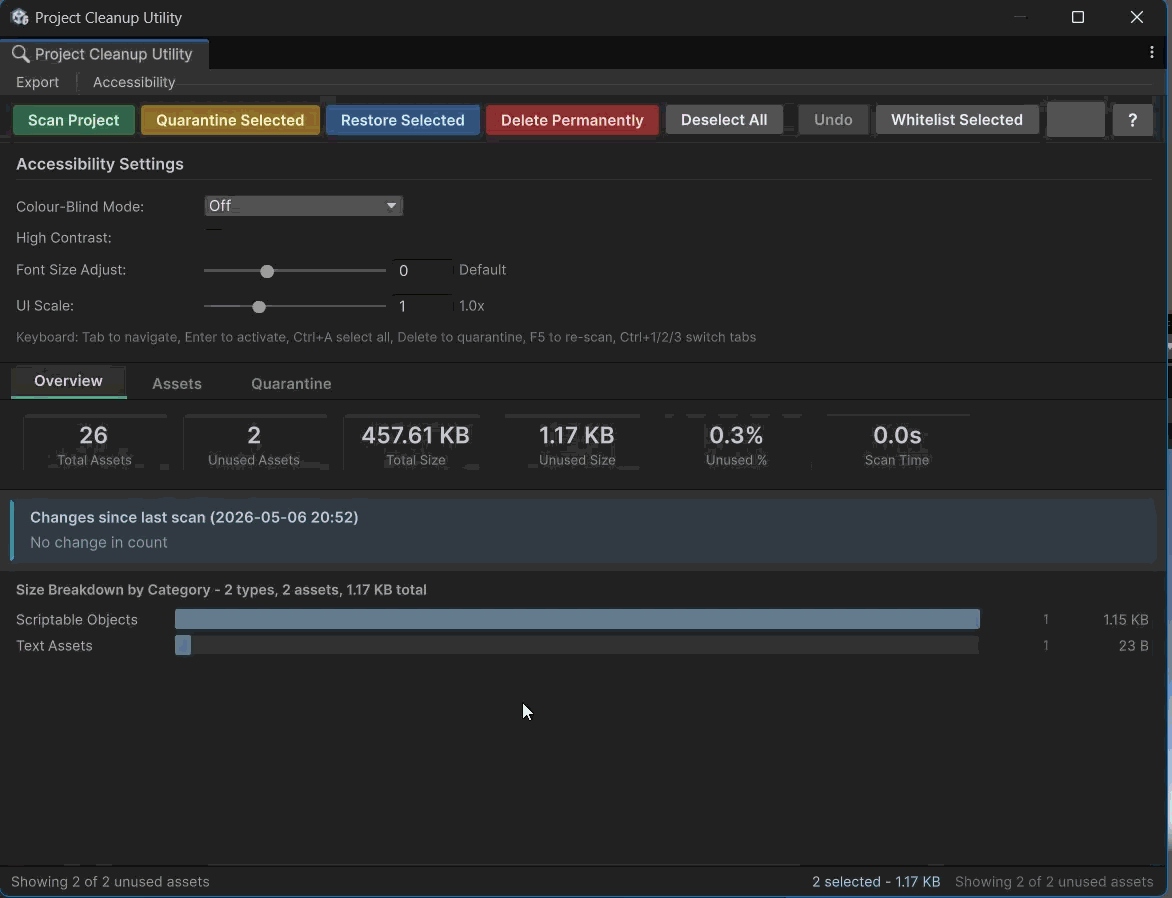
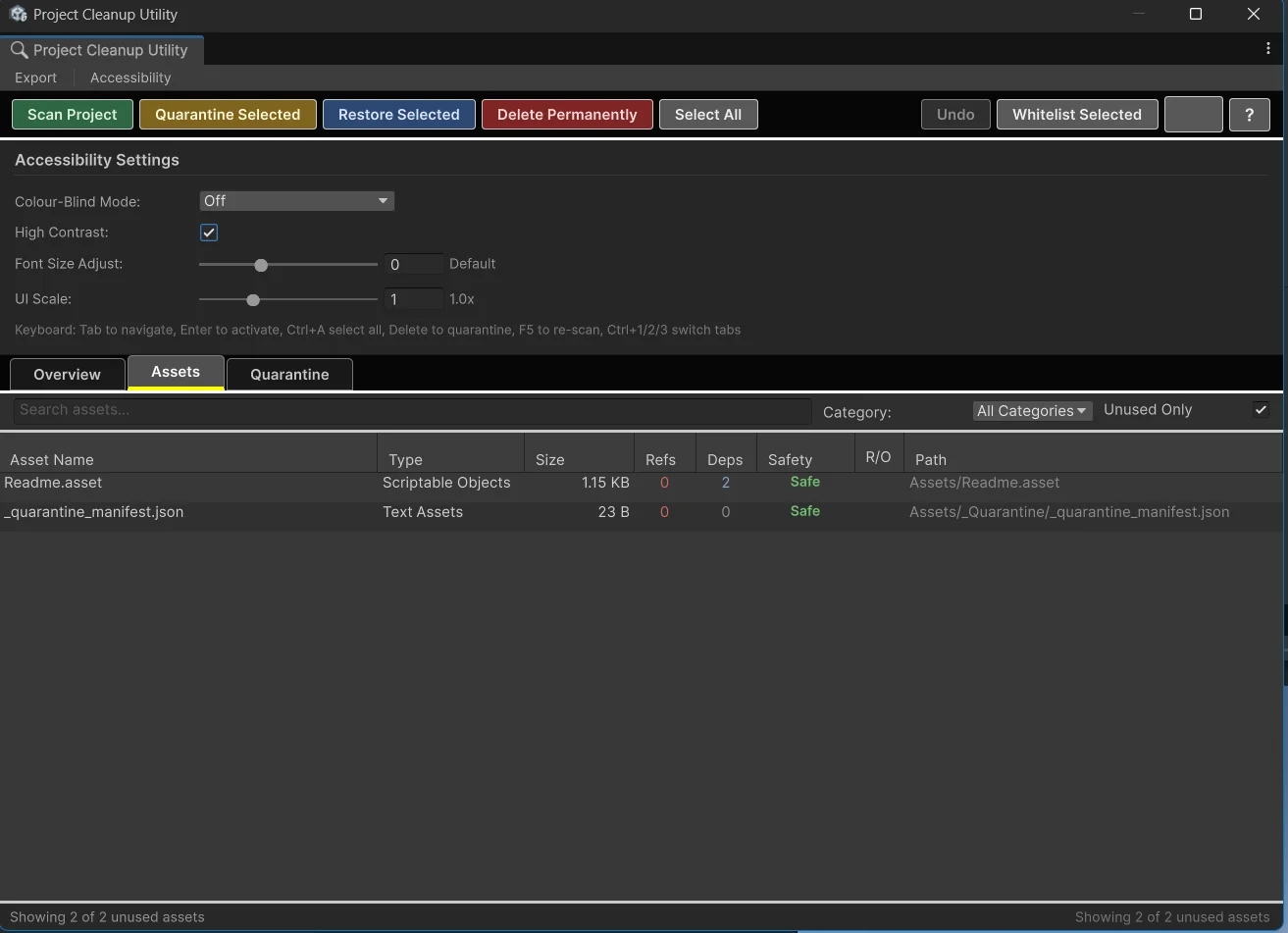
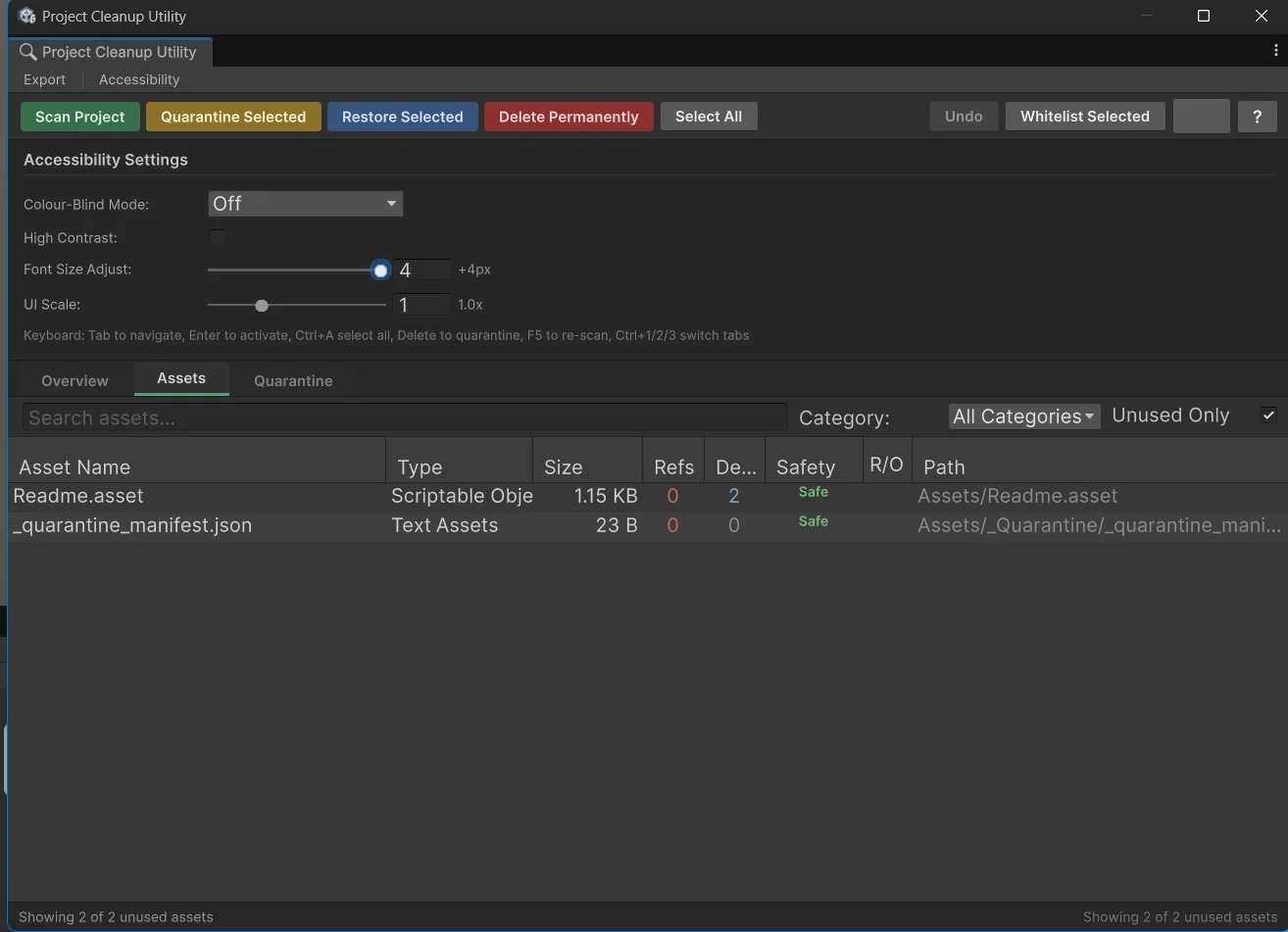
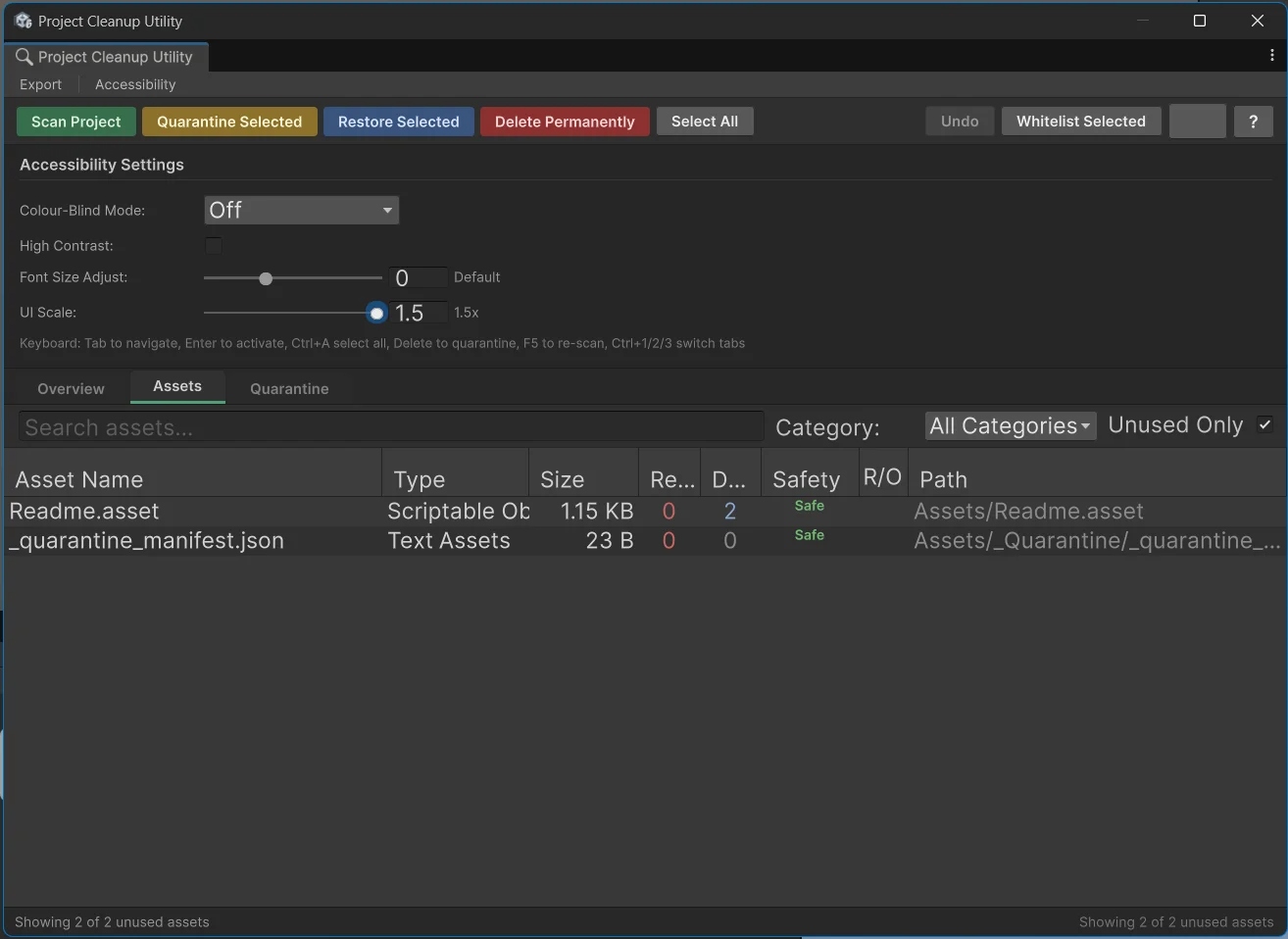
- Full accessibility layer: Colour-Blind Mode (Okabe-Ito palette), High Contrast, Font Size slider, UI Scale, keyboard navigation
- Perforce (P4V) VCS integration — checks out, locks, and stages assets before quarantine/delete operations
Architecture
Clean Layered Design
The tool is structured across four layers — each with a single, clear responsibility. The UI layer never touches file I/O. The core layer never renders anything. Data models are plain serialisable objects with no Unity coupling. This separation made incremental development straightforward: each increment added a new layer without touching the others.
QuarantineManager.cs — move/restore/delete with manifest JSON.
DependencyGraphBuilder.cs — forward/reverse/synthetic reference queries.
ScanResult.cs — aggregated scan output with computed stats.
WhitelistConfig.cs — ScriptableObject persisting path/folder/extension/regex exclusion rules.
ProjectCleanupUtility.uss — UI Toolkit stylesheet driving all colours, typography, and accessibility overrides.
All colour signals defined in USS — never inline C# — so colour-blind overrides work.
Core Feature
Asset Scanner
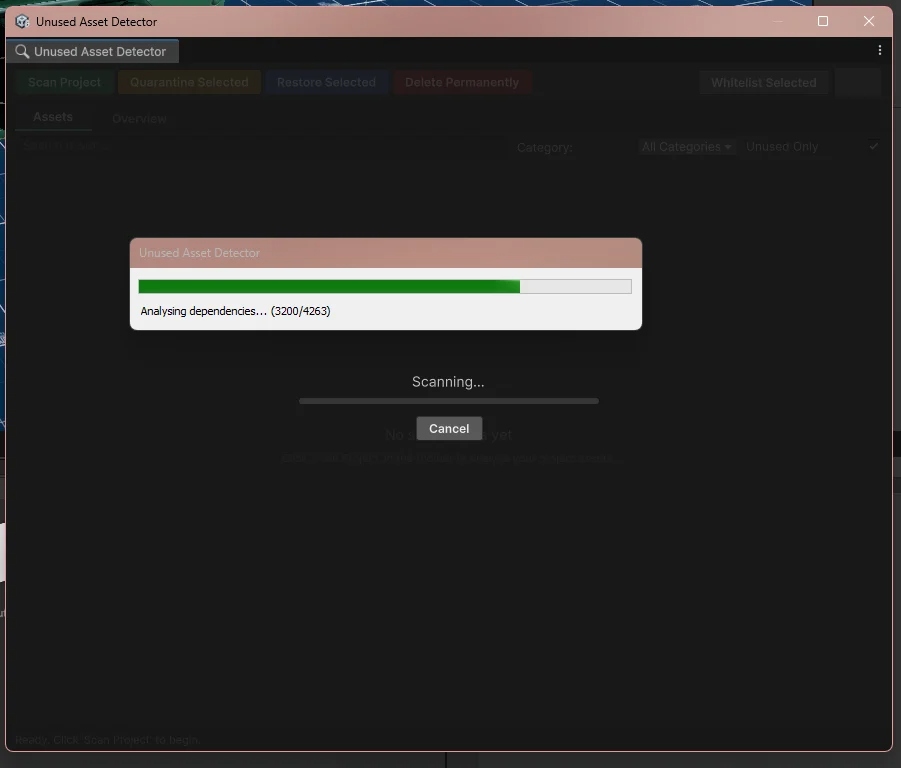
// Asset scanner — scanning in progress
AssetScanner.cs (696 lines) is the engine of the tool. It walks every asset in the project via AssetDatabase.GetAllAssetPaths, builds a reverse-dependency map using AssetDatabase.GetDependencies, then classifies each asset's deletion safety. A progress callback fires for every asset so the UI stays live during long scans.
The scanner accounts for string-based asset references — Resources.Load paths, Addressables keys, and serialised string fields in C# — using pre-compiled regex patterns, so assets only referenced by name rather than serialised GUID are not incorrectly flagged as unused.
Deletion safety is computed from the reverse-dependency graph:
Content-hash duplicate detection groups assets by SHA-256 file content hash. Any group with two or more members is surfaced in the Overview panel with total wasted size. In a live TankController project scan: 219 hash groups, 440 duplicate files, 14.13 MB wasted.
Features
Full Feature Set
// 30% scan state — progress view
// 70% scan state — results loading
// 90% scan complete — final report
_Quarantine/, preserving relative directory structure. Manifest JSON tracks original paths. Restore brings assets back to exact original locations. Delete Permanently removes quarantined assets.Provider.isActive. Checks out, marks for delete, and handles LockedByOther state before any file operation. VCS status surfaces in the asset list (UpToDate, CheckedOutLocal, LockedByOther, Added, Deleted, OutOfDate).Accessibility
WCAG 2.1-Informed Layer
The final development iteration was dedicated entirely to accessibility — a deliberate choice to ensure the tool shipped usable, not just functional. The implementation is informed by WCAG 2.1 Perceivable, Operable, and Understandable principles, and the Microsoft Inclusive Design methodology.
label.style.color in C# blocking USS specificity — was fixed by moving all semantic colour to USS classes.ApplyFontSize() which folds the delta into root font-size — not transform.scale, which causes layout clipping in UI Toolkit. Persists across sessions via EditorPrefs.label.style.color set in C# sits at the highest specificity and permanently blocks USS rules, regardless of selector complexity.Challenges
What Went Wrong
transform.scale breaking layout — The first UI Scale implementation set rootVisualElement.transform.scale to a Vector3 scalar. UI Toolkit's layout pass runs before the render transform, so at any scale other than 1.0, the visual content and layout bounds diverge — content clips off the bottom of the window. Fixed by abandoning transform.scale entirely and folding the scale factor into the base font size via ApplyFontSize().
Safety label colours not updating in colour-blind mode — The Safety column bindCell callback was setting label.style.color directly in C# — three separate hardcoded RGBA values. Inline styles override all USS rules regardless of specificity. Fixed by removing all inline colour from C# and using USS safety classes (safety-safe, safety-caution, safety-unsafe) managed by the bindCell callback.
:focus-within row highlight failing — A focused-row USS rule using :focus-within caused silent console warnings in Unity's UI Toolkit. USS does not support the :focus-within pseudo-class in the Unity runtime. The row highlight was dropped; the per-control :focus indicator was retained as a functional compromise.