Overview
What is JaniTerror?
JaniTerror is a prototype of a first-person horror game built from a blank Unreal Engine 5.2 project - no framework, no starter content - as a collaborative group assignment at Staffordshire University (Collaborative Enterprise Foundation, Level 3 Foundation Year). The concept: you are a janitor. The building you are cleaning is not safe, as there is a horrifying being around you.
The team of nine - three artists, two 3D modellers, and four programmers - designed and built the entire game from scratch across the semester. No version control was used, and relied entirely on OneDrive to share project around. Many programmers were off throughout the development, and lack of progress were made, so me and my peer took in charge to sort a lot of stuff with the project.
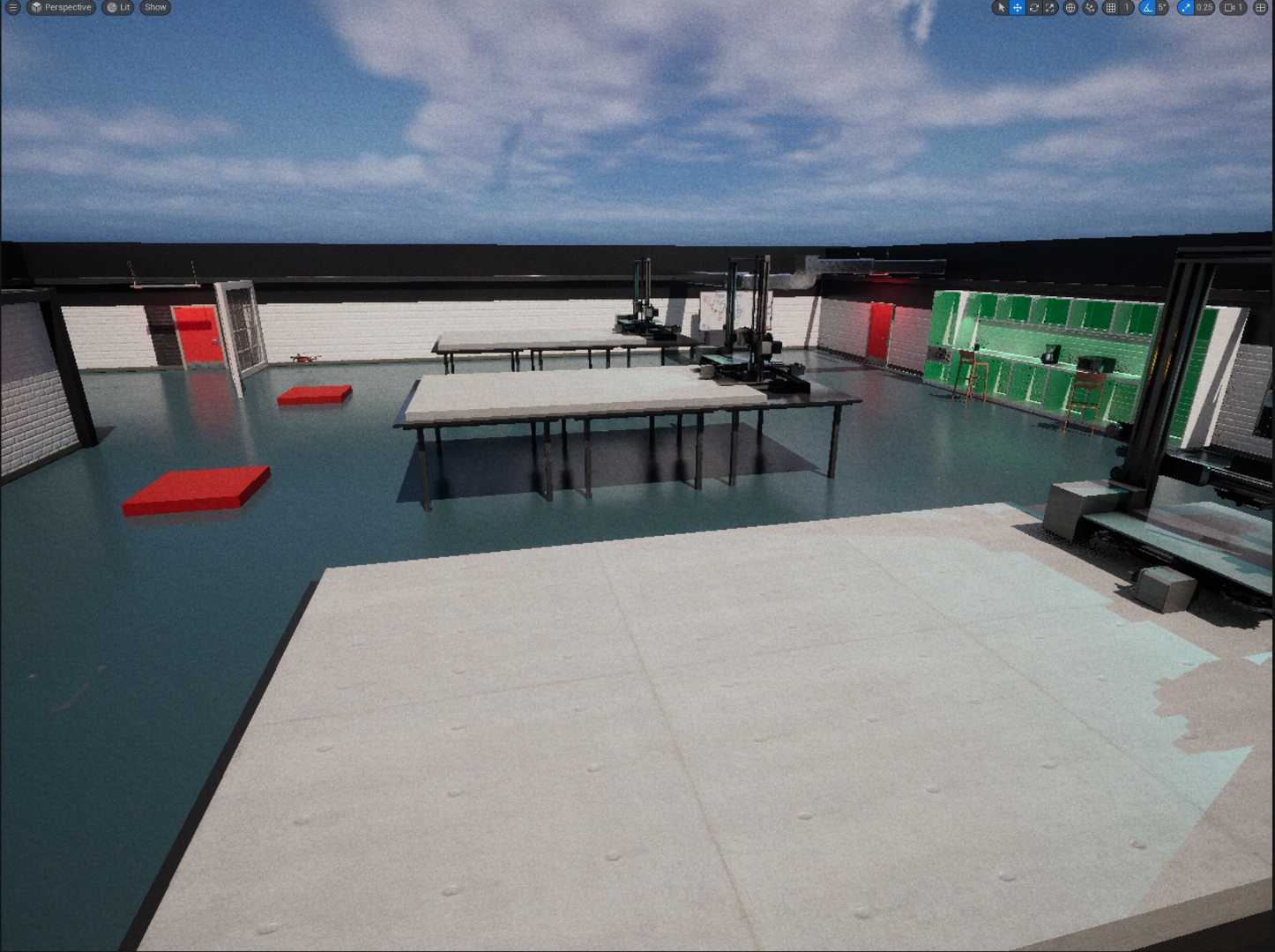
The building is a large single-floor structure with distinct zones: a glass-walled corporate office wing, a cinema lounge, a photography studio, a sci-fi corridor with a flooded floor, a loading dock, basement mechanical rooms, a dark red-lit surveillance corridor, and a science lab. Each area has its own lighting mood and level-designed atmosphere, all produced under a cohesive industrial-horror art direction.
- Awarded 80% — First Class for the module
- Built from a completely blank UE5.2 project - no framework assets provided
- Nine-person team coordinated on Discord, Microsoft Teams, and OneDrive
- Fourteen distinct room environments level-designed with unique lighting moods
- Implemented pressure plates, torch durability, battery resource management, vacuum gun, gas canister spawning, generator with interaction, and conveyor belt systems (including materials)
- Responsible for asset management; which was significantly poor due to worries about breaking references
- Dynamic Windows Update material rendered on in-world monitor meshes via Blueprint, using a video

NomNom's Contributions
What I Built / Worked On
Within the nine-person team, contributions were divided across programming, art, and level design. My focus was primarily programming and level design:
- Pressure Plates - Blueprint event dispatchers wired to connected actors (doors, hazards). Stepping a plate fires an event broadcast picked up by any subscribed listener in the level, keeping the architecture decoupled across programmer workstreams. Later this was re-used to activate 3D printers.
- Torch Durability System - A UMG Widget displaying a dynamic duration bar that drains in real time. Implemented the Blueprint logic for depletion rate, UI binding, and low-battery visual feedback.
- Battery Resource Management - Pickup Actor using a Blueprint interface to communicate with the HUD. On collection, the battery restores torch duration and updates the widget - no direct actor-to-widget references needed.
- Camera Shake - Implemented using UE5's
CameraShakeBaseclass, triggered on pressure plate activation to give physical feedback when the player steps on a plate. - Conveyor Belt - Blueprint physics material with a velocity override applied to the surface. The player's character moves with the belt direction while standing on it.
- Random Gas Canister Placement - A spawn volume with weighted RNG selects positions at runtime, placing gas canisters in varied locations each session for replayability.
- Level Design - Responsible for layout passes, lighting mood passes, and prop placement across multiple building sections, including the sci-fi corridor, basement, and exterior corridor zones.
- Bug Fixing - Resolved cross-programmer integration issues arising from merging Blueprint and Level workstreams across nine contributors - the primary challenge of the project.
Level Design
Rooms & Environments
The building is divided into fourteen distinct rooms and zones, each with individual lighting mood and props. Art direction was inspired by a mix of industrial horror, corporate unease, and sci-fi corridors:
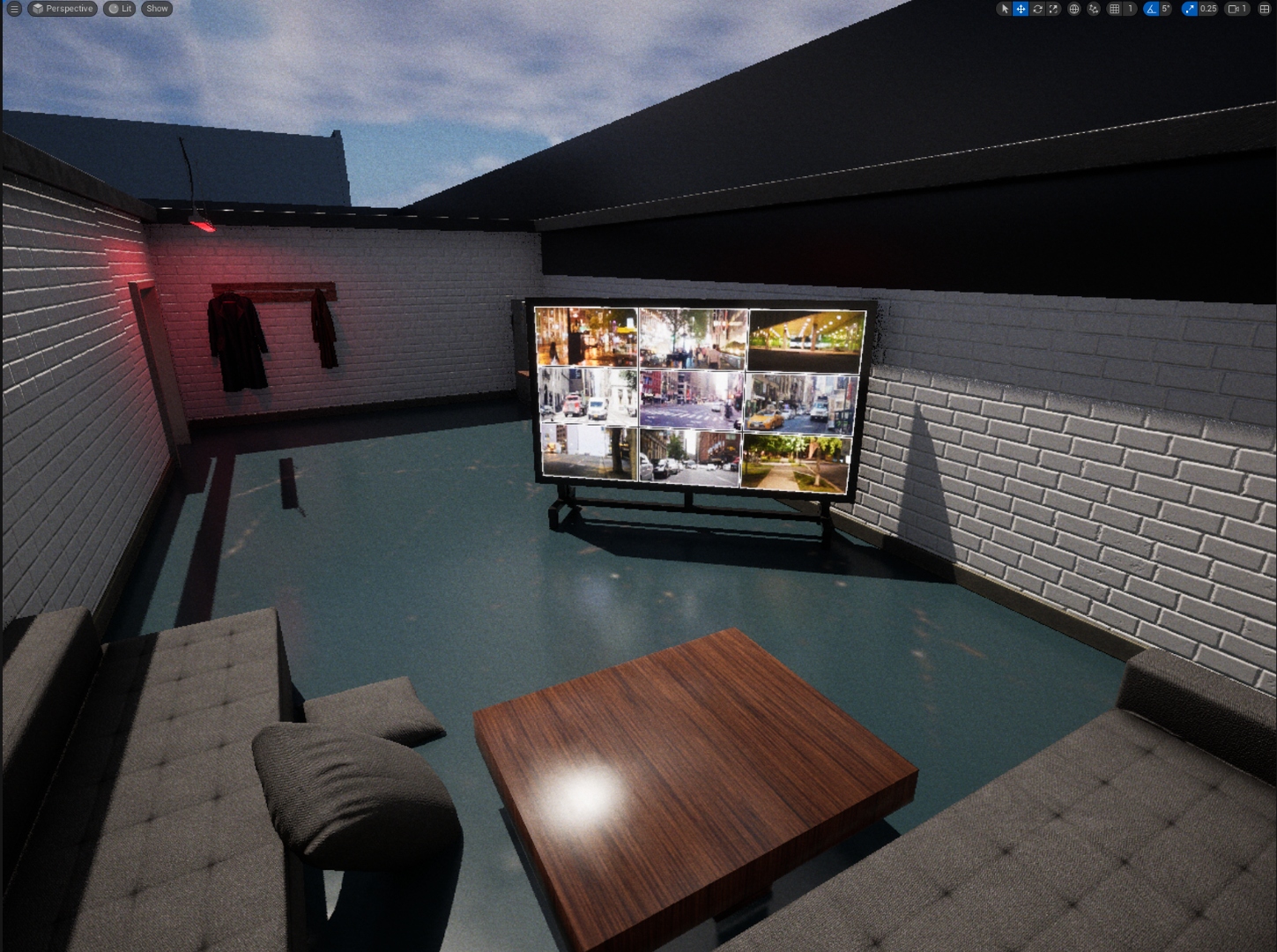
- CCTV Surveillance Room — Nine-camera NYC feed wall, red alarm light overhead, sofa, coat rack. The emotional core of the horror atmosphere.
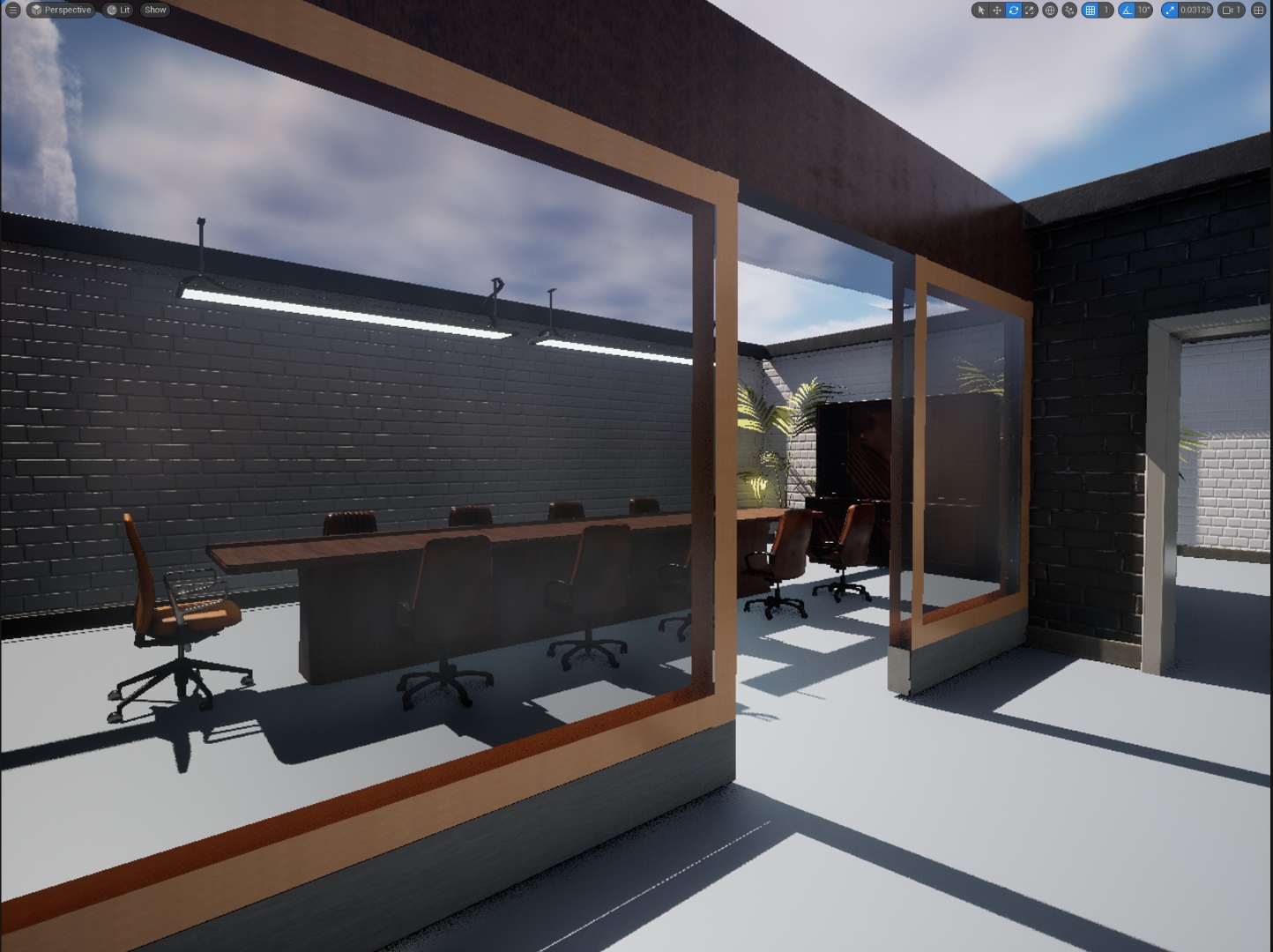
- Glass Meeting Rooms — Executive walnut chairs, pendant lighting, overlooked by the break room through glass partitions.
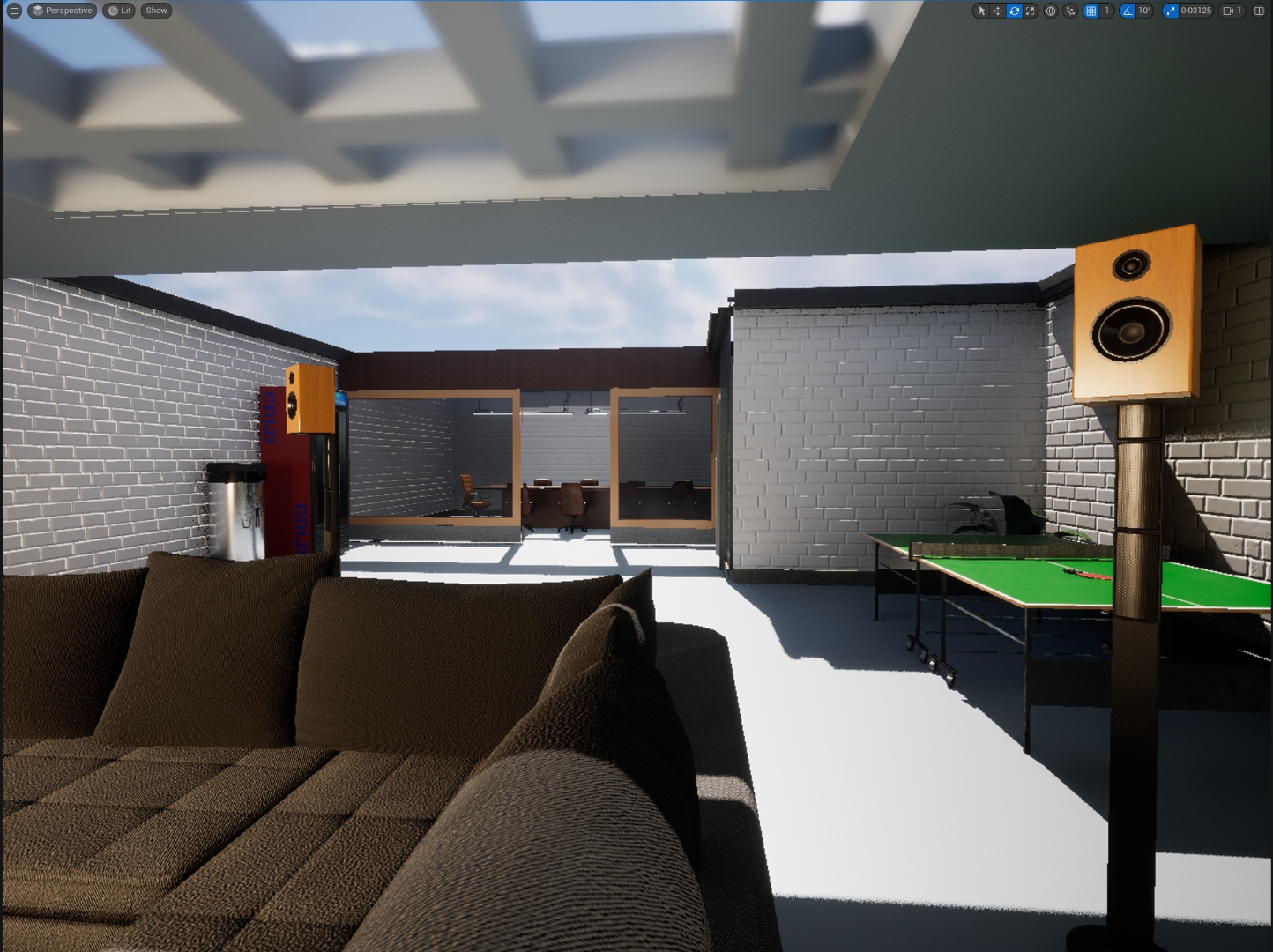
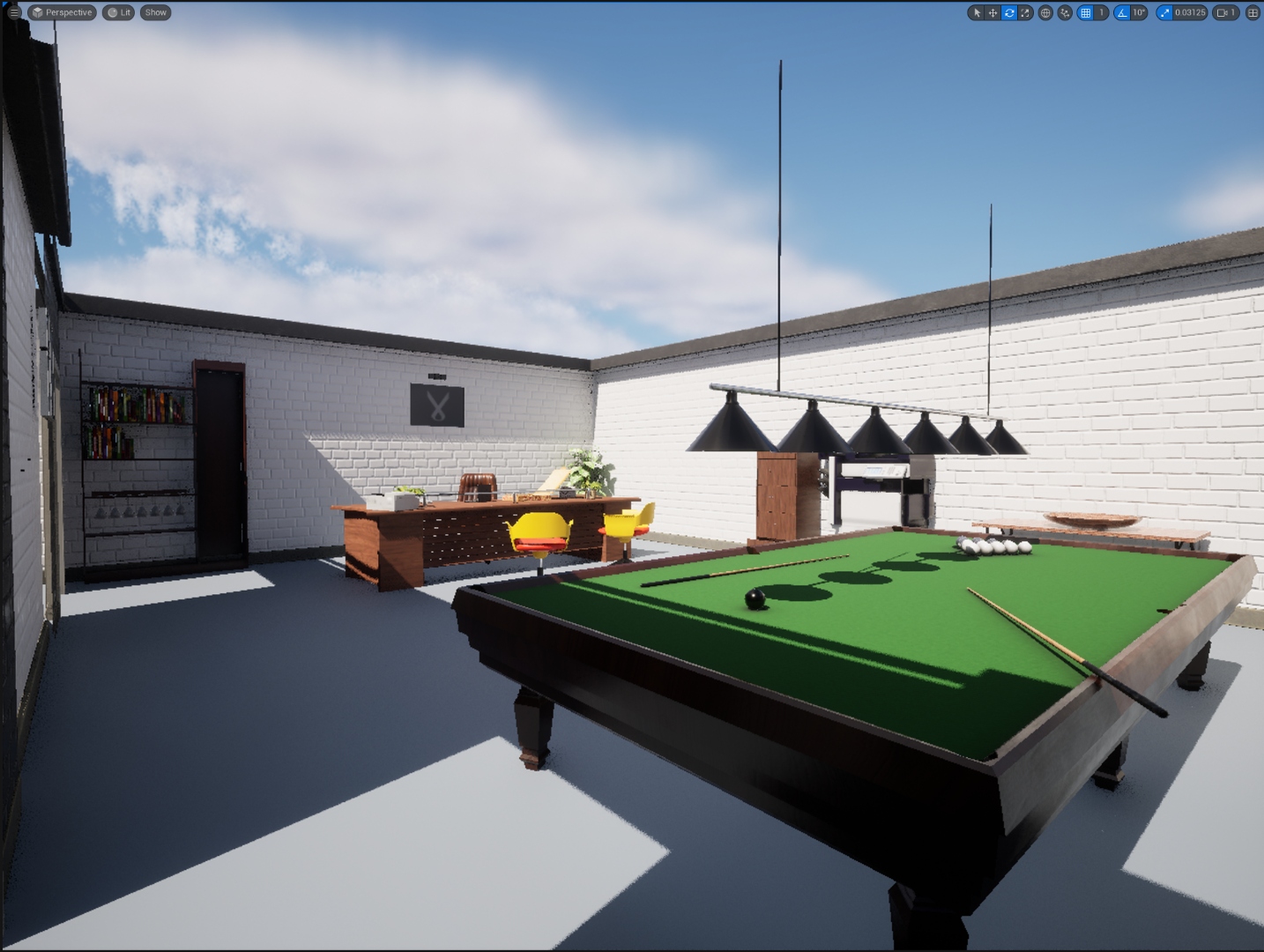
- Break Room — Pool table, orange speakers, brown sofa. Domestic comfort made unsettling by the surrounding darkness.
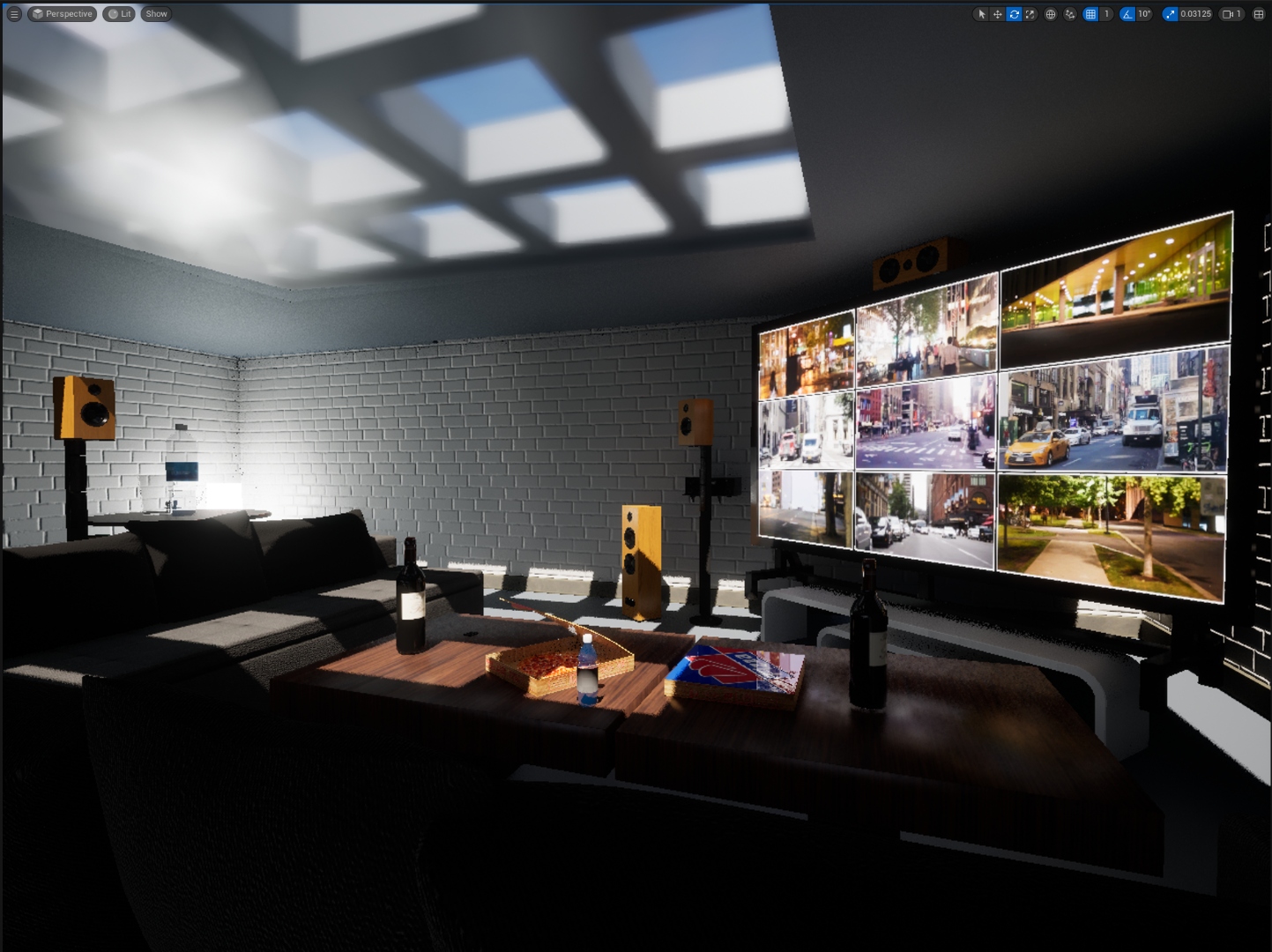
- Cinema Lounge — Large wall TV playing NYC skyline footage, surround sound speakers, wine, pizza — abandoned mid-use.
- Billiard / Executive Office — Snooker table and an executive desk. Dual-purpose room with contrasting purpose.
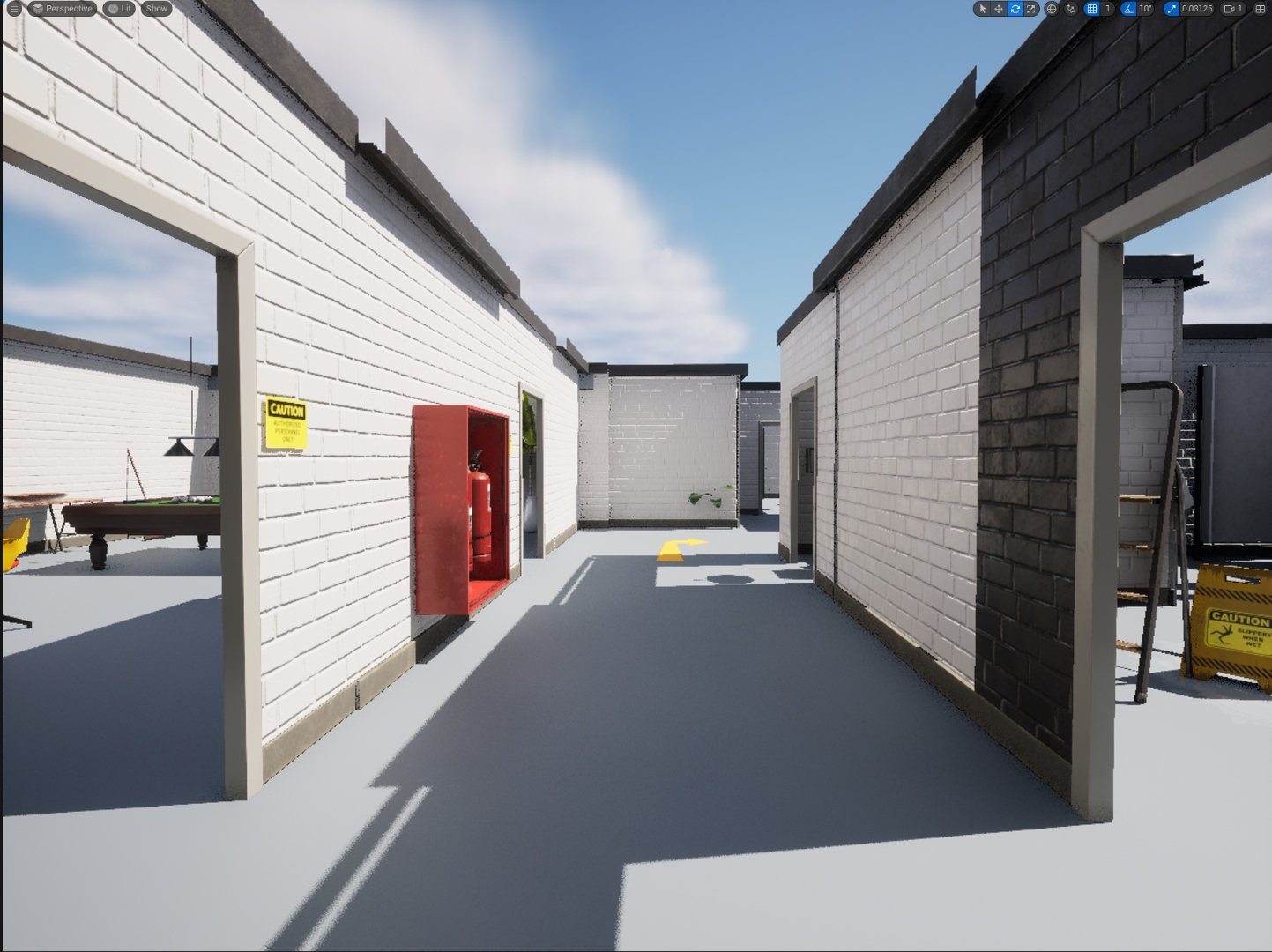
- Exterior Corridor — The connecting walkway between building wings. Fire extinguisher cabinets, yellow caution floor markers, industrial signage.
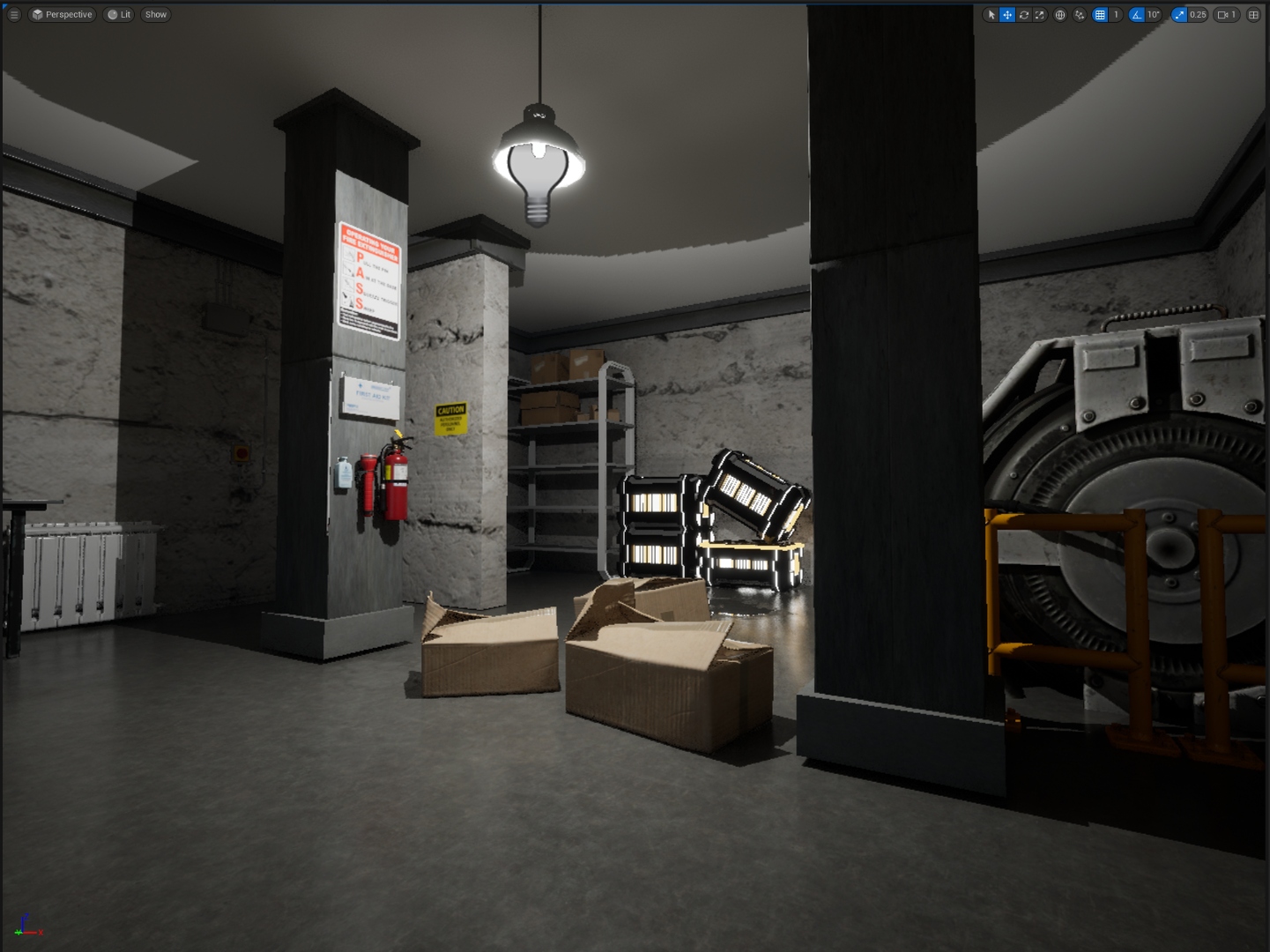
- Basement Mechanical Room — Industrial pillars, a hanging exposed bulb, CAUTION signage, gas canisters (random spawn), a generator, and cardboard boxes.
- Sci-Fi Corridor — White stripe emissive columns, a flooded reflective floor, sci-fi cargo crates. Stark contrast to the corporate floors above.
- Loading Dock — EXIT sign, forklift, open cardboard crates, safety equipment. Industrial logistics area.
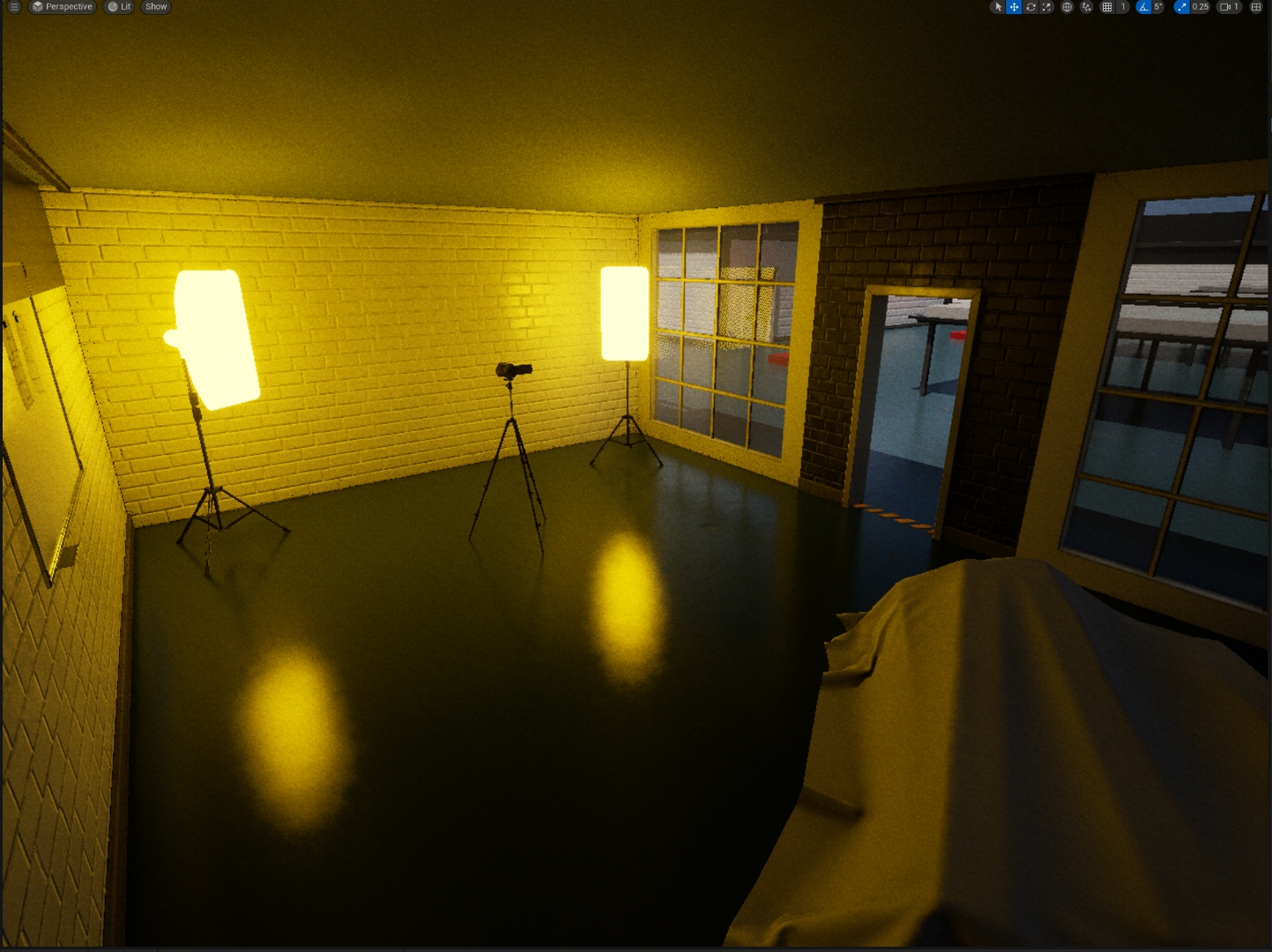
- Photography Studio — Yellow softbox lights on tripods, a camera, and a sheet-covered object in the centre.
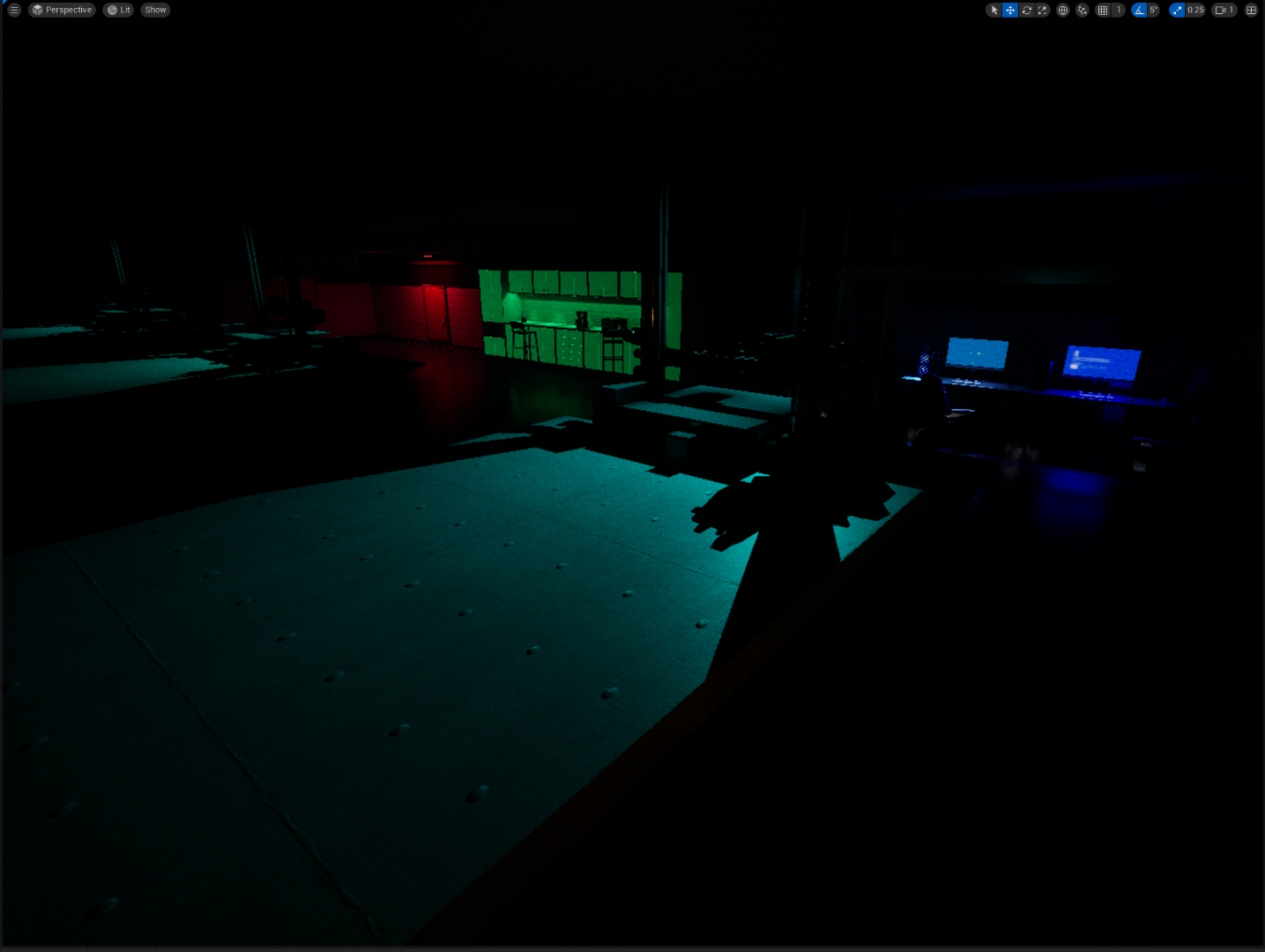
- Dark Transition Corridor — Red alarm light, surveillance monitor showing live NYC cam footage. Connecting zone used to build tension between areas.
- Science / Lab Area — Teal floor, crash mats, 3D printers, green lockers. Early build — signals the game's tonal shift into more surreal territory.
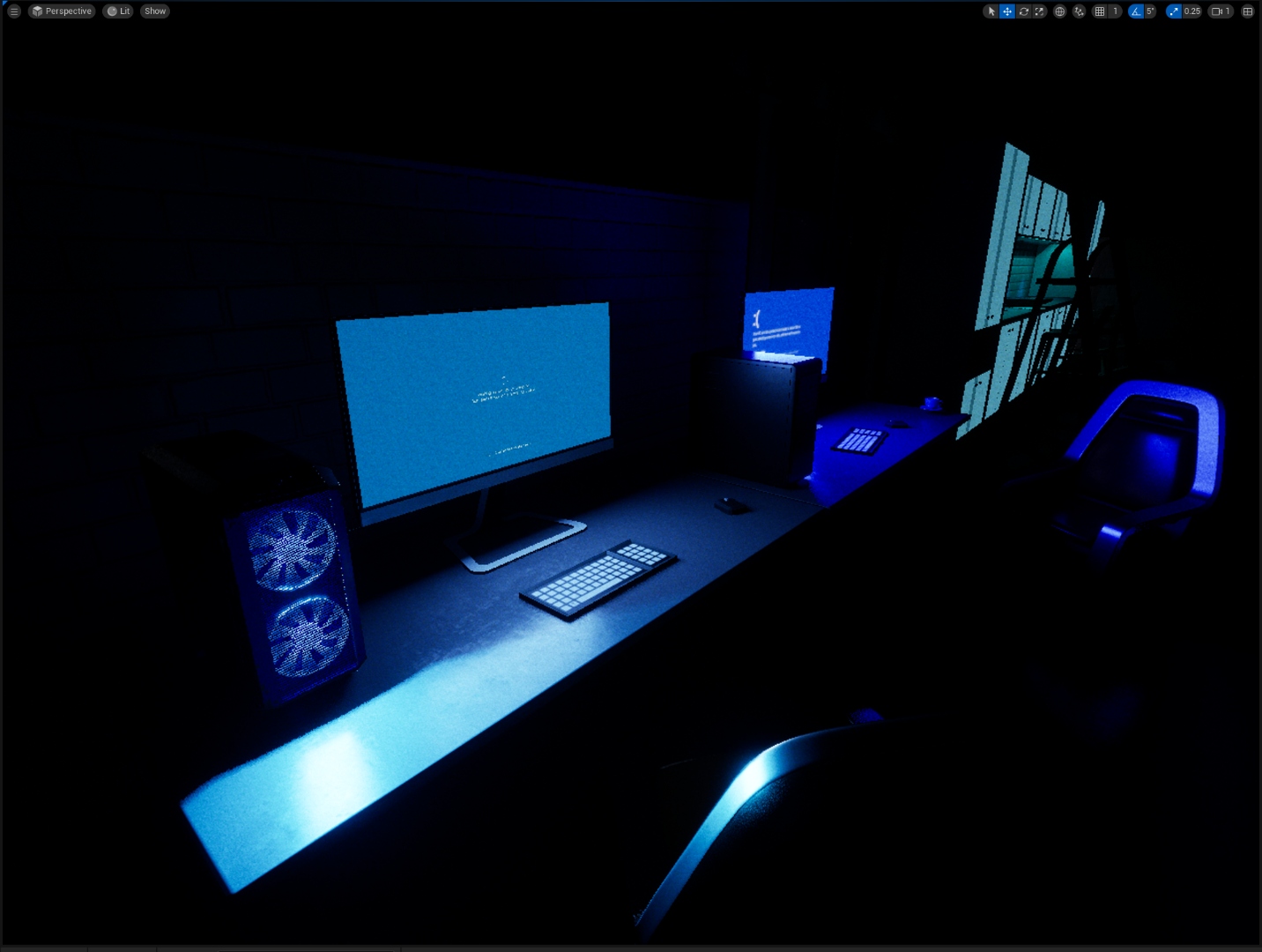
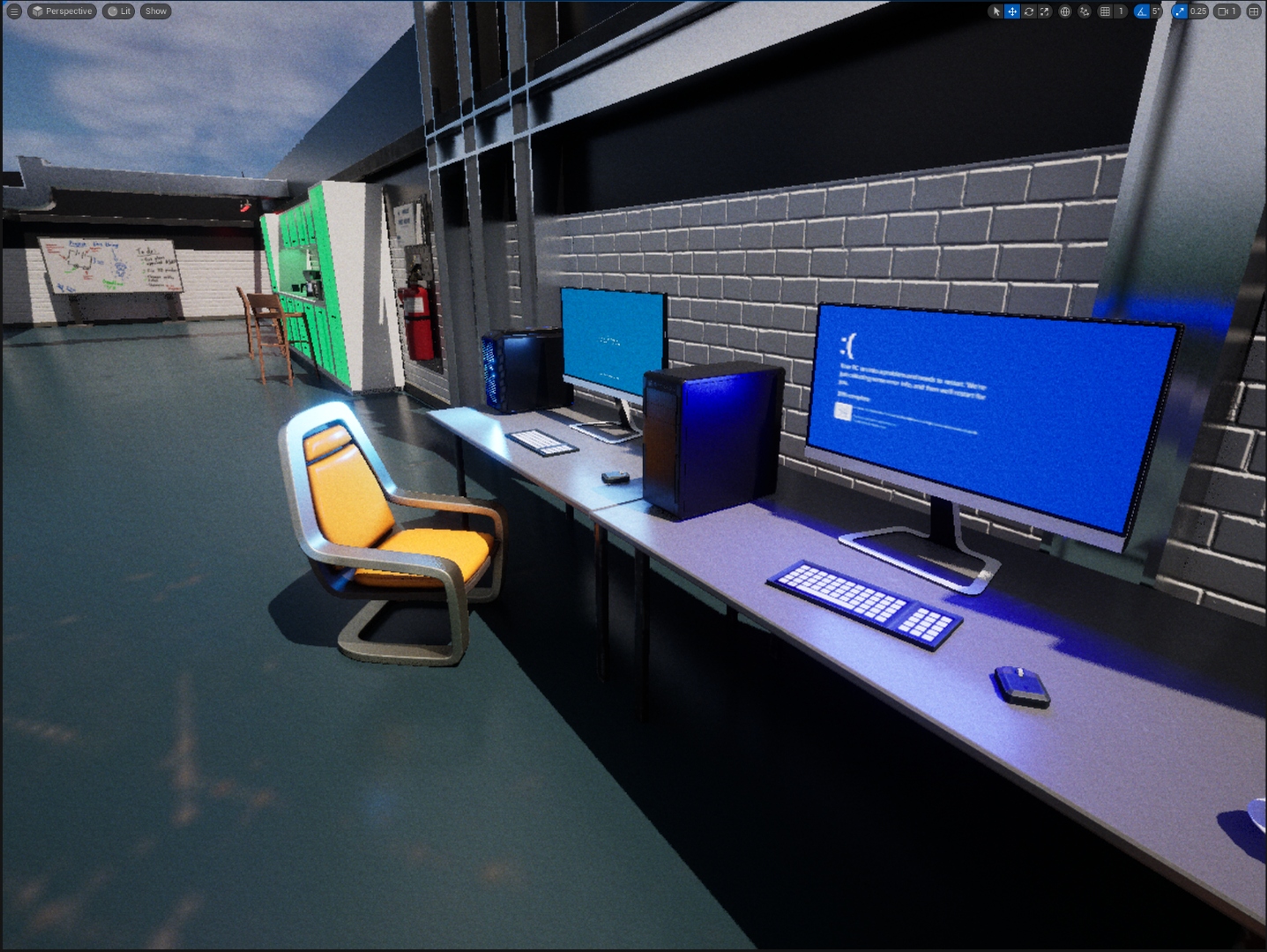
- Gaming / Dev Room — Blue-lit gaming PC, BSOD on dual monitors, neon gaming chair. References the Windows Update material from the in-world monitors.
- Developer Office — BSOD workstation monitors, a whiteboard with bug notes and task lists, fire extinguisher cabinet. A self-aware detail baked into level design.
Technical Breakdown
Systems & Architecture
Built entirely with Blueprint for rapid actor logic and gameplay systems. No C++ was used as at this stage, we have not learned about Unreal Engine C++. The team used OneDrive for "version control", which was critical given the nine-person contributor count and the risk of Blueprint asset conflicts.
The Windows Update in-world monitor material was driven by a Blueprint-managed media texture, rendering a live updating BSOD-style screen on a static mesh monitor prop in the world — the same technique used across the dev office and gaming PC room props.
The level blockout was produced using cyan collision volumes visible in UE5's editor - a standard BSP-first layout workflow used to validate room flow and scale before committing to final mesh placement.
Challenges & Lessons
Group Work at Scale
The hardest part of JaniTerror was not the technical implementation - it was integration. With nine contributors each building Blueprint systems on their own branches, merging into a single working build repeatedly surfaced conflicts: interface mismatches, timing issues between event dispatchers, and component reference errors across actor classes.
The torch durability system had a specific bug that took disproportionate time: the UI widget would not correctly bind to the Blueprint property when the torch actor was possessed mid-level, because the widget was constructed before the actor reference was set. Understanding the UE5 construction script order — and when to use BeginPlay vs. Construct — resolved it.
The conveyor belt also had a non-obvious edge case: if the player jumped onto the belt at speed, the physics material velocity addition compounded with the character's own velocity. A velocity clamping check was added to the Tick function to prevent unintended acceleration.
Majority of the programmers were inactive, absent, and did not work on the project. So, it led to the analysis of the project's scope, eventually cutting down the scope.