Overview
What is Mechanics Design?
// Early gameplay — forgiving mechanic showcase
Mechanics Design is a Level 5 module at Staffordshire University (GDEV50024 — Introduction to Mechanics Design), split across two assessments that together form one complete project: a 2D platformer built in Unity 6 with C#.
The central question across both halves is the same — how do you make a game feel good to play? Assessment 1 answers it through forgiving mechanics: systems that catch human error without removing challenge. Assessment 2 answers it through game juice and game feel: responsiveness, viscerality, and the tactile feedback layer that elevates interaction above input.
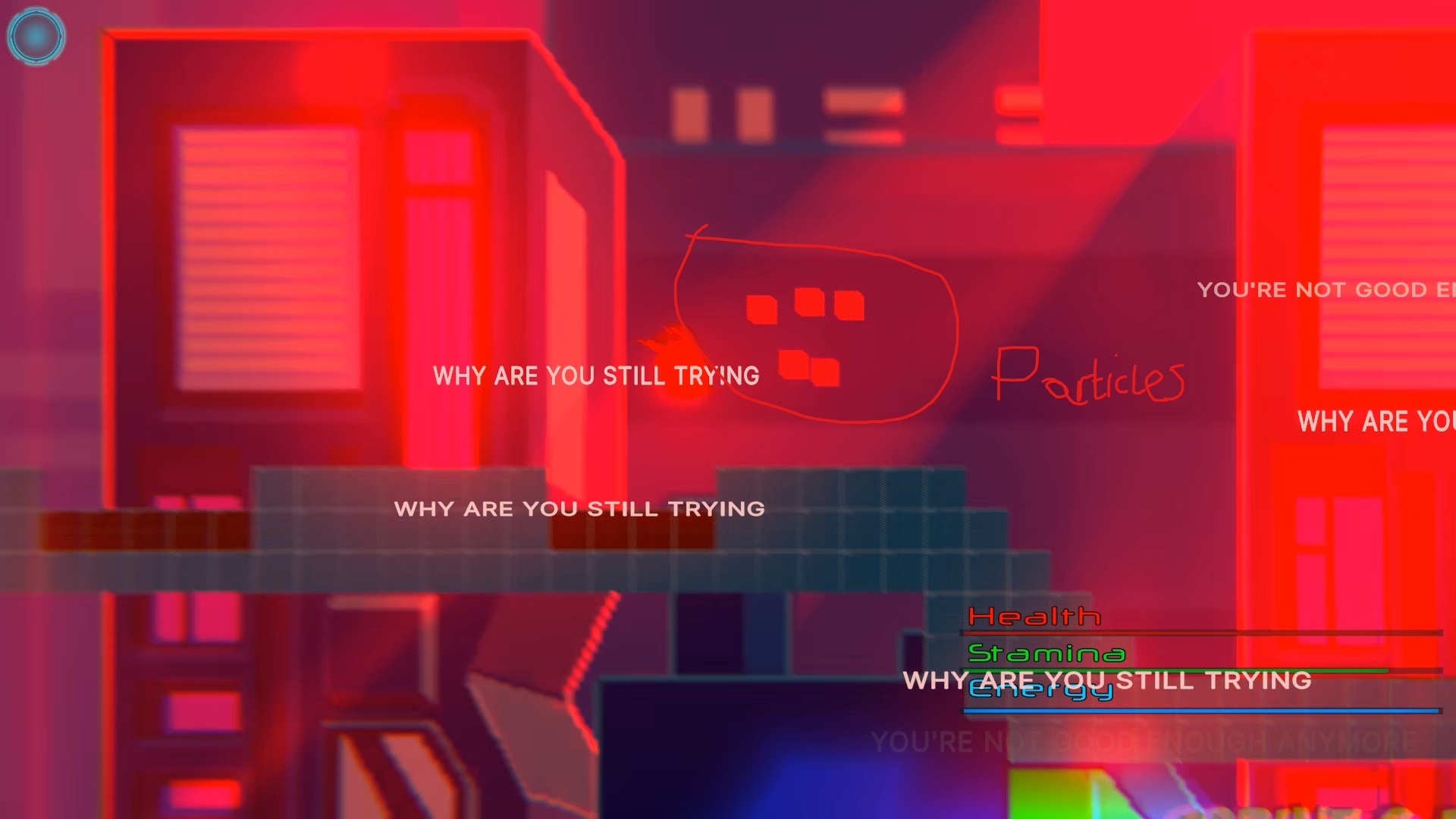
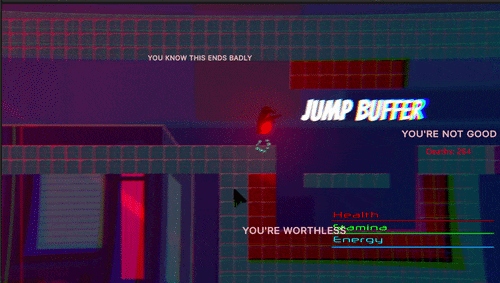
The game has a deliberate personality. A death-driven corruption system floods the screen with brutal taunt text as the player dies more — "WHY ARE YOU STILL TRYING", "YOU KNOW THIS ENDS BADLY", "YOU'RE WORTHLESS" — implemented through a real event-driven architecture in Unity UI Toolkit. Version control used a self-hosted Perforce P4V depot on a personal PC running 24/7 via client VPN.
- Awarded 89% — First Class for the module
- Custom partial-class CharacterMovement architecture across 8 C# files — Handlers, Coroutines, Contacts, Debug
- Seven distinct forgiving mechanics implemented and tuned via ScriptableObject data assets
- Full DualSense / DualShock lightbar colour system — event-driven state machine with idle pulse animation
- Velocity-scaled controller rumble — continuous fall rumble, charged jump escalation, per-event presets
- Death Corruption System — 4 subsystems (lighting, VFX, clouds, taunting prompts) driven by death count
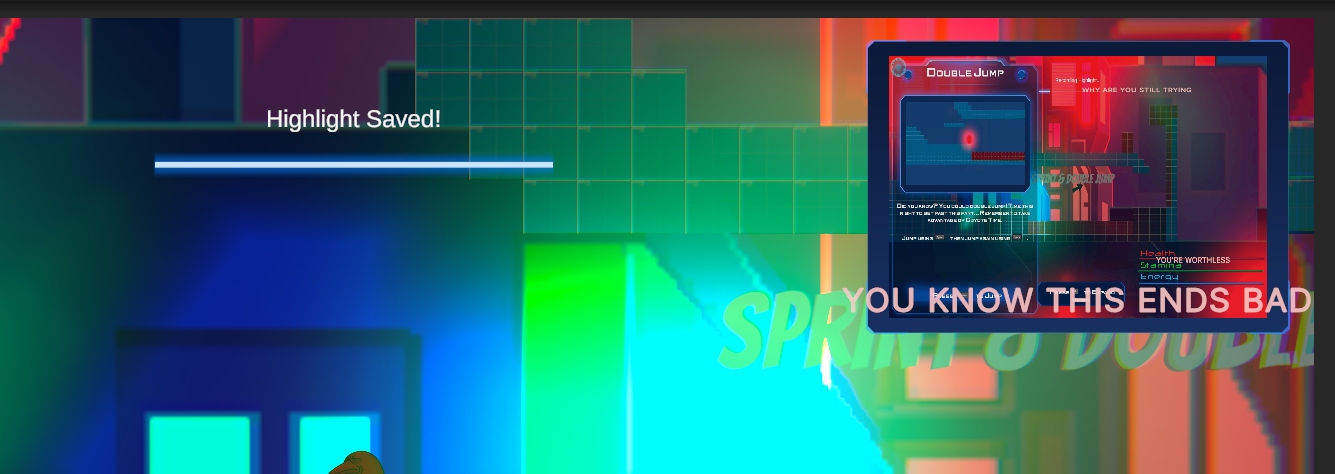
- In-game Tutorial Panels built in Unity UI Toolkit with embedded screenshots/video
- Custom DebugLogger.cs with rich colour output, severity levels, and tag filtering
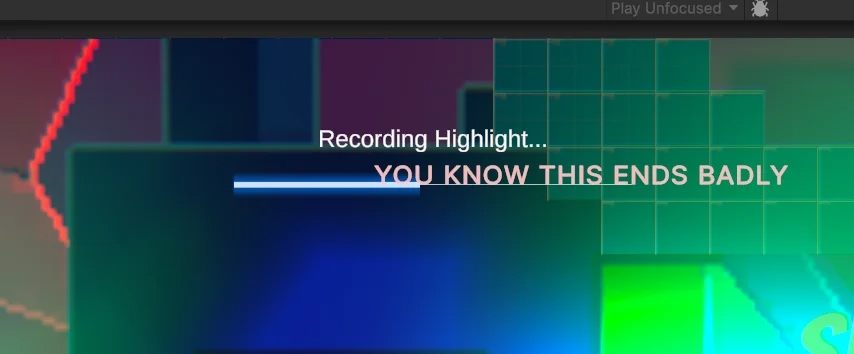
- Highlight recording system wired through Unity Recorder — triggered in-editor via gameplay event
The brief: implement a suite of forgiving platformer mechanics — systems that compensate for human inaccuracy without removing difficulty. These are mechanics the player never consciously notices, but feels immediately if they are absent.
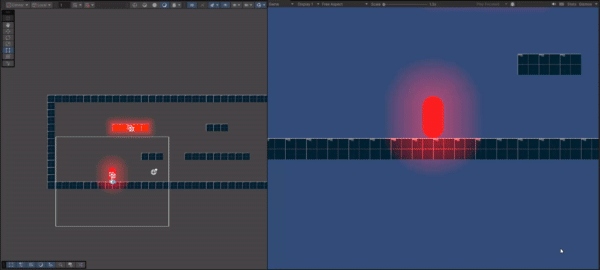
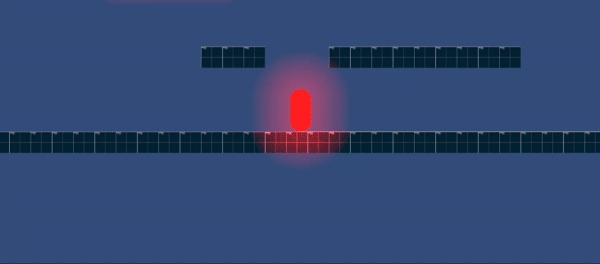
ForgivenessTimer and the ForgivenessSettings ScriptableObject.m_coyoteTimer resets on each grounded frame and counts down independently of the physics state.m_wallRegrabBlockTime), smooth acceleration override during wall-jump arc, and velocity damping when re-colliding with a wall mid-jump.m_airJumps in JumpSettings. A separate multiplier (m_doubleJumpMultiplier) scales the second jump strength independently. Jump count resets cleanly on landing.x *= 0.1f while charging. Release fires a jump scaled between MinJumpStrength and MaxJumpStrength by charge ratio. Includes a charge coyote window.gravityScale * 2.5f blended by velocity ratio, cutting the arc short. Smooth apex hang time at peak.MaxStepHeight) and smooth step-down at platform edges (MaxStepDown). Step-hop uses a lerp coroutine for smooth camera-friendly traversal. Step-down prevents micro-air-time on descending stairs.m_speedApexMultiplier. Gives the player enhanced directional control at the moment it feels most useful.Assessment 1
Development Changelog
// Jump buffer — HUD feedback display
// Red glow platforms — hazard zone
// Tutorial — double jump prompt UI
ZoomCamera.cs. 2D freeform lights added to the level; global lighting toned down to let them read.DebugLogger.cs — rich coloured console output, severity levels (Info / Warning / Error / Success), tag filtering.DebugExtension.cs — gizmo drawing helpers (wire spheres, arrows) for runtime forgiveness visualisation.CharacterMovement.cs fully refactored into partial-class architecture with regions, tooltips, XML doc comments.Double Jump and Charged Jump implemented.
ZoomCamera.cs scroll-wheel zoom finalised.
Game Feel = Responsiveness + Intuitiveness + Viscerality. Assessment 2 builds the full feedback layer on top of the forgiving mechanics foundation — every action the player takes should produce a physical, audio, and visual response that makes the interaction feel like it has weight.
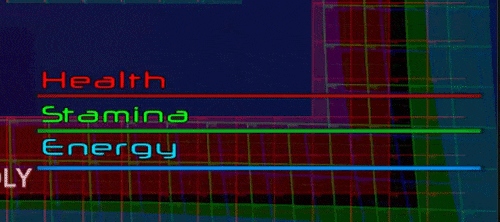
RumblePreset ScriptableObjects keyed by RumbleID: Jump, LandLight, LandHeavy, WallJump, StepHop, Death, ChargeStart, ChargeRelease, FallingLoop. Fall rumble scales continuously with velocity using a power curve (m_fallRumbleCurvePower = 2.8f). Charge rumble escalates via AnimationCurve tied to charge ratio.GamepadHelper.cs using Unity's InputSystem DualShock API.DeathCorruptionManager: CorruptionLighting (shifts global light colour), CorruptionClouds (tints background sprite renderers red), CorruptionVFX (scales particle intensity), CorruptionPrompts (spawns taunting text via UI Toolkit). Reaches full corruption at 10 deaths by default, shaped by an AnimationCurve.CorruptionPrompts.cs using Unity UI Toolkit. As corruption rises, random-position labels fade in and out across the screen: "WHY ARE YOU STILL TRYING" / "YOU KNOW THIS ENDS BADLY" / "YOU'RE WORTHLESS" / "YOU'RE NOT GOOD ENOUGH" / "WHAT'S THE POINT IN TRYING IF YOU'RE GOING TO FAIL". Spawn rate, max prompt count, and lifetime all scale with the corruption float.PlayerFeedbackSystem.cs) wired to CharacterMovement UnityEvents: OnJump, OnLand (severity-graded rumble), OnWallJump, OnChargeStart, OnChargeRelease, OnStepHop, OnDeath. Coordinates audio, VFX pool, trail controller, and gamepad helper from one component. Entire layer toggleable via GameFeelSettings ScriptableObject.TutorialManager and TutorialPanelUI. Cards contain embedded screenshots or video clips of the mechanic they describe (e.g. DoubleJump card with an in-game screenshot). UI Toolkit UXML/USS layout. TutorialUIAnim.cs handles expand/collapse animations. Triggered by proximity-based TutorialTrigger and TutorialArrow components.ShatterPlayer.cs breaks the player into physics fragments on death via HealthComponent.OnDeath. Death also registers to DeathTracker (increments the global counter that feeds the corruption system), plays a death SFX, fires the gamepad Death rumble preset, and disables the jump trail.PlayerTrailController.cs) with distinct states: Jump, Land, Dash. Trail visual changes per movement event. Jump trail enabled on air, disabled on landing. Charge release activates dash trail state. Coordinated through the PlayerFeedbackSystem.VFXPoolManager.cs) keyed by string ID. Effects: JumpParticle, LandingDust, ChargeParticle, ChargeBurstParticle. GetVFX / ReturnVFX API with parent reassignment for world-space positioning. Prevents per-frame instantiation overhead.CheckpointManager singleton (DontDestroyOnLoad). Activates the nearest checkpoint on touch, saves ID to PlayerPrefs, and restores on scene load. PlayerRespawnHandler subscribes to OnRespawnTriggered and re-enables the player at the checkpoint's RespawnPoint transform.AudioManager.cs with a central AudioLibrary ScriptableObject. Events played by ID string: Jump, Land, Death. CharacterVoiceover.cs handles character-specific audio triggers. Wired through PlayerFeedbackSystem — entirely decoupled from movement code.MovingPlatform.cs exposes a DeltaPosition vector consumed each physics tick in CharacterMovement. When grounded on a platform, the player's Rigidbody2D position is offset by the platform's delta — no physics parenting required, no jitter.BaseProjectile / ShooterBase / Shooter chain. Enemies: EnemyBase, EnemyRanged, EnemyFlying. Predictive aiming via PredictiveAim2D. Reinforcement spawner (EnemyReinforcementSpawner) for wave management. Health via IHealth interface + HealthComponent with DamageSource2D.HighlightRecorder.cs) wrapping the Unity Recorder API. Triggerable in-editor during Play Mode — captures a configurable clip length (default 4s) then stops automatically. Prevents recorder window from stealing focus during gameplay. The highlight recordings from Jan 2026 were captured this way.PlayerHUD.uxml / PlayerHUD.uss). HealthUIController and StaminaUIController update bar fill in response to component events. Damage numbers spawn via UIDamageNumberManager with pooled popup elements. Stamina drains on sprint (coroutine-based), regenerates after a delay.Death System
The Corruption Architecture
The corruption system is driven by a single float — the player's death count mapped to a [0,1] range via an AnimationCurve. DeathCorruptionManager routes this value to four independent subsystems simultaneously:
Color(1f, 0.35f, 0.35f)) while darkening by up to 40%.The comment in the source code reads: "Known as the bullying mechanic".
DualSense Integration
Lightbar State Machine
// Health, stamina, and energy bars — runtime display
The DualShock / DualSense lightbar is wired to a configurable event-to-colour mapping via Inspector-serialised EventLightbarMapping structs. All transitions lerp smoothly over m_lightbarTransitionDuration (default 0.35s). The idle state adds a gentle sine-wave pulse on top of the base colour.
Technical Architecture
CharacterMovement — Partial Class System
The player controller was refactored from a monolithic MonoBehaviour into a partial-class architecture across eight C# files. Each file owns a distinct responsibility. All handler instances are initialised through a chain-init pattern in Awake(): DetectorHandler → MovementHandler → StepHandler → JumpHandler.
The physics loop runs as a coroutine (C_PhysicsLoop) rather than FixedUpdate directly — this gives full control over execution order relative to other subsystems and simplifies coroutine lifecycle management.
ScriptableObject data assets decouple all numeric parameters from code. Every value the designer might want to tune lives in one of five SOs:
State Machine
Player States
The player controller runs a six-state machine dispatched inside the coroutine-based physics loop. Each state owns its own movement logic, transition conditions, and feedback hooks:
Challenges & Lessons
What Needed Solving
The biggest architectural challenge was the conflict between Edge Detection and Coyote Time. Both systems respond to the same moment — the player at a ledge edge — but with contradictory logic. Edge detection tries to keep the player on the platform; coyote time grants a jump window after leaving it. Running both together created situations where the player could neither walk off nor jump correctly. Edge Detection was removed; Sticky Feet was designed as a replacement that only acts as a passive drag, disengaging immediately when the player gives directional input.
m_wallRegrabBlockTime — a timer that blocks wall detection from firing again for a short window after a wall jump, giving the physics resolver time to separate the capsule.
The coroutine-based physics loop was a deliberate deviation from Unity convention. Using FixedUpdate directly caused ordering issues when subsystems needed to communicate in a defined sequence each tick. Running the loop as a WaitForFixedUpdate coroutine made the execution order explicit and allowed all coroutine lifetimes to be controlled from one place.
m_currentEvent and early-returning when the incoming event matches the cached one — preventing redundant lerp starts.