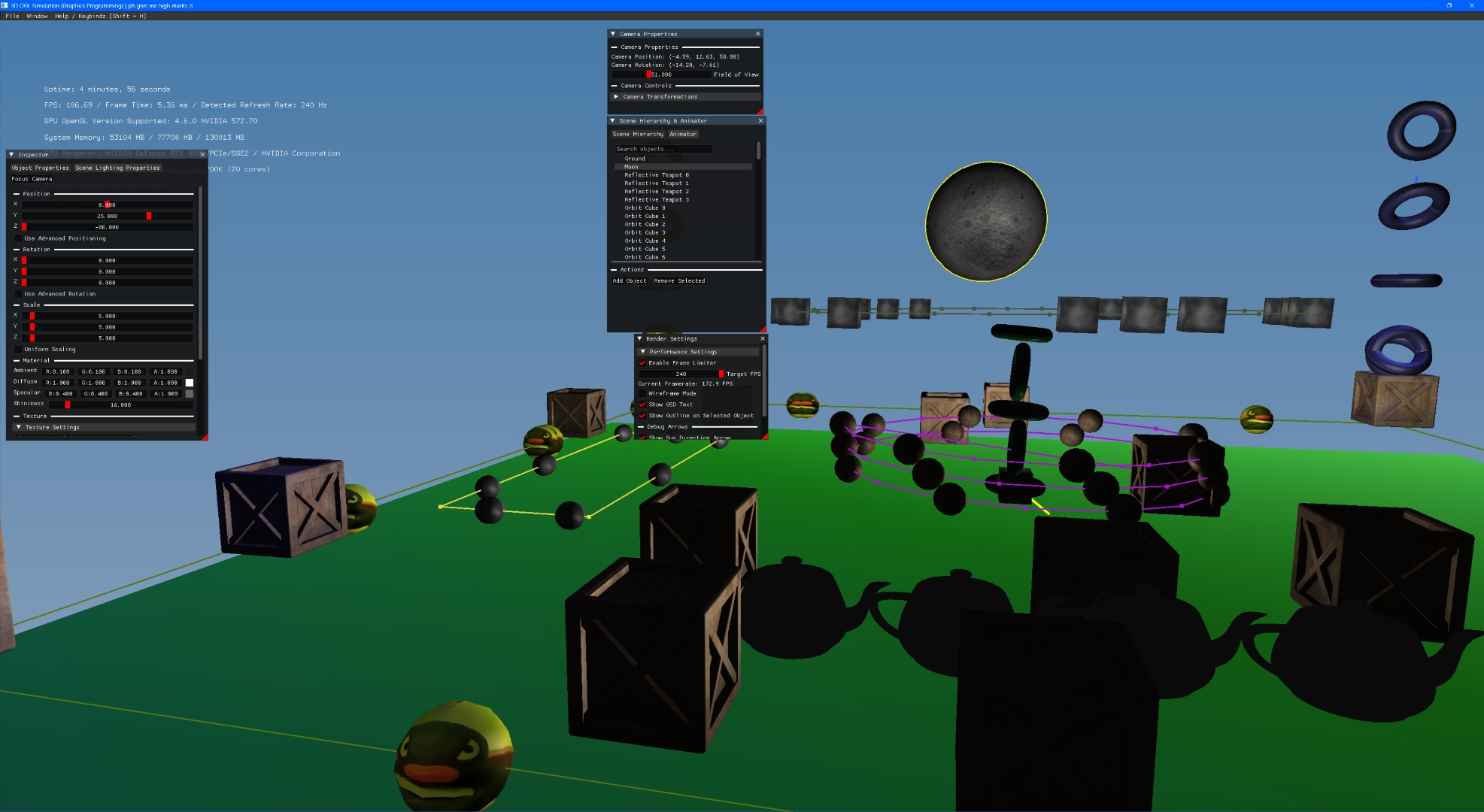
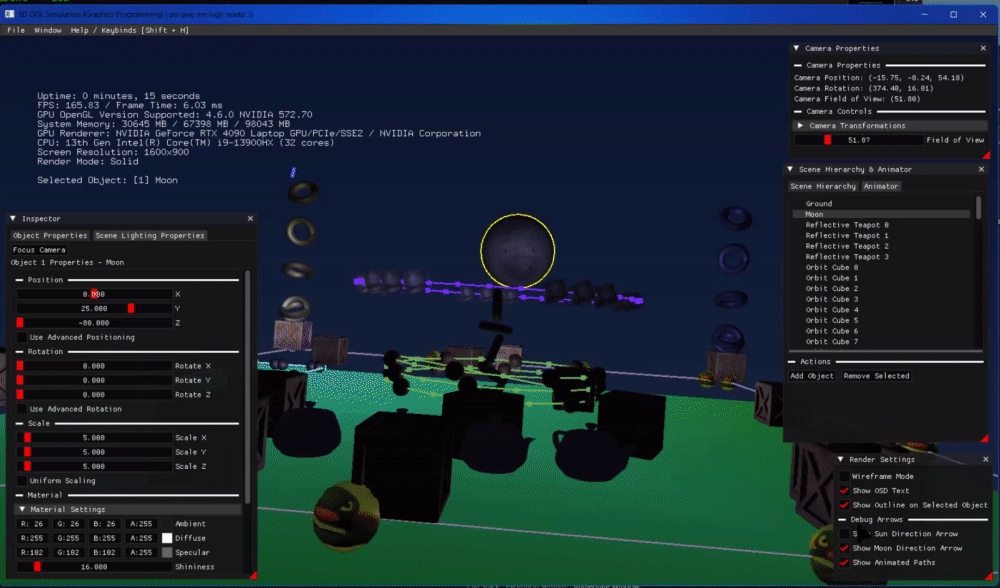
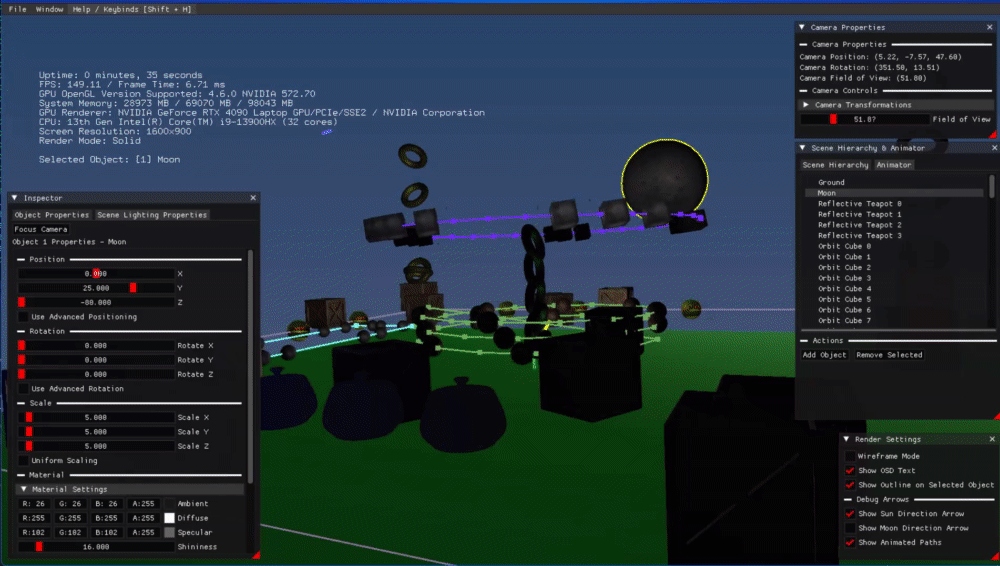
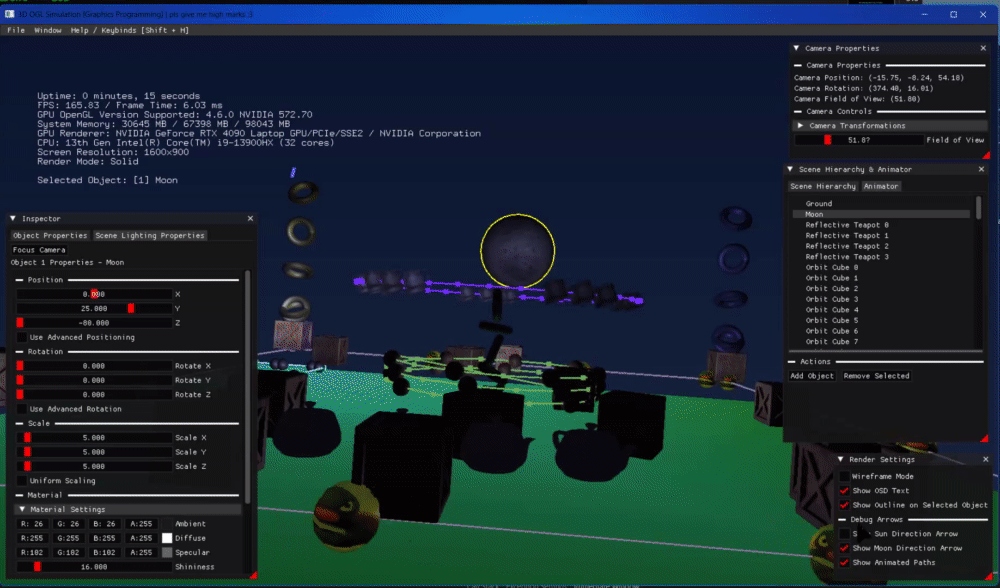
Overview
What is this?
// Final simulation — day scene, multi-light, full render
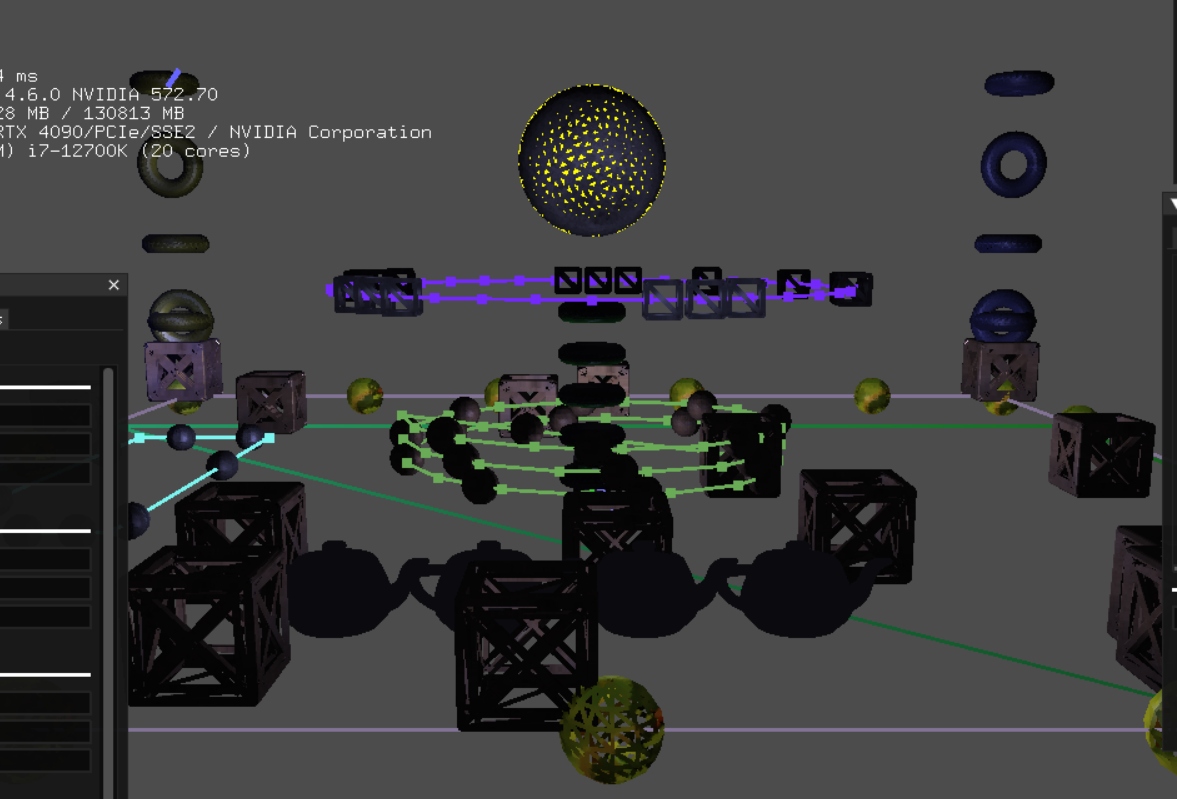
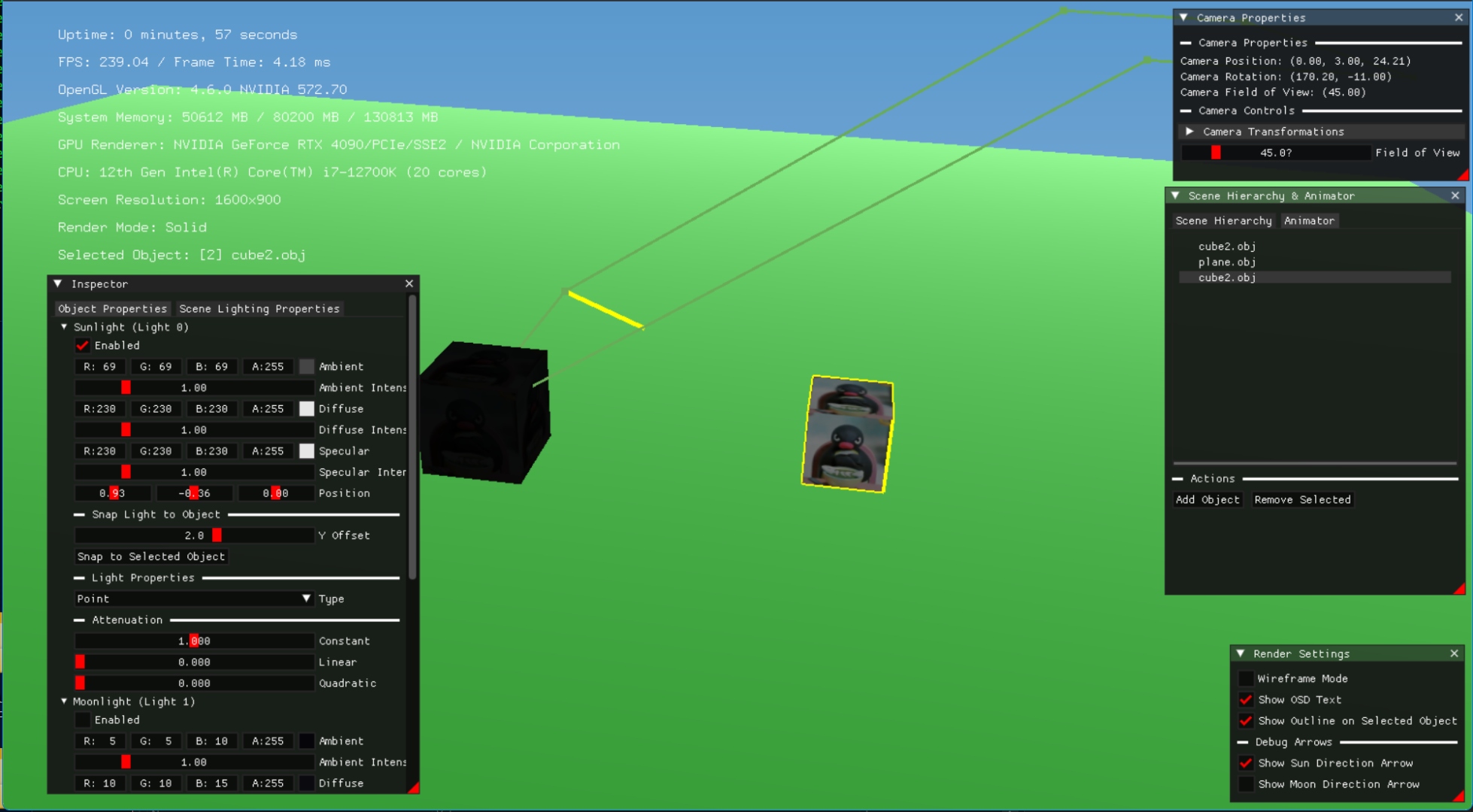
A fully custom 3D scene simulation built from scratch in OpenGL 1.0 for the GDEV40026 Introduction to Graphics Programming module at Staffordshire University. No game engine. No scene graph. Every system — object loading, lighting, texturing, path animation, camera control, and the ImGui interface — written in C++ by hand.
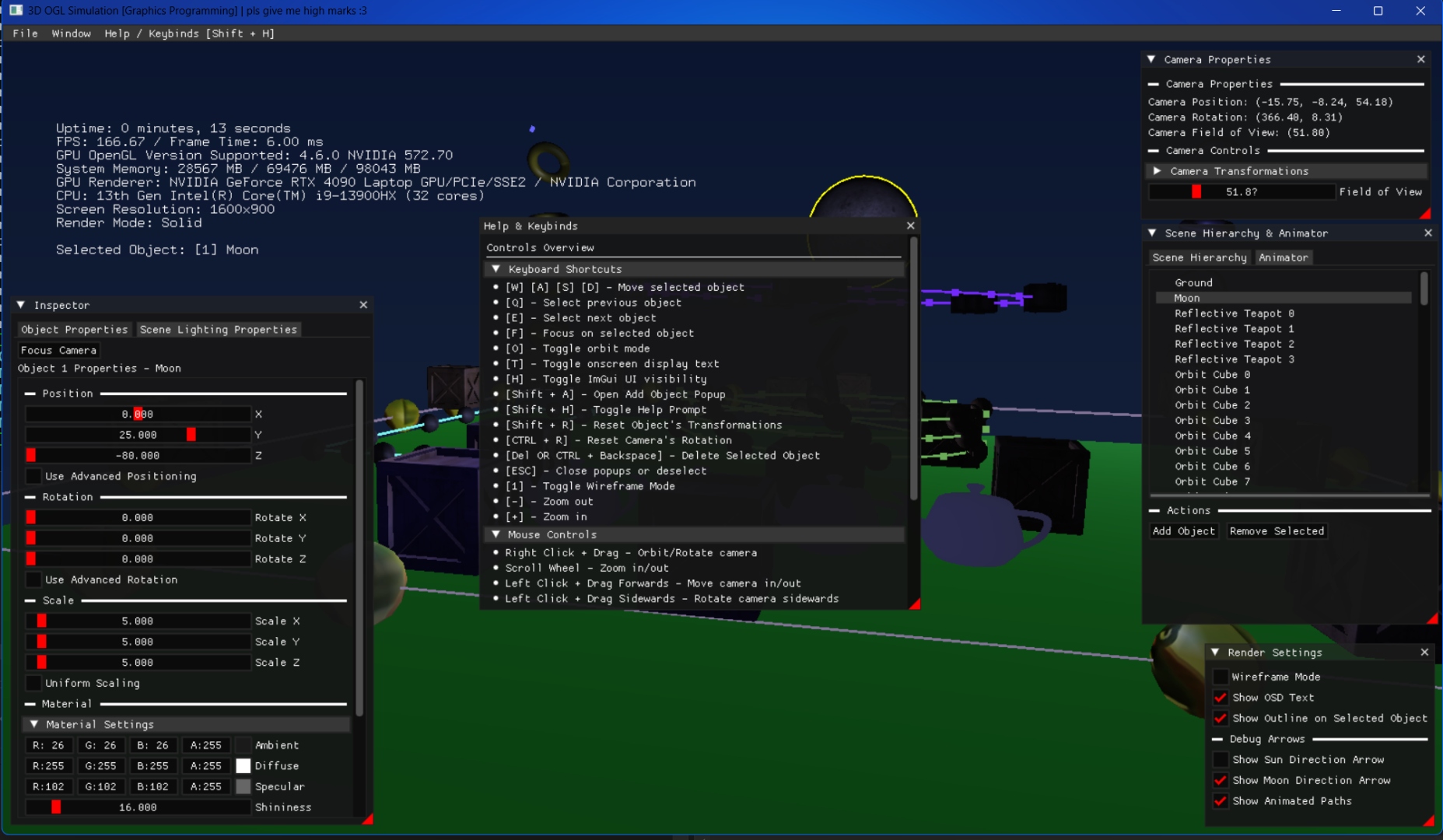
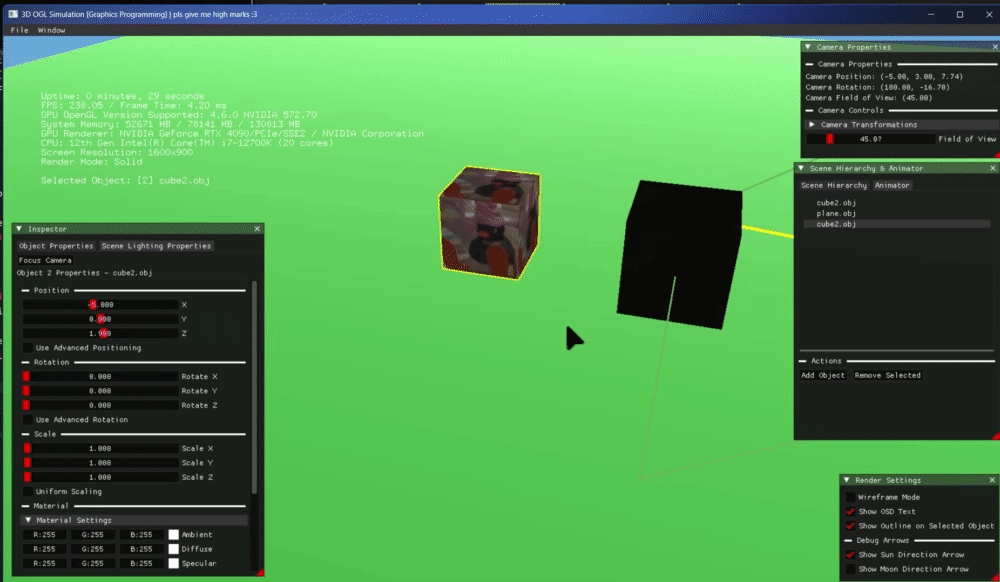
The simulation runs at up to 240 FPS on a 1600×900 window and includes a real-time day/night cycle, a multi-light system with 8 independent light sources, per-object waypoint-based path animation, a full Dear ImGui editor interface, OBJ and MTL parsing, texture hotswapping via STB, and an in-simulation help menu. The window title reads: "3D OGL Simulation [Graphics Programming] | pls give me high marks :3".
Development spanned six progress posts from 9 March to 8 May 2025 — each post building substantially on the last, from a spinning rectangle to a complete scene editor.
- Awarded 85% — First Class for the module
- 25 custom C++ source files — no engine, no framework
- 8-light system: spot, point, and directional lights
- OBJ/MTL parser and STB texture loader written from scratch
- Full Dear ImGui scene editor with object property panels
- Day/night cycle with animated path-based object movement
- Frustum culling to optimise render throughput
- OpenGL 1.0 strict compliance throughout — no newer API calls
Showcase
Final Showcase Video

// Full feature showcase — May 2025 submission
Video chapters: 00:00 Add Objects · 01:06 Transformation & Material Editing & Texture Hotswapping · 02:21 Scene Lighting · 05:21 Camera Controls · 06:25 Object Parenting & Animation · 10:39 Render Settings
Development
Six Progress Posts
The forum thread documents six phases of development, each building on the last. Every post introduced new systems — from a spinning rectangle on day one to a fully editable 3D scene six weeks later.
- Explored OpenGL 1.0 fundamentals and pipeline documentation
- Defined the project scope: a day/night lighting simulation with loaded 3D models
- Set up the FreeGLUT + GLUT environment in Visual Studio
- FreeGLUT window creation with 60 FPS timer loop
- Custom OBJ parser — vertices, normals, UV coordinates, face indices
- 3D cube with perspective projection, depth testing, back-face culling
- Smooth shading (GL_SMOOTH) with diffuse, ambient, and specular lighting
- On-Screen Display (OSD) text overlay using GLUT_BITMAP_9_BY_15 — FPS counter
- Mouse-driven camera — left click+drag to orbit/rotate, scroll to zoom
- WASD to move the selected object; Q/E to cycle objects in scene
- First Dear ImGui integration — render mode toggle, OSD toggle
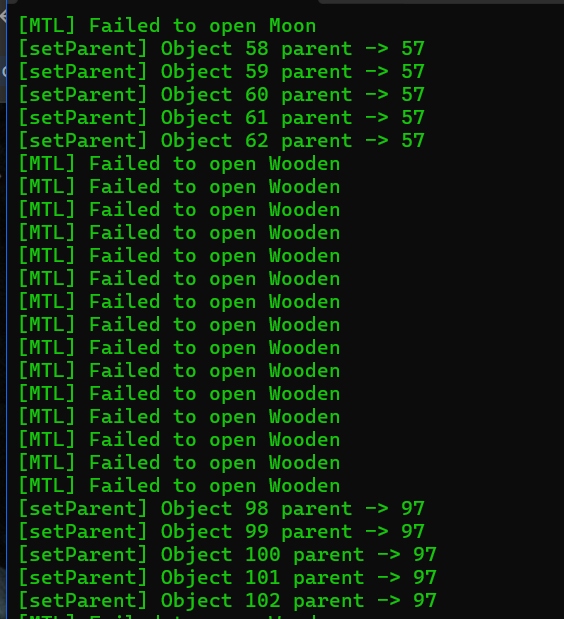
- Colour-coded console logging with severity enum (Info / Warning / Error)
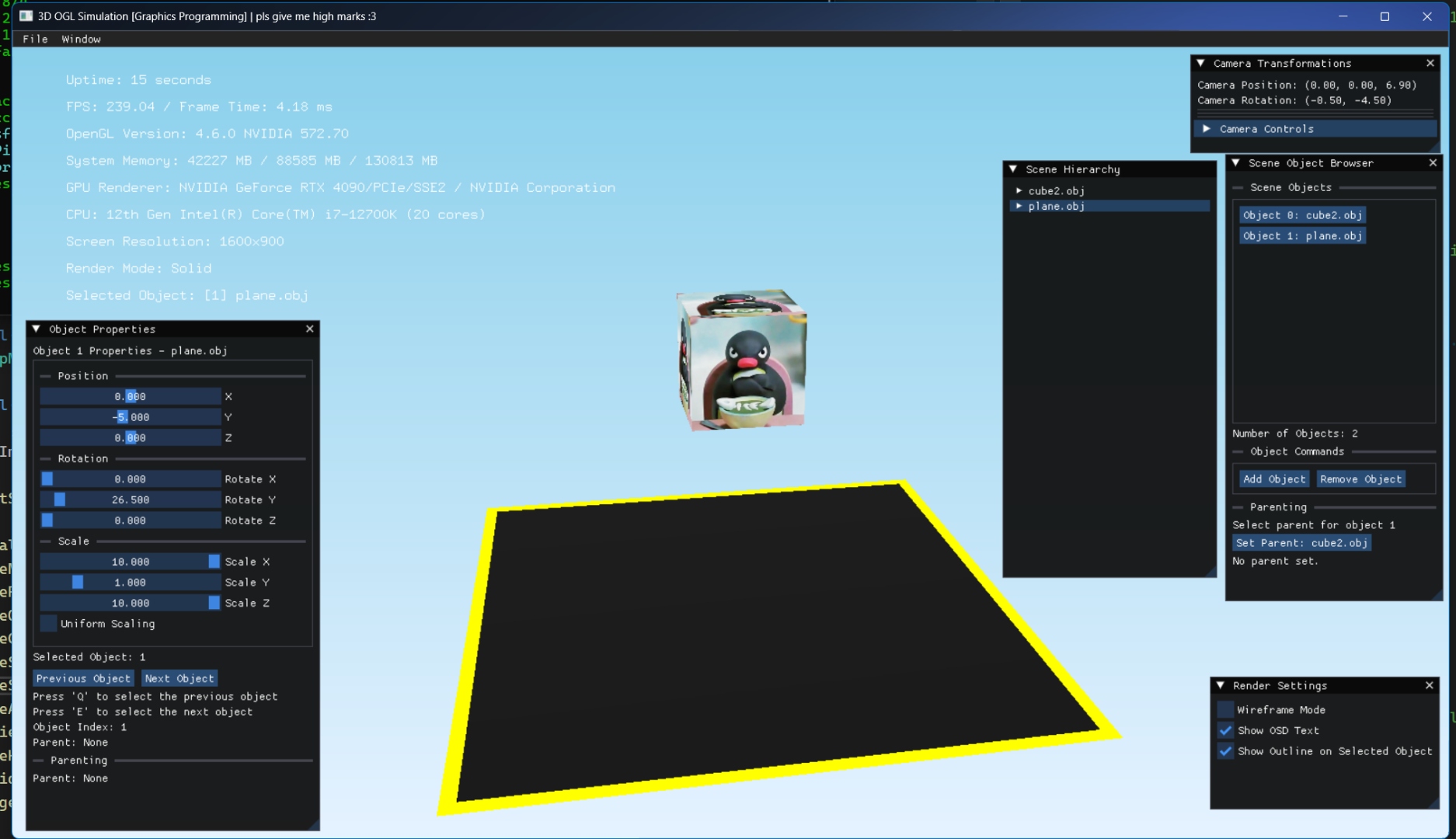
- Object Properties panel — position, rotation, scale, uniform scaling toggle
- Scene Object Browser for listing and selecting objects
- Scene Hierarchy with parent/child object relationships — Grandparent → Parent → Child
isAncestorOf()check prevents cyclic parenting loops- STB-based texture loading — UV coordinate parsing and
glBindTextureintegration - Panel visibility managed through UIPanelStates;
glPushMatrix/glPopMatrixdebugging
- Per-object waypoint path animation — Vector3 waypoints, loop toggle, path speed slider
- Animated path line rendering — visible debug arrows showing routes
- Day/night cycle — 30-second period via sin/cos; yellow sun line, purple moon line
- 8-light system — Sunlight, Moonlight + 6 additional configurable lights
- Selected object outline rendering; camera snap to object (F key), orbit mode (O key)
- Texture cache with mipmapping; correct UV wrapping for all loaded textures
- Modular UI panels via inheritance and polymorphism; lambdas for refactored rendering
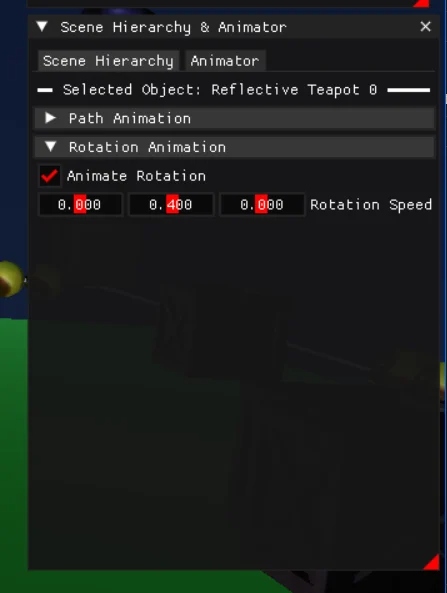
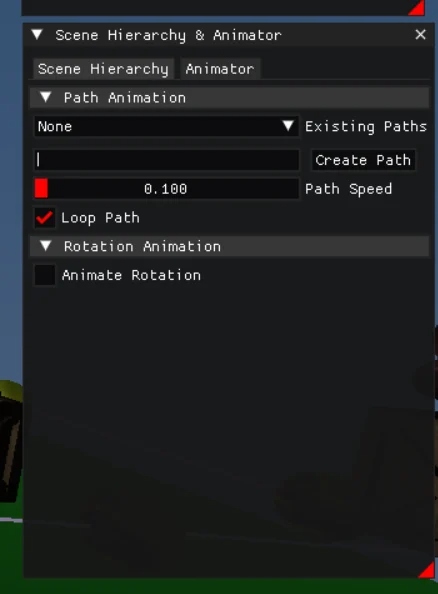
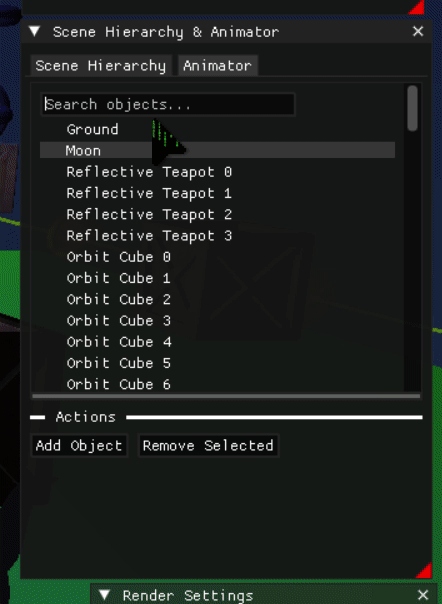
- Animator tab inside Scene Hierarchy — path assignment per object, loop toggle
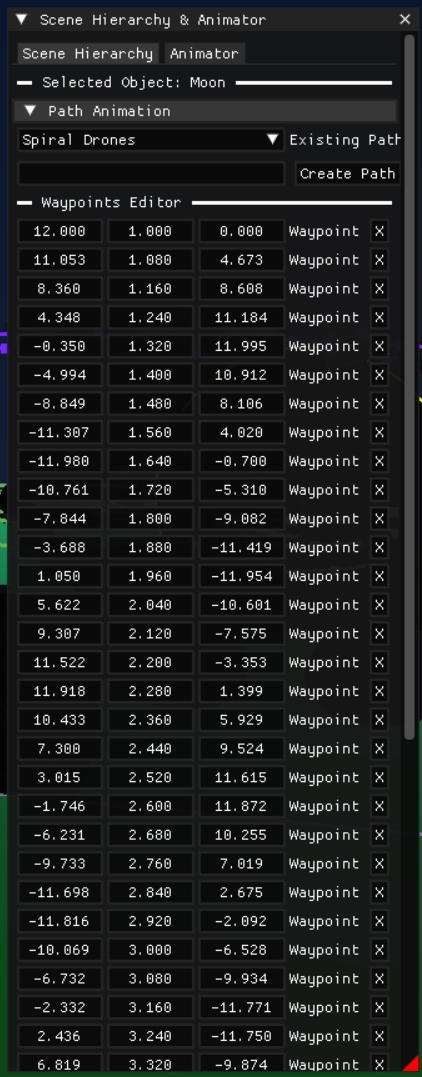
- Waypoints Editor — add/remove/reposition waypoints with live preview
- Flyout notification messages on key actions
- Help menu (Shift+H) — complete controls reference resizable popup
- Camera
directionFromAngles()— yaw/pitch to radians for correct forward movement - MTL material file parser — shininess, ambient, diffuse, specular from OBJ exports
- Fixed read access violation on multi-object deletion — parent/child ID handling corrected
- Scene Hierarchy search bar — ImGui text input to filter long object lists
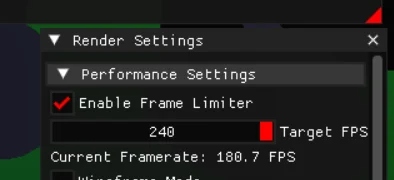
- Frame rate limiter — auto-detects display refresh rate; set to 240 FPS target
- Wireframe mode now works correctly alongside object outline selection
- Spotlight added to each stacked torus; "deg" string used after degree sign encoding issue
- OSD text repositioned dynamically — no longer hardcoded to 800×600, works at any resolution
Editor Interface
Dear ImGui Panels
Five floating ImGui panels form the entire scene editor. Each is resizable and independently togglable. The simulation runs underneath in real time while panels are open — no separate editor mode.
Controls
Full Keybinds
All controls are documented in-simulation via the Help & Keybinds popup (Shift+H). Some shortcuts require glutGetModifiers() to detect Shift/Ctrl/Alt; others use ASCII codes for keys like -, =, and +.
Technical Breakdown
Systems & Architecture
// Debug path visualisation — animated waypoints
The project is built entirely in C++ without any game engine abstraction. Systems are organised into modular files — each class managing one concern. The main render loop runs via FreeGLUT's timer callback at the target frame interval.
Object system: Every scene object holds vertex data (positions, normals, UV coords), a material struct (ambient/diffuse/specular/shininess parsed from MTL), and a transform (position, rotation, scale). The Object class parses OBJ files into vertex structures using helper functions split by component — faces, normals, UVs each have their own parser method for clarity.
Texturing: The STB image library loads JPEGs and PNGs into raw pixel data, which is uploaded to OpenGL via glTexImage2D. A TextureManager caches loaded textures by filename to avoid redundant GPU uploads. Mipmapping is enabled for all textures. UV coordinates are parsed per-vertex from OBJ files and applied with correct wrapping.
Lighting: Eight GL_LIGHT slots are used simultaneously. Sunlight and Moonlight are directional and driven by the day/night cycle's sin/cos offset. The remaining 6 lights are point lights configurable via the Inspector's Scene Lighting Properties tab. Each light has independent ambient, diffuse, and specular RGB values plus an intensity multiplier.
Path animation: The Path class stores a vector of Vector3 waypoints. The PathManager tracks all paths in the scene. Each object can be assigned a path from the Animator tab — the object interpolates between waypoints at the configured speed, looping if enabled. Paths are visualised as debug lines in the scene.
directionFromAngles() — converts the camera's yaw and pitch to radians and applies trigonometry to return the correct forward direction vector. Took a few hours to get right.
Code quality: All functions, classes, and structs are Doxygen-commented so IDE tooltips show documentation inline. Large functions were refactored into sequential helper functions for readability. Lambda functions are used in the render pipeline where stateless transformations are applied per-object.
Codebase
Custom Source Files
25 custom C++ source and header files, plus the full Dear ImGui source, FreeGLUT, and STB libraries.
Reflection
Challenges & Lessons
OpenGL 1.0's immediate mode is deceptively simple at the start and deceptively awkward once you push it. glPushMatrix and glPopMatrix must be perfectly balanced — a missing pop left child objects multiplying their parent transform and flying off into the void. Finding that took time.
The cyclic parenting bug was subtle: setting Object A as a child of Object B when B was already a child of A. The fix — isAncestorOf() — walks the parent chain on every setParent call and rejects the operation if a cycle is detected.
Working without engine conveniences forces a deep understanding of what those conveniences actually do. Writing a UV parser, a texture cache, a path interpolator, and a scene hierarchy from scratch in a six-week academic sprint is not trivial — and the 85% grade reflects that it was done well.