Overview
What is C# Scripting for Games Engine?
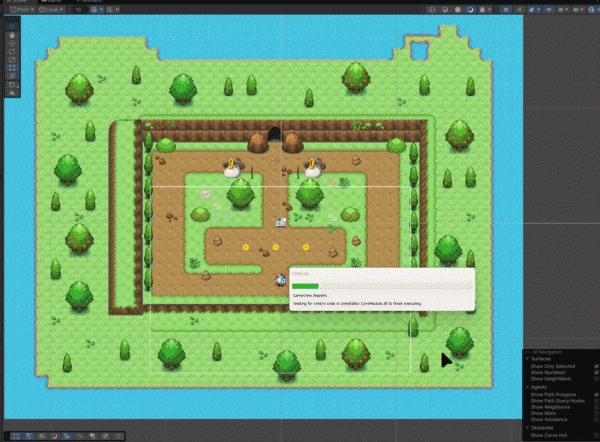
C# Scripting for Games Engine (GDEV40008) was a solo module at Staffordshire University focused on implementing as many well-integrated game mechanics as possible into a single cohesive Unity 6 project. The deliverable is a 2D top-down pixel-art adventure game with no formal title — the goal was breadth and quality of systems, not narrative.
Starting from scratch with MonoBehaviours, the project grew week by week into a complete game framework spanning 51 C# scripts across enemies, player systems, UI, audio, visual effects, economy, and platform utilities. Progress was documented weekly on the Digital Academy Forum in a structured development thread (Namaan Hussain, H018122M).
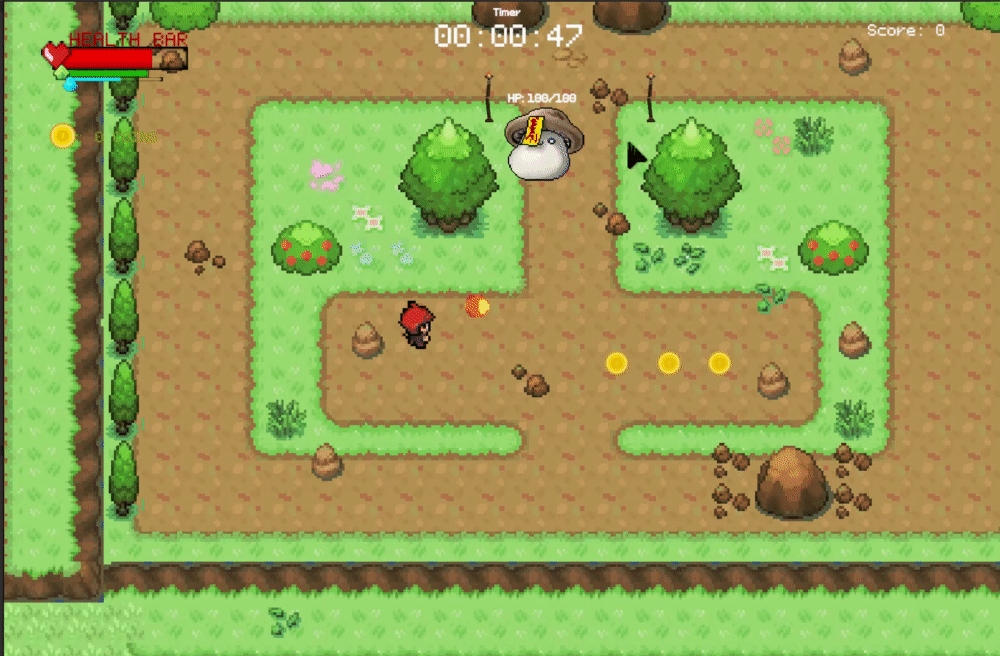
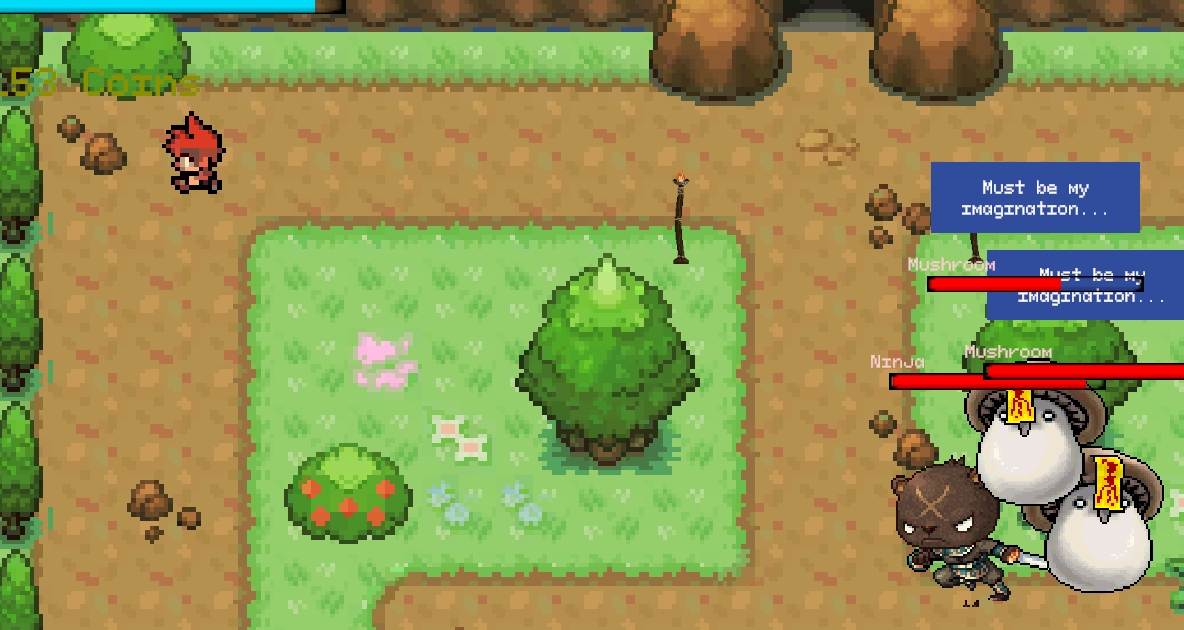
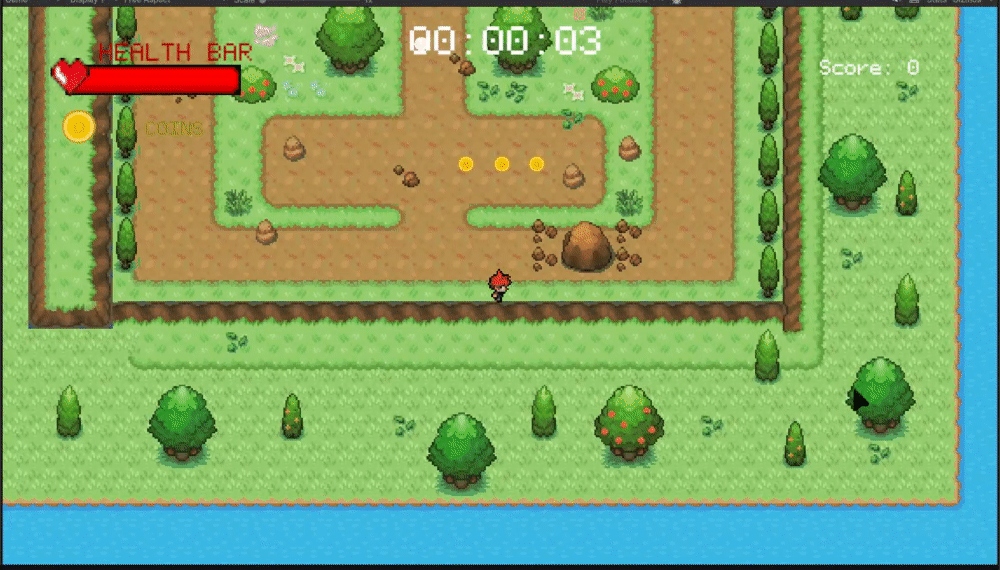
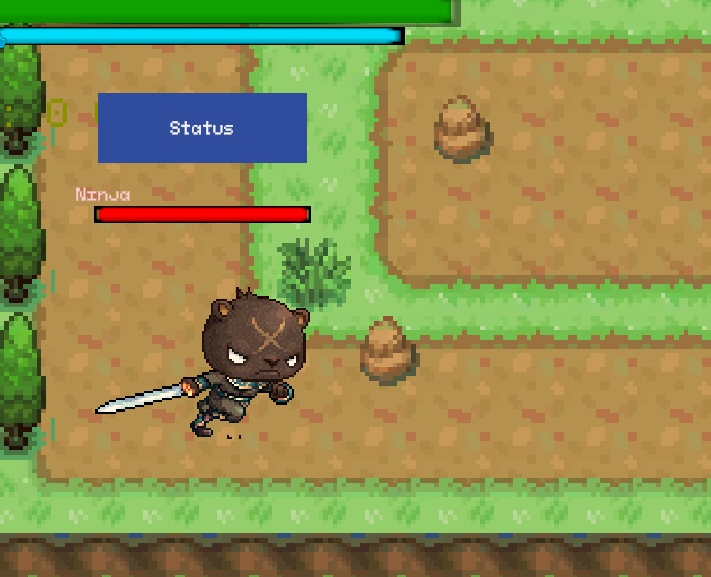
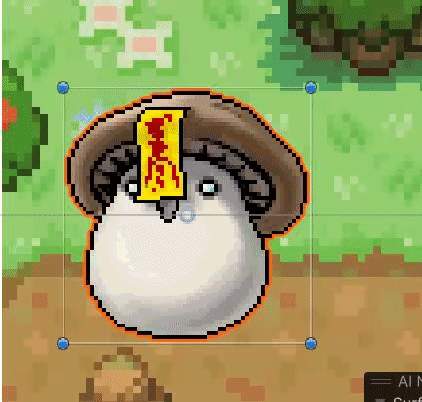
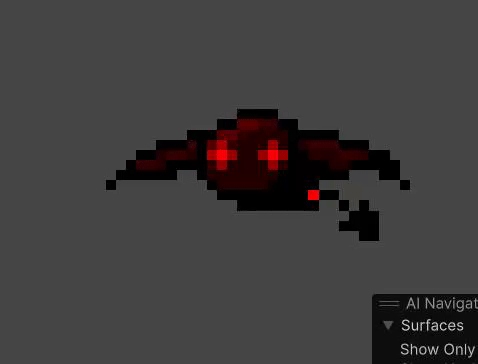
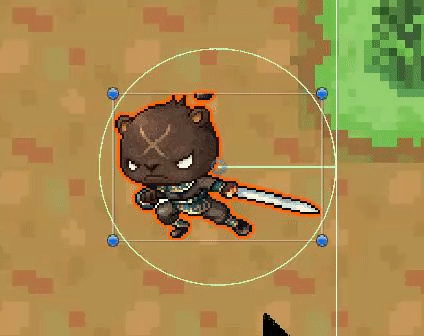
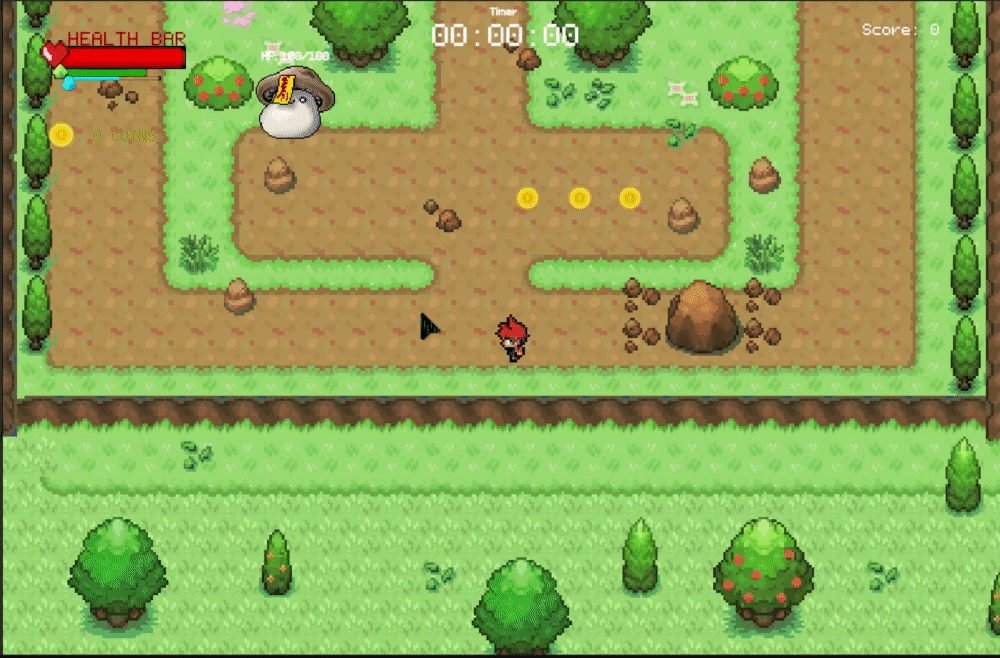
The game features a Pokémon-inspired top-down pixel-art aesthetic — outdoor tilesets, tree obstacles, coin pickups, and a cast of distinct enemy characters including Mushroom creatures, a Ninja Bear, and an armoured Bat. Every system was coded in C# using object-oriented principles: abstract base classes, ScriptableObjects, singletons, observers, and state machines.
- Full enemy AI system — 5 enemy types each with bespoke state machines: Melee, Mini, Mixed (splits on death), Ninja (teleport + slash + kunai throw), and a ranged Bat projectile variant
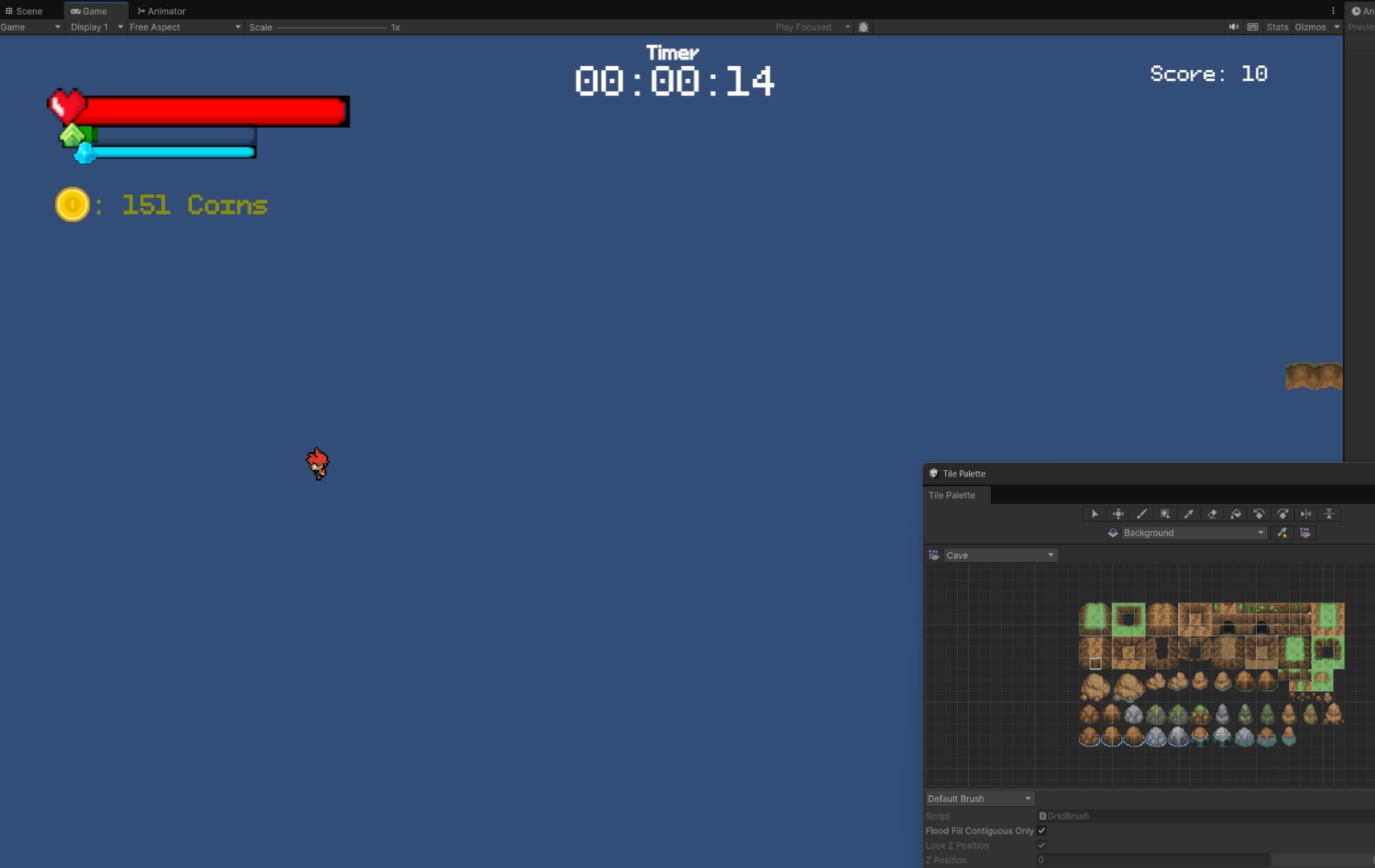
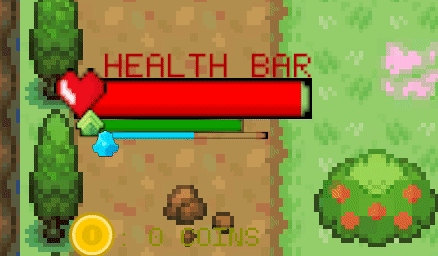
- Three-bar player HUD — Health bar (event-driven lerp), Armour bar (per-frame lerp), dual-fill ghost Stamina bar with drain/regen coroutines and delayed ghost fill
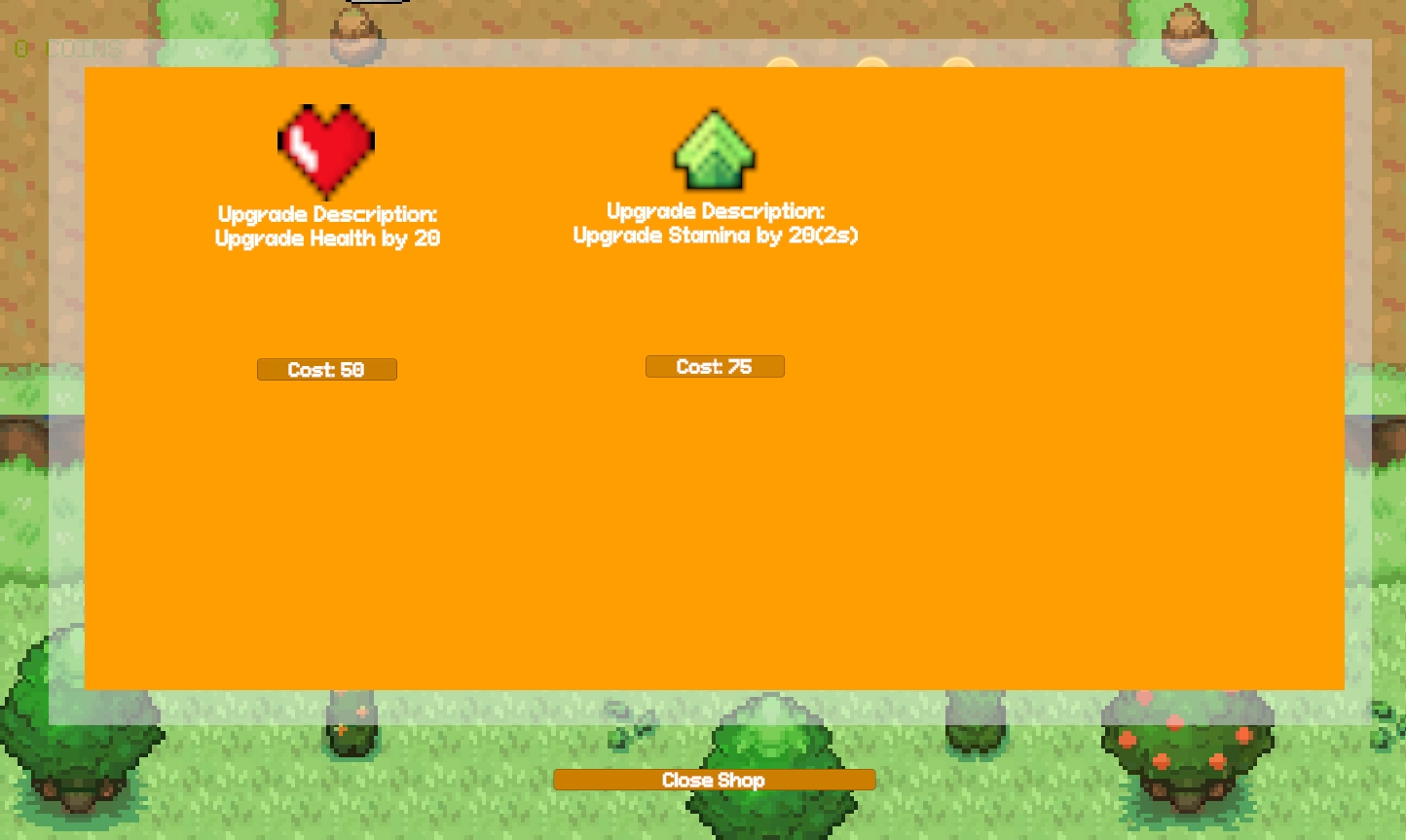
- Currency shop — pauses time (timeScale=0), sells escalating-cost Health, Stamina, and Armour upgrades with coin-gate logic
- Save & restore system — PlayerPrefs-backed PlayerData ScriptableObject restored one frame post-scene-load via deferred bootstrapper coroutine
- Floating damage numbers — world-to-screen singleton manager spawning self-destroying TMP labels (yellow/bold for crits) at enemy positions
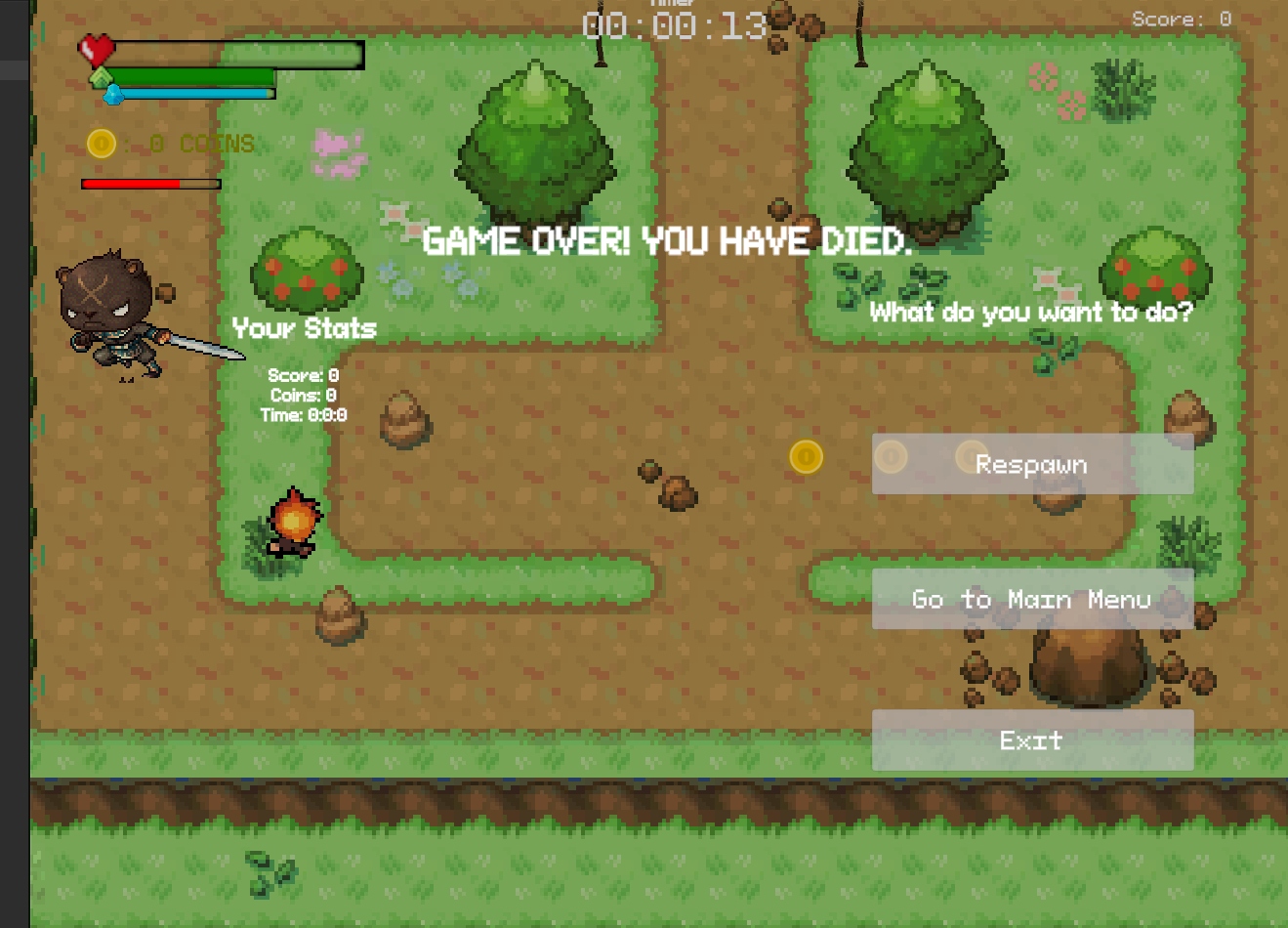
- Post-run stats screen — reads 14 PlayerPrefs keys across General, Combat, and Range stat panels after game end
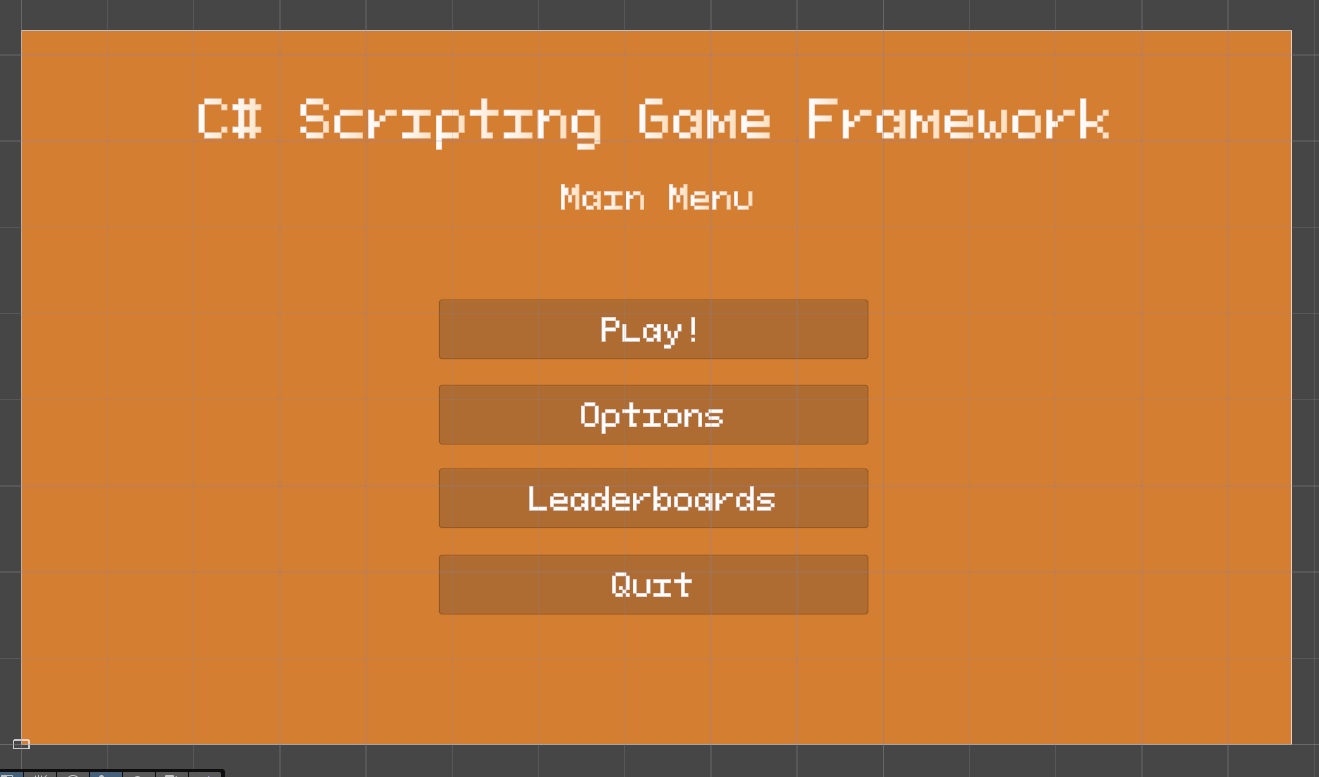
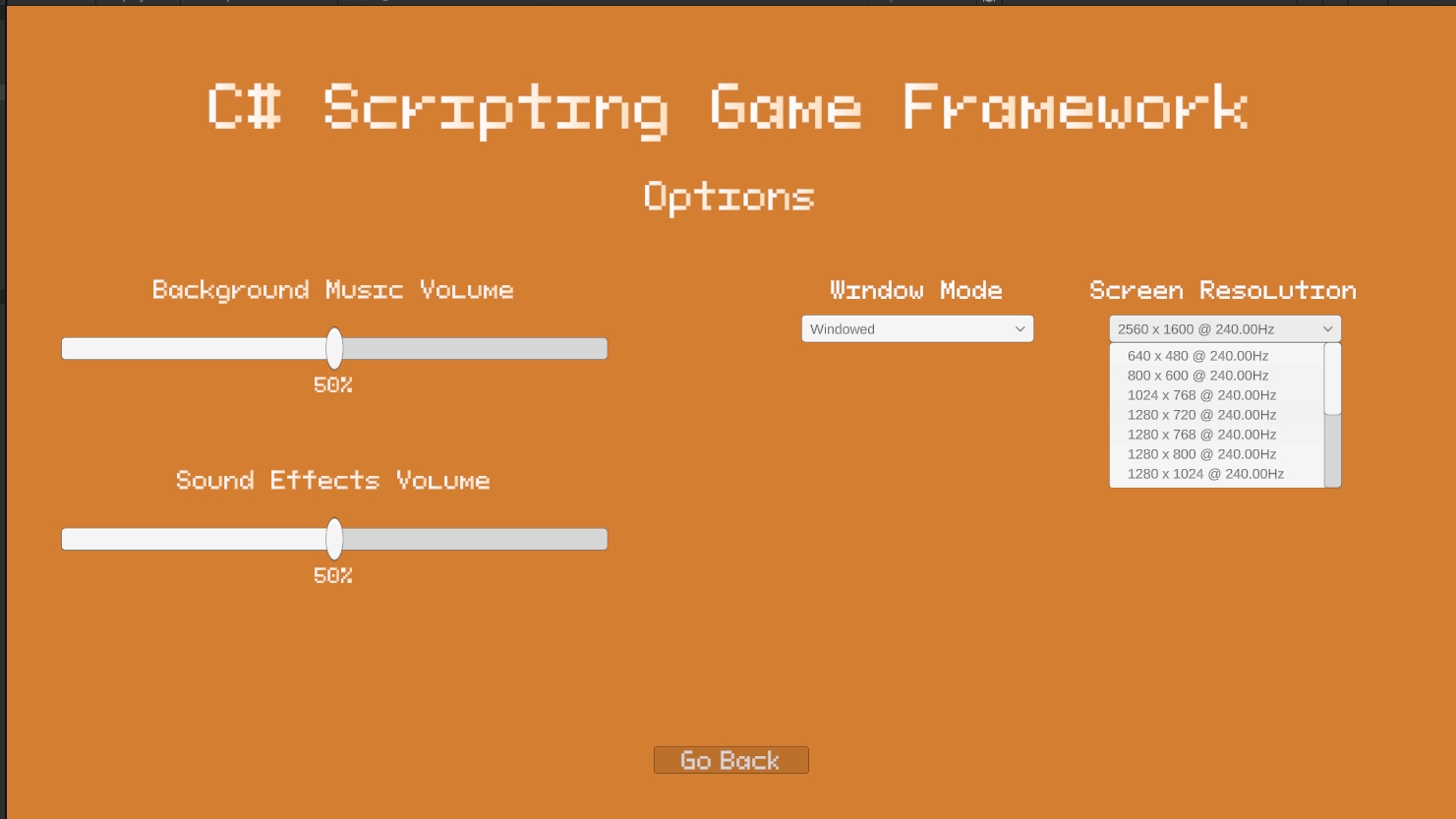
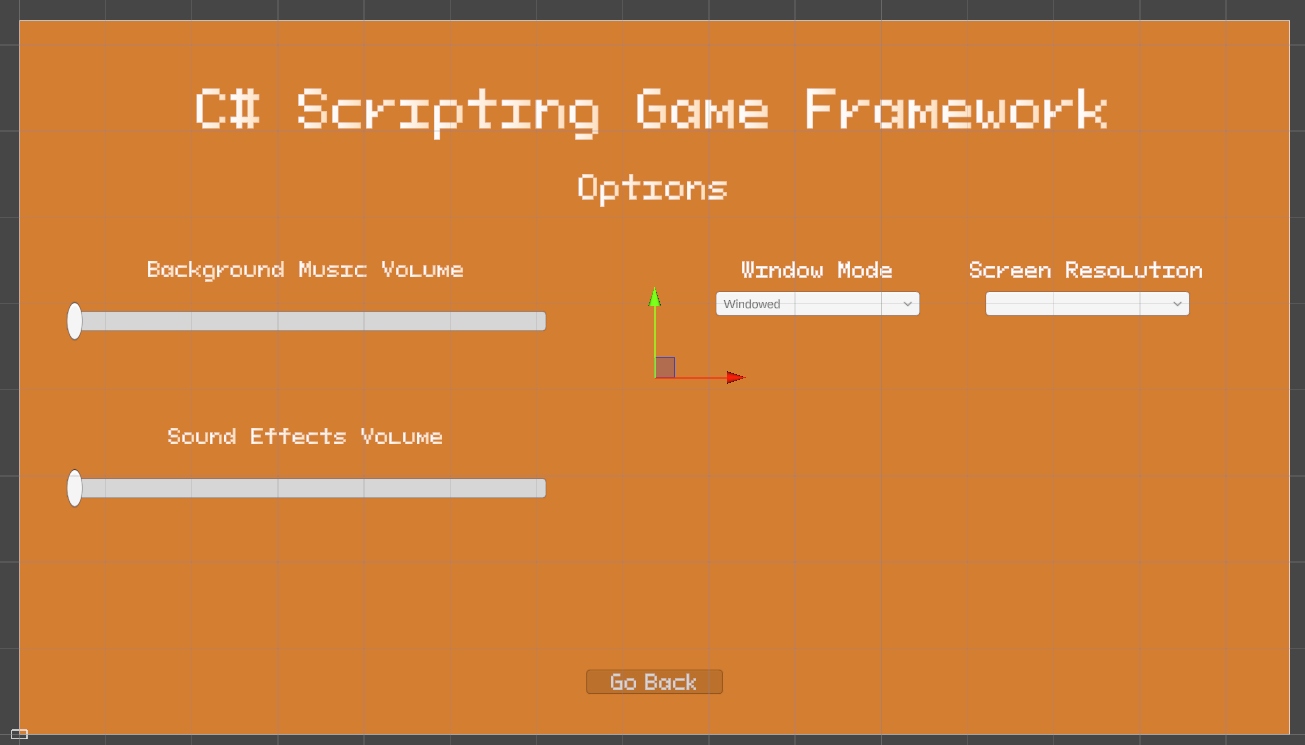
- Full options menu — BGM/SFX sliders with live % display, Window Mode dropdown, Screen Resolution picker using Win32 P/Invoke to enumerate all native display modes
- World-space enemy HP bars — follow enemies each LateUpdate, with fading action text (e.g. "Must be my imagination...") coroutine
- Audio manager — singleton AudioManager with dynamic BGM/SFX volume control via PlayerPrefs, coin and fireball SFX on demand
- VFX manager — singleton VFXManager handling flashbang screen-flash coroutine and particle effect spawning
Development Timeline
Week by Week
Each week added or refined one or more systems. Progress was logged in the GDEV40008 Digital Academy Forum thread, covering analysis, implementation, bugs fixed, and reflections.
Enemy Roster
Enemies Built
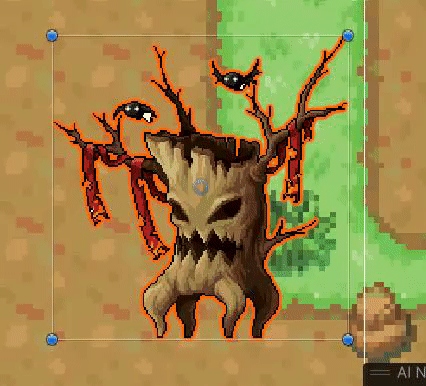
Five enemy types were implemented, each inheriting from EnemyBaseController and overriding a template-method attack pattern. Enemies share a centralised EnemyStats component for health, death, and loot.
AI Idle → Chase → Attack → Dead
Avoidance Obstacle steering
Pattern Standard aggressor
Spawned by EnemyMixed on death
Stats Lower HP, faster speed
Pattern Glass cannon
On death Splits into 2× MiniEnemy
Pattern Tanky mid-tier boss
Threat Post-death swarm risk
Projectile Kunai (NinjaKunaiProjectile)
Pattern Most complex enemy — reads player position, retreats before re-engaging
Ability Teleport repositioning
AI Patrol → Alert → Chase
Dialogue "Must be my imagination..."
Pattern Ranged skirmisher
Technical Deep-Dive
Systems Built
Enemy Architecture (Template Method) — EnemyBaseController is an abstract MonoBehaviour base class implementing the shared state machine (Idle/Chase/Attack/Dead), obstacle avoidance steering, and patrol route logic. Each concrete subclass (Melee, Mini, Mixed, Ninja) overrides a single PerformAttack() template method, keeping the shared AI loop intact while allowing radically different attack behaviour.
Projectile Hierarchy (Inheritance) — BaseProjectile provides lifecycle, movement, and collision. Concrete classes (BatProjectile, NinjaKunaiProjectile, SlowProjectile, PlayerProjectile_Basic) inherit from it and override impact behaviour. ProjectileBehaviourData is a ScriptableObject used as a data container for projectile parameters, keeping configuration out of the MonoBehaviour.
Player Systems — TopDownCharacterController handles movement, sprint, and roll. Player_Stats manages health, stamina, armour, and coin values with event callbacks. PlayerData is a ScriptableObject acting as a DTO between scenes. PlayerDataManager persists it to PlayerPrefs. PlayerRestoreBootstrapper defers the restore to the frame after scene load, avoiding initialisation order issues.
UI Architecture (Observer pattern) — UI_Canvas subscribes to coin pickup events to display transient "+N" text without polling. UI_HealthBar and UI_StaminaBar respond to damage events via coroutine lerps, producing smooth bar animations. UI_StaminaBar implements a dual-fill ghost bar: the front fill tracks stamina instantly, while the back fill drains slowly to give a visual lag effect inspired by modern RPG stamina systems.
Floating Damage Text (Singleton + World-to-Screen) — UI_FloatingDamageTextManager is a singleton that spawns self-destroying UI_FloatingDamageText instances at enemy positions converted to screen space. Each label floats upward and fades out over its lifetime, with yellow bold formatting for critical hits.
Save/Load System — A three-layer system: PlayerData ScriptableObject holds runtime values, PlayerDataManager serialises/deserialises via PlayerPrefs across 14 tracked stats (kills, damage dealt, damage taken, coins collected, score, run time, and more), and PlayerRestoreBootstrapper triggers on scene load with a one-frame coroutine delay to ensure all MonoBehaviours are Awake before data is injected.
Screen Resolution (Win32 P/Invoke) — WindowsDisplayModes is a static C# class that uses [DllImport("user32.dll")] P/Invoke to call EnumDisplaySettings and retrieve all native display modes from Windows. This is fed into UI_OptionsMenuScreenRes's dropdown, giving the player access to every resolution their monitor supports — rather than the limited set Unity exposes by default.
Script Catalogue
51 C# Scripts
All scripts were written from scratch in C# for Unity 6. They span six major categories:
Enemy Systems
Projectiles
Pickups & Economy
Player
UI
Systems & Platform
Reflection
Challenges & Lessons
Scope management — The brief explicitly encouraged implementing as many mechanics as possible. The risk of this is scope creep and shallow implementations. The approach taken was to prioritise systems that directly connect — an enemy that drops coins that fund shop upgrades that affect player bars is more valuable than three disconnected demo mechanics. This interconnection is what the 92% mark reflects.
Initialisation order — The PlayerRestoreBootstrapper was introduced to solve a recurring bug where player data restored on scene load would be overwritten by MonoBehaviour Awake calls that ran after it. The solution — a one-frame yield before injecting restored state — is a common Unity pattern but required debugging to identify. It now handles all cross-scene persistence reliably.
Ghost stamina bar — The dual-fill approach for the stamina bar (UI_StaminaBar) required two separate coroutines: one for the fast front fill that tracks stamina immediately, and one for the slow trailing drain fill that represents "what you just spent". Coordinating the drain delay without the two fills fighting each other required careful coroutine cancellation logic.
Win32 P/Invoke for screen resolutions — Unity's Screen.resolutions returns a limited and sometimes incorrect list on certain monitors and Windows configurations. The decision to use EnumDisplaySettings via P/Invoke (WindowsDisplayModes) gives the player the full native resolution list — a technically involved but user-facing quality-of-life improvement that reflects the module's emphasis on going beyond the defaults.
What worked well — The Template Method pattern for enemies proved highly effective. Adding a new enemy type required only implementing PerformAttack() — all pathfinding, state transitions, health, and death logic were inherited. The Ninja enemy's complexity (five distinct states) was achievable because the base class handled everything else. The modular pickup system (PickupBase → concrete pickups) followed the same principle.